Google Ads conversion tracking tells you which clicks turn into leads and sales, so Google can bid for more of them. You can set it up with the Google Ads tag, by importing key events from Google Analytics 4 (GA4), or both. The trick is choosing one source for bidding, testing every action and keeping the setup clean.
Key takeaways
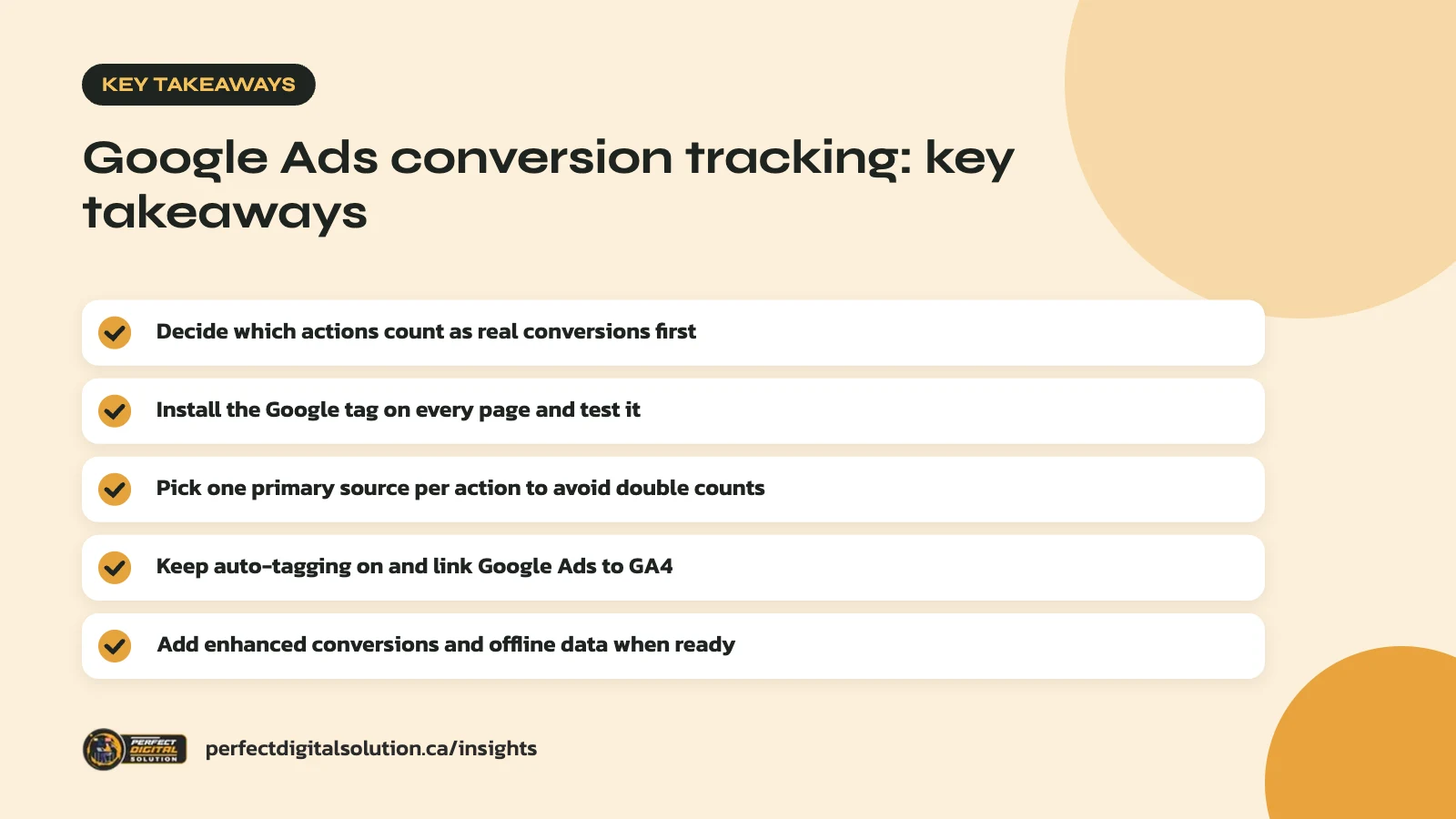
- Decide which actions count as real conversions first.
- Install the Google tag on every page and test it.
- Pick one primary source per action to avoid double counts.
- Keep auto-tagging on and link Google Ads to GA4.
- Add enhanced conversions and offline data when ready.
Why Google Ads conversion tracking matters
Without conversion tracking, you are paying for clicks without knowing which ones bring in business. Smart Bidding strategies also rely on conversion data to decide how much to bid on each search.
If your tracking counts the wrong thing, such as every page view, Google will happily find you more page views. In our audits we often find accounts that count a “thank you” page twice, or count newsletter sign-ups as leads. Both lead to bad bidding decisions.
Good Google Ads conversion tracking fixes that. It gives you honest numbers for cost per lead and return on ad spend, which makes every budget conversation easier.
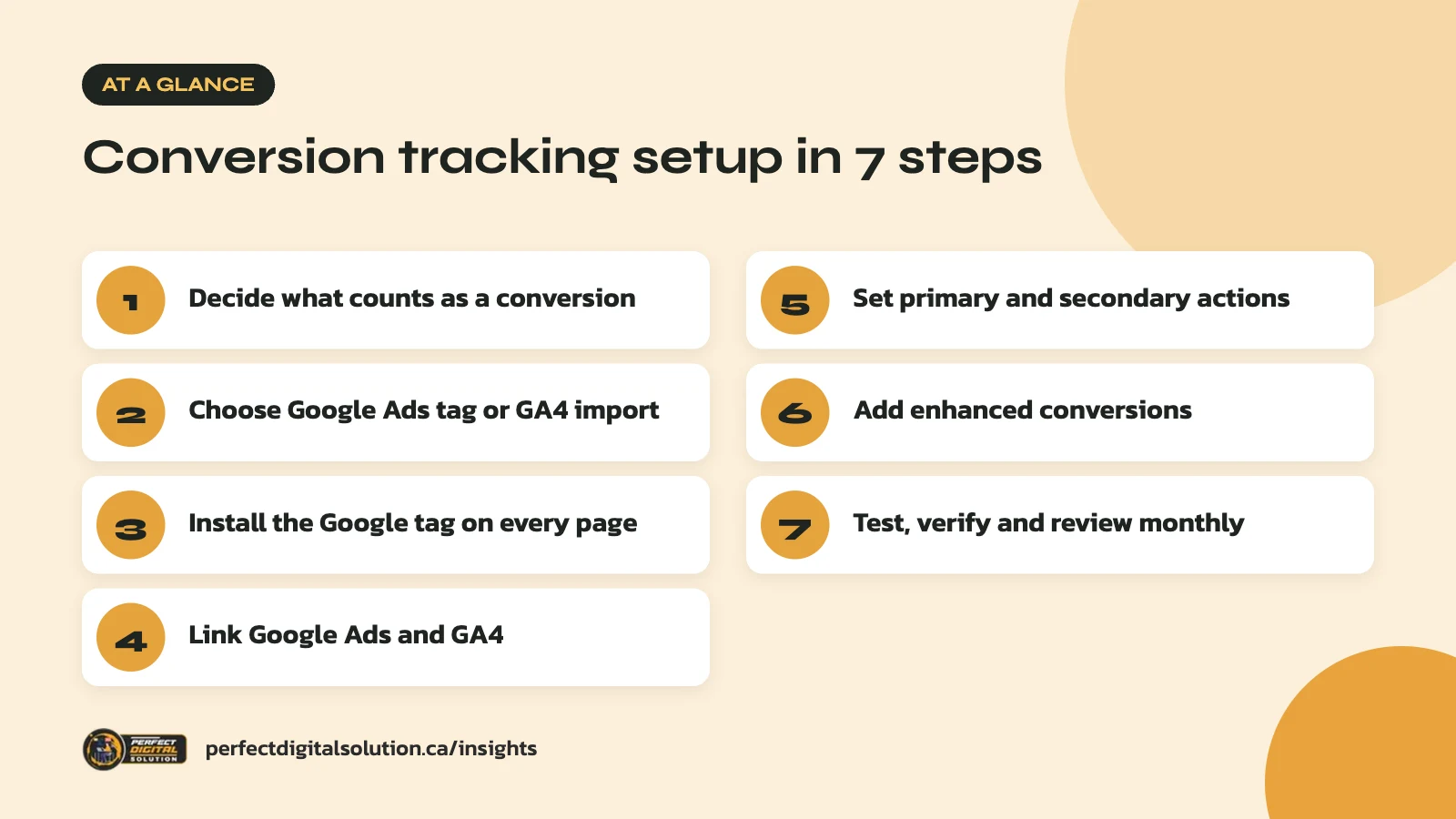
Step 1: Decide what counts as a conversion
Start with a short list of actions that are worth real money to your business. Everything else can be tracked for insight, but should not drive bidding.
Common conversions for Canadian small businesses include:
- Online purchases, with the order value
- Quote or contact form submissions
- Phone calls from ads or from your website
- Booked appointments
- Sign-ups for a free trial or consultation
For each one, decide on a value and how to count it. Google suggests counting “every” conversion for sales and “one” per click for leads, since one person sending three forms is still one lead.
Step 2: Choose your tracking method
There are two main ways to track conversions, and each has strengths. The table below compares them.
| Google Ads tag | GA4 key event import | |
|---|---|---|
| Where you set it up | In Google Ads, with the Google tag and event snippet | In GA4, then imported into Google Ads |
| Attribution | Google Ads settings | Imported conversions default to data-driven attribution |
| View-through conversions | Supported | Not shown for imported conversions |
| Best for | Bidding on paid search results | Seeing ads in the context of all your traffic |
Many advertisers use the Google Ads tag for bidding and keep GA4 for wider reporting. Others import GA4 key events to keep one definition across both tools. Either can work, as long as you don’t use both versions of the same action for bidding.
Note on terms: GA4 renamed “conversions” to “key events” in 2024. Key events you import into Google Ads become conversions there.
Step 3: Install the Google tag correctly
The Google tag must load on every page of your website for Google Ads conversion tracking to work. Google says it usually belongs in the <head> section of each page.
If you use the Google Ads tag
Create a conversion action in Google Ads under Goals then Conversions. Then add the event snippet to the conversion page itself, such as your thank-you page, or fire it on a button click. Check that the conversion ID and label match the action you created. Google’s guide to using the Google tag for conversion tracking covers each case.
If your site already has a Google tag from GA4, don’t add a second copy. Google says to add a config line for your Google Ads ID to the existing tag instead.
If you use Google Tag Manager
Set up the Google tag inside your container and make sure it points to the right account. Then check that each conversion trigger fires on the correct page view or event, and only once.
On WordPress, Shopify and most other platforms, an official integration or plugin can add the tag for you. Still test it, because theme changes and checkout apps can break tracking without warning.
Step 4: Link Google Ads and GA4, then import key events
Linking your accounts lets Google Ads see GA4 data and lets GA4 see your ad clicks. You need edit permission on the Google Analytics side to set up the link.
Once linked, Google’s help article on importing GA4 key events gives the path. In Google Ads, go to Goals, Conversions, New conversion action, then Import and choose Google Analytics properties. Select the web key events you want and import them.
Two settings matter here:
- Auto-tagging: keep it on. It adds a click ID (the GCLID) to your ad URLs, and Google says it is required to import key event data from GA4. It is on by default for new accounts.
- Send values as numbers: if your key events carry a value, GA4 must send it as a number so Google Ads can report conversion value.
Step 5: Set primary and secondary actions
Primary actions drive bidding, while secondary actions are for observation only. Getting this right is the most common fix in Google Ads conversion tracking.
Google explains in its guide to primary and secondary conversion actions that primary actions appear in the “Conversions” column and are used for bidding. Secondary actions appear in “All conversions” and don’t affect bidding, unless they are part of a custom goal.
Conversions created from GA4 are set as secondary by default, which helps prevent counting the same event twice. If you want an imported key event to drive bidding, change it to primary in Google Ads, and set the matching Google Ads tag action to secondary.
A quick rule: each real-world action should have one primary conversion. A purchase tracked by both the tag and GA4 should not count twice.
Step 6: Add enhanced conversions and offline data
Enhanced conversions can improve accuracy by sending hashed customer data, such as an email address, along with the conversion. Google says the data is hashed with SHA-256 before it leaves your site.
There are two types. Enhanced conversions for web cover sales and actions on your website. Enhanced conversions for leads help when a lead fills a form online but buys later, offline or over the phone.
For many service businesses, the lead form is not the real win. The signed contract is. Feeding those later outcomes back into Google Ads helps bidding focus on leads that actually close.
Privacy matters here. Only send customer data in line with your privacy policy and Canadian privacy law, and get advice if you are unsure. Google also offers consent mode, which adjusts how its tags behave based on a visitor’s choices in your consent banner.
Step 7: Test, verify and keep it clean
Every conversion action should be tested before you trust it with your budget. Google Ads conversion tracking is not a set-and-forget job. Google’s Tag Assistant lets you check that tags fire on the right pages and events.
After a fix, Google says it can take up to 48 hours for the conversion status in Google Ads to update. Don’t panic if a new action shows “unverified” on day one.
Build a simple monthly check:
- Compare conversions in Google Ads with real leads or orders in your CRM or store.
- Look for sudden drops after website, theme or plugin updates.
- Remove old actions that no longer matter, or set them to secondary.
- Confirm values still match your current prices and margins.
Expect small gaps between GA4 and Google Ads. Google notes the two tools can credit different channels and count conversions differently. Large or sudden gaps, though, usually point to a tagging problem. If you’re deciding where paid search fits next to organic, our article on SEO vs Google Ads can help, and our 2026 digital marketing plan shows where tracking fits in a full strategy.
How Perfect Digital Solution can help
Our Google Ads management starts with an audit of your conversion tracking, so bidding is based on leads and sales you can trust. If your numbers don’t match what you see in the business, get in touch with our team and we’ll take a look.
Related reading: Search Ads vs Performance Max: Which Google Ads Campaign Is Right for You? and Black Friday Readiness: Prepare Your Online Store and Google Ads Before November. · Google Ads location targeting in Calgary
Frequently asked questions
Sources
- Google Ads Help: Use the Google tag for Google Ads conversion tracking
- Google Ads Help: Import Google Analytics key events into Google Ads
- Google Ads Help: About primary and secondary conversion actions
- Google Ads Help: About enhanced conversions
- Google Analytics Help: Events and key events
- Google Analytics Help: Advertising and attribution
Written by the Perfect Digital Solution team. We use AI tools to support research and drafting, and every fact in this article is checked by our team against the sources listed above.