Cross-platform app development lets you build one app for both iPhone and Android from a largely shared codebase, while native development means building a separate app for each platform with its own tools. For most business apps, cross-platform is a practical choice. Native still wins when your app leans heavily on device hardware, advanced graphics or the newest platform features. This guide explains the trade-offs in plain language so you can choose with confidence.
Key takeaways
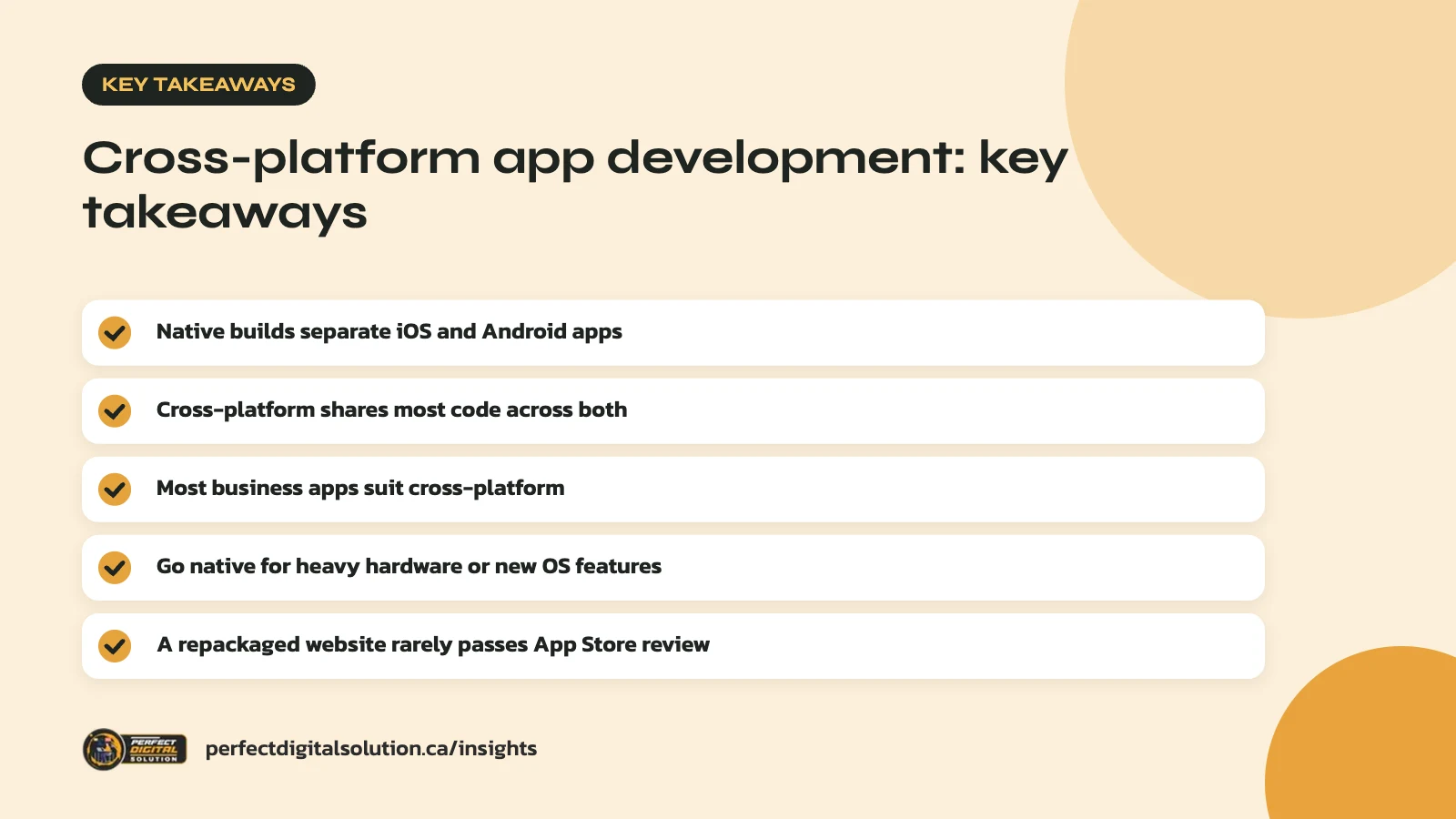
- Native means separate iOS and Android apps built with each platform’s tools.
- Cross-platform shares most code across iOS and Android.
- Most content, booking and e-commerce apps suit cross-platform.
- Choose native for heavy hardware use or cutting-edge features.
- A repackaged website is unlikely to pass App Store review.
Native vs cross-platform: the short answer
If your app is mostly screens, forms, accounts, content and payments, cross-platform is usually the better fit. If it depends on deep device features or demanding performance, native is often worth it.
The choice affects how fast you launch, how many developers you need, and how easy the app is to maintain. It does not, on its own, decide whether your app succeeds. A clear plan, good design and real user needs matter more than the framework. If you are still at the idea stage, start with our guide on how to plan a mobile app.
What native app development means
Native development means building each app with the language and tools that Apple or Google provide for that platform. You end up with two separate codebases.
On Apple devices, that usually means Swift and SwiftUI. Apple describes SwiftUI as a way to build apps across all Apple platforms, including iPhone, iPad, Mac and Apple Watch.
On Android, Google recommends starting new apps with Kotlin and has said Android development is “Kotlin-first” since 2019. Its modern toolkit for building screens is Jetpack Compose.
The main benefits of native are:
- Full, direct access to every device feature and system setting.
- New platform features are available as soon as Apple or Google release them.
- The app follows each platform’s look and behaviour by default.
- Fewer extra layers between your code and the operating system.
The main cost is effort. Two codebases usually mean two sets of features to build, test and update, often by two different specialists.
What cross-platform app development means
Cross-platform app development uses one framework to share code between iOS and Android. You write most of the app once, then add platform-specific code only where you need it.
The three options most businesses hear about are:
React Native
React Native lets developers write the app in JavaScript using React. According to the React Native documentation, it creates real Android and iOS views at runtime, so the buttons, text and scroll areas are the platform’s own components. It can be a good match if your team already works with React on the web.
Flutter
Flutter, from Google, uses the Dart language and is built for multiplatform apps from a single codebase. Its documentation covers Android, iOS, web, Windows, macOS and Linux. Flutter draws its own interface rather than using each platform’s built-in components, which gives designers close control over how the app looks. Where a native control would be hard to rebuild, such as a map, Flutter can embed the platform’s own view inside the app.
Kotlin Multiplatform
Kotlin Multiplatform lets you choose how much to share, from core business logic only to the whole app. Google’s Android team says Kotlin Multiplatform is officially supported for sharing business logic between Android and iOS, and that it compiles to each platform’s native code. Teams can keep fully native screens on each side, or share the interface too with Compose Multiplatform.
Native vs cross-platform compared
The biggest differences are in codebases, team size, feature access and long-term maintenance. This table sums up the general trade-offs.
| Factor | Native | Cross-platform |
|---|---|---|
| Codebases | Two (iOS and Android) | One shared, plus small platform parts |
| Team | Usually iOS and Android specialists | One team can cover both platforms |
| Time to launch both | Longer, as work is repeated | Usually shorter |
| New OS features | Available right away | May need a framework update or custom code |
| Hardware access | Full and direct | Good, sometimes through plug-ins |
| Maintenance | Changes made twice | Most changes made once |
Budget depends on your features, design, integrations and how many platforms you launch on. In general, sharing code reduces repeated work, but a complex app is still a complex app whichever route you pick.
Whichever route you choose, plan to test on real iPhones and Android phones of different sizes and ages. Android in particular runs on a wide range of devices, and a screen that looks fine on a new flagship phone can feel cramped or slow on an older budget model.
When native is the better choice
Choose native when your app’s core value depends on the device itself or on features that must be available the day Apple or Google release them.
Good examples include:
- Apps that rely heavily on the camera, augmented reality, Bluetooth devices or sensors.
- Games or apps with demanding animation and graphics.
- Apps built mainly for one platform, such as an internal tool for a team that only uses iPhones.
- Products that need deep integration with widgets, wearables or system features on each platform.
Native can also make sense when you already have strong iOS and Android developers in-house. In that case, the extra codebase is less of a burden.
When cross-platform app development makes sense
Cross-platform app development is a strong fit when you need to reach iPhone and Android users with the same features, on a sensible timeline, with one team.
It tends to suit:
- Booking, ordering and loyalty apps for restaurants, clinics and service businesses.
- E-commerce and catalogue apps connected to an existing store.
- Member portals, event apps and customer dashboards.
- Minimum viable products, where you want to test an idea with real users before investing further.
In our project planning we often find that most features in a typical business app, such as logins, forms, lists, maps, notifications and payments, are shared between platforms anyway. That is where one codebase pays off. Most frameworks also let developers drop down to native code for the few features that need it.
What about wrapping your website in an app?
Packaging your existing website inside an app shell is the cheapest-looking route, but it often fails App Store review and frustrates users.
Apple’s App Store Review Guidelines say an app should include features, content and interface that “elevate it beyond a repackaged website.” Apps that are not useful, unique or “app-like” may not be accepted.
If your customers only need information, a fast, mobile-friendly website may serve them better than any app. Our article on mobile app vs website walks through that decision, and our web design team can help if a website is the right answer.
Questions to ask before you decide
Answer these questions with your developer before choosing a framework. They will usually point clearly in one direction.
- Do you need both iOS and Android at launch, or can you start with one?
- Which device features are essential, and which are nice to have?
- Does your team already work in JavaScript, Dart, Swift or Kotlin?
- Will the app need to match your website or brand design closely?
- Who will maintain the app after launch, and how often will it change?
- Does it need to work offline, or connect to existing systems like your CRM or store?
- Does it need to support English and French, or meet accessibility needs for users with disabilities?
Also ask how the developer handles updates when Apple and Google release new operating system versions. Every app, native or cross-platform, needs ongoing care to keep working and stay in the stores.
How Perfect Digital Solution can help
Our app development team helps businesses choose between native and cross-platform based on their features, users and plans for growth, then designs, builds and supports the app. To talk through your idea, contact our team.
Frequently asked questions
Sources
- SwiftUI – Apple Developer
- Android’s Kotlin-first approach – Android Developers
- Kotlin Multiplatform – Android Developers
- Core Components and Native Components – React Native
- Flutter architectural overview – Flutter docs
- App Store Review Guidelines – Apple Developer
Written by the Perfect Digital Solution team. We use AI tools to support research and drafting, and every fact in this article is checked by our team against the sources listed above.