A content refresh means updating an older blog post so it is accurate, complete and more useful than when you first published it. Done well, it can bring back lost traffic faster than writing a new post from scratch. This guide shows how to pick the right posts, what to change, and how to avoid the shortcuts that do not work.
Key takeaways
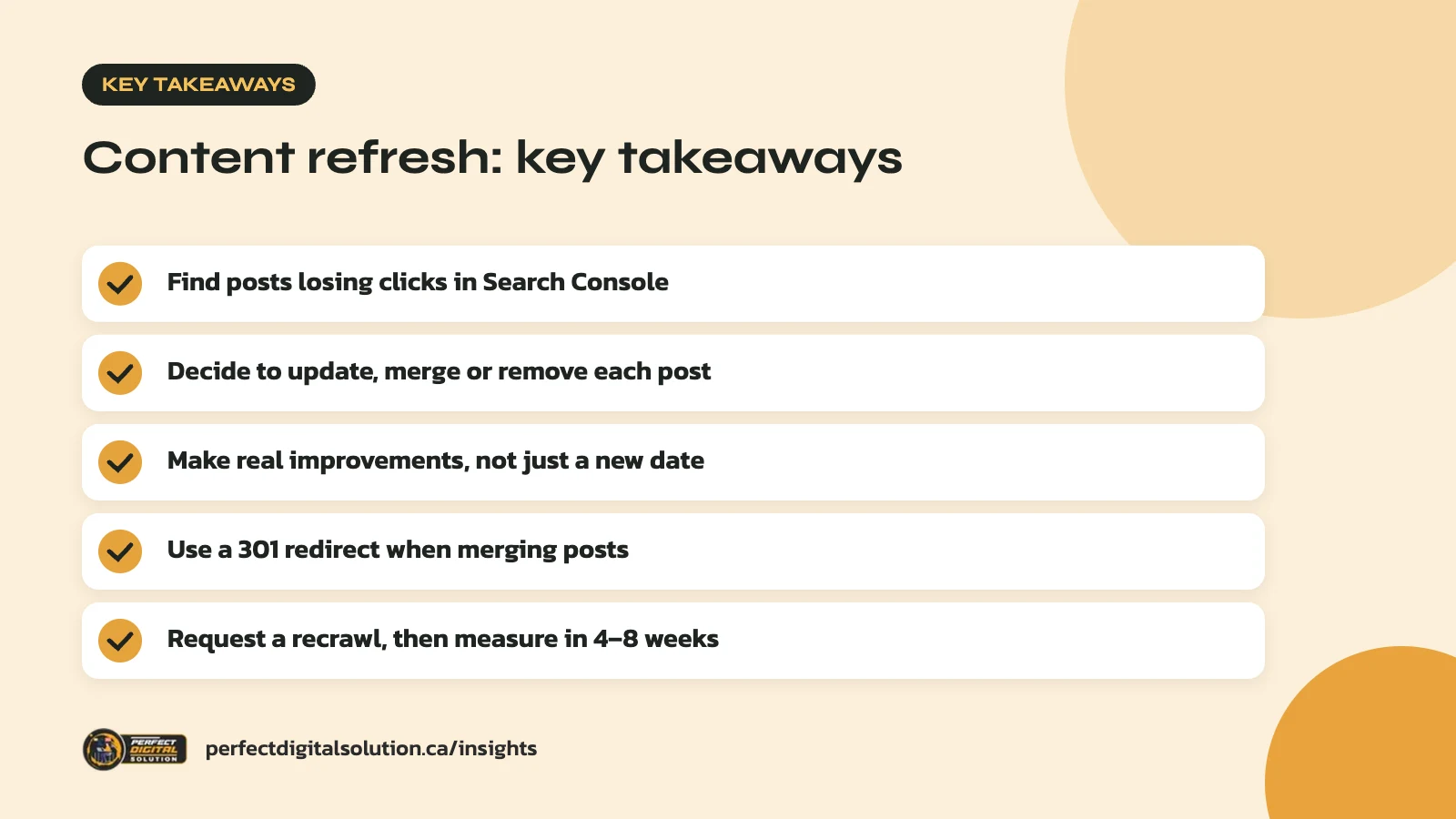
- Use Search Console to find posts losing clicks or stuck on page two.
- Decide to update, merge or remove each post before editing.
- Make real improvements, not just a new date.
- Use a permanent redirect when you merge two posts.
- Request a recrawl, then compare results after a few weeks.
What a content refresh is (and is not)
A content refresh is a meaningful update to an existing page that makes it more helpful for readers. It is not a cosmetic change made to look new.
Most blogs have posts that were good when they went live but have slowly gone stale. Facts change, tools get renamed, competitors publish better answers, and your own services grow. A refresh fixes those gaps on a page that already has some history in search.
What it is not: swapping the publish date, rewording a few sentences, or padding a post with extra words. Google’s guidance on creating helpful, people-first content specifically warns against changing dates to make pages seem fresh when the content has not substantially changed. It also says adding or removing content just to look fresh will not help rankings.
Signs a post needs a content refresh
A post needs attention when it is losing traffic, out of date, or ranking just short of where it could be. Look for these signs:
- Falling clicks: traffic was steady and has dropped over several months.
- Page-two rankings: the post shows up for useful searches but sits just below the first page.
- Low click-through rate: lots of impressions but few clicks, which often points to a weak title or description.
- Outdated details: old screenshots, retired features, broken links or references to past years.
- Thin answers: the post skips questions your customers ask you every week.
- Overlap: two or more of your posts cover the same topic and compete with each other.
In our content audits we often find a small group of older posts doing most of the work. Those are usually the best place to start, because they already have links and history.
If traffic is falling across many pages at once, the cause may be technical rather than the content itself. Run through our technical SEO checklist first, so you are not rewriting posts to fix a crawling or indexing problem.
Find the right posts in Search Console
Google Search Console is the best free tool for choosing which posts to refresh. It shows how each page performs in Google Search.
The Performance report gives you four metrics: clicks, impressions, click-through rate (CTR) and average position. By default it shows the past three months, and you can switch the table between queries and pages.
A simple way to sort your list
- Open the Performance report and select the Pages tab.
- Use the date comparison to set a recent period against an earlier one and spot drops.
- Note pages with high impressions but low CTR.
- Click into each page and check its top queries. Are people searching for something your post barely covers?
- Add each page to a spreadsheet with its main query, current numbers and planned action.
Pair this with GA4 to see whether visitors from each post go on to contact you or buy. A post that drives leads deserves attention before one that only brings casual readers.
Decide: update, merge or remove
Not every old post should be refreshed. Before editing, choose one of three actions for each page.
| Action | When to use it | What to do |
|---|---|---|
| Update | The topic still matters and the post has some traffic or links | Improve it in place on the same URL |
| Merge | Two or more posts cover the same topic | Combine the best parts into one and redirect the others |
| Remove | The topic no longer fits your business and gets no traffic | Delete it, or redirect it if a close match exists |
Keep the same URL when you update. Changing the address throws away the history the page has built and creates redirect work you do not need.
How to refresh a blog post step by step
Start with the reader’s question, then work through accuracy, depth and presentation. A good refresh usually touches all three.
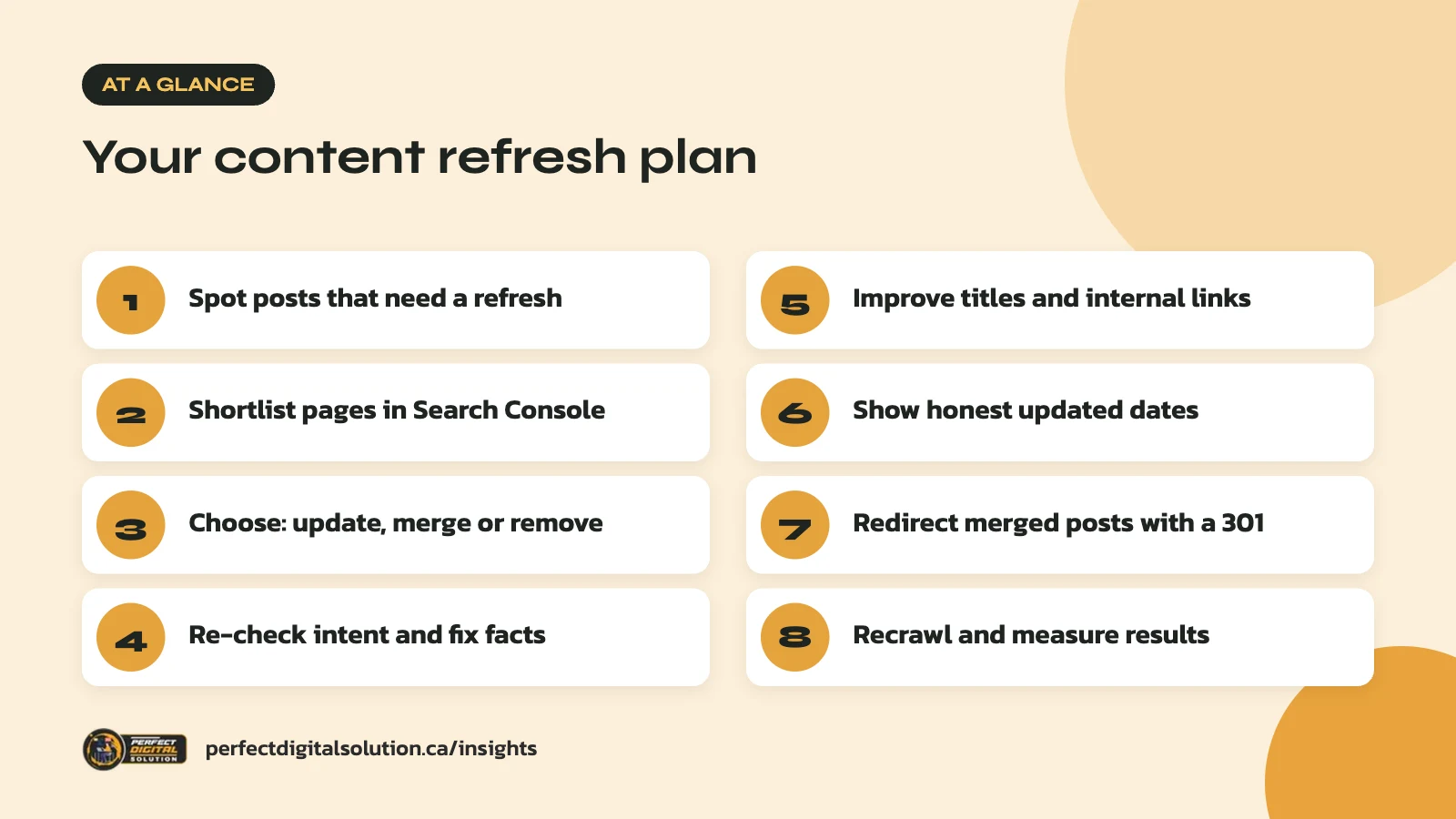
1. Re-check search intent
Search the post’s main query and look at what ranks now. If the top results are step-by-step guides and yours is an opinion piece, the format may need to change, not just the words.
2. Fix facts and examples
Update numbers, product names, screenshots and rules. For Canadian readers, check that laws, tax rules and program names are current and that prices are in CAD if you mention them. Replace or remove broken external links.
3. Fill the gaps
Add sections that answer the questions customers and sales staff hear most. Add your own experience, examples or process. This is where a refreshed post can offer more than the competition.
4. Cut what no longer helps
Remove outdated sections, repeated points and filler. A shorter, clearer post often serves readers better than a longer one.
5. Improve the title and meta description
If CTR is low, rewrite the title so it matches what people search and makes the benefit clear. Keep the meta description specific and accurate.
6. Add internal links
Link from the refreshed post to newer related articles and service pages, and link back to it from newer posts. Our guide to writing helpful content that Google and AI search trust covers how to show real experience while you edit.
Handle dates honestly
Show a “last updated” date only when you have made real changes. Readers and search engines both use dates to judge whether information is current.
Google’s guide to influencing byline dates recommends a visible date with a clear label such as “Published” or “Last updated.” If you use Article or BlogPosting structured data, set datePublished and dateModified, and make sure they match the dates people see on the page.
Keep the original publish date and add the updated date beside it. That tells readers the post has history and has been checked recently.
Merging posts and using redirects
When two posts compete for the same topic, merging them into one stronger page is often the best content refresh. The old URL should then permanently redirect to the new one.
Google’s documentation on redirects says a server-side permanent redirect, such as a 301 or 308, has the best chance of being understood correctly. A permanent redirect tells Google the target page should be the one shown in search results.
A few rules of thumb:
- Redirect each old URL to the closest matching page, not your homepage.
- Update internal links so they point straight to the new URL.
- Avoid chains, where one redirect leads to another.
- Keep a log of every redirect you add.
The same principles apply at a larger scale when you rebuild a site. Our guide to website redesign SEO explains how to map URLs before a launch.
After you publish: recrawl and measure
Once a refreshed post is live, ask Google to recrawl it and then give it time. Results are rarely instant.
Google’s page on asking Google to recrawl URLs says you can use the URL Inspection tool in Search Console for a few pages, or a sitemap for many. Crawling can take from a few days to a few weeks, and requesting the same URL several times will not make it faster.
Make a note of the date you republished. After four to eight weeks, compare clicks, impressions, CTR and position with the period before. Check GA4 as well to see whether the post now drives more enquiries.
Then put the next round on your calendar. A content refresh works best as a habit, not a one-off project. Our SEO content calendar guide shows how to plan new posts and updates side by side.
How Perfect Digital Solution can help
Our content marketing team can audit your blog, rank posts by opportunity and refresh them with accurate, helpful updates. If you want to get more from the content you already have, talk to our team.
Related reading: Generative Engine Optimization (GEO): How to Get Your Business Mentioned in AI Answers.
Frequently asked questions
Sources
- Creating helpful, reliable, people-first content – Google Search Central
- Influence your byline dates in Google Search – Google Search Central
- Redirects and Google Search – Google Search Central
- Ask Google to recrawl your URLs – Google Search Central
- Performance report (Search results) – Search Console Help
Written by the Perfect Digital Solution team. We use AI tools to support research and drafting, and every fact in this article is checked by our team against the sources listed above.