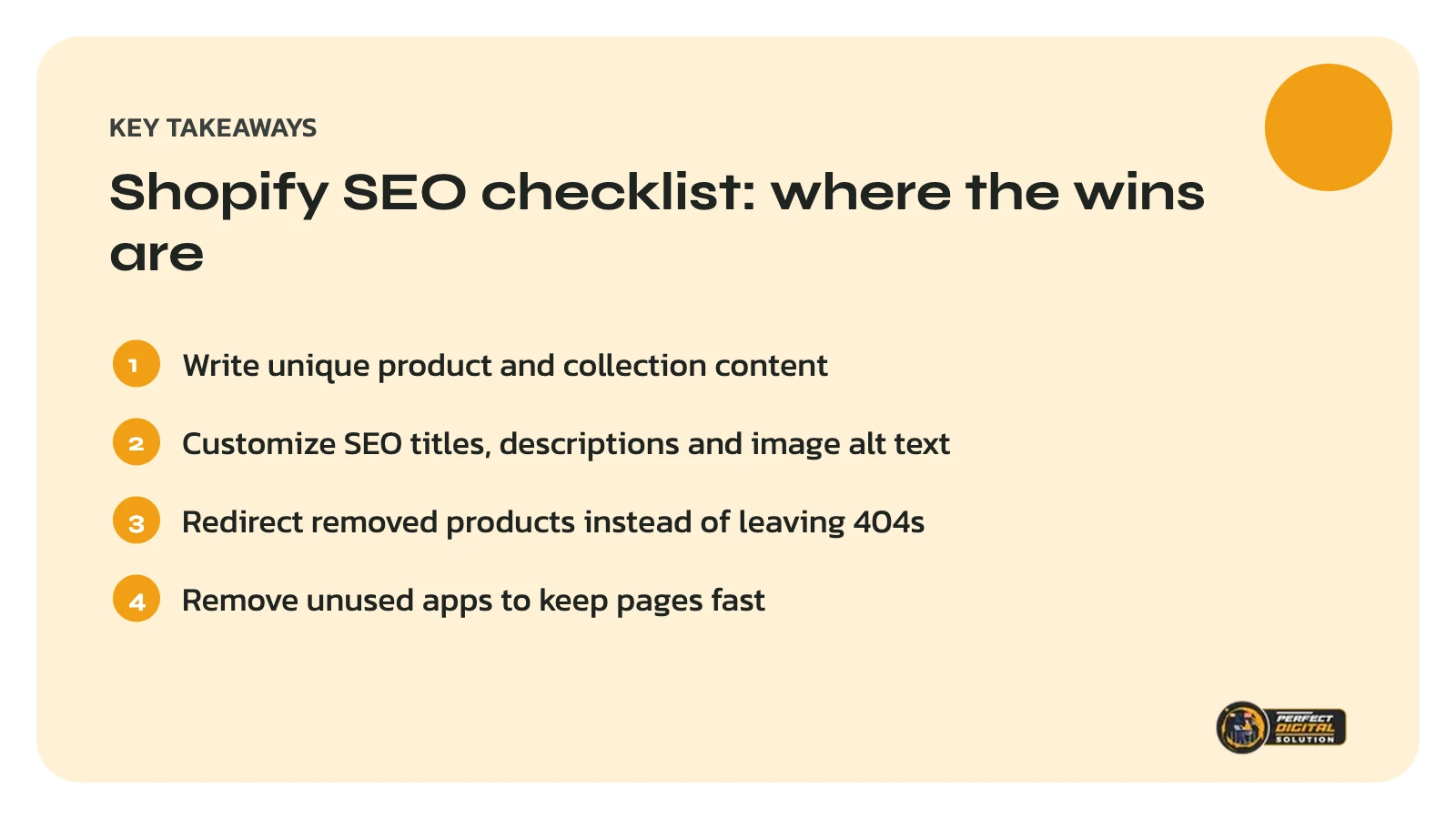
Quick answer: the fastest Shopify SEO wins come from unique product and collection content, clear titles and meta descriptions, descriptive image alt text, a logical collection structure, fast pages and clean redirects. Use this Shopify SEO checklist page by page, starting with your best-selling products.
Shopify handles many technical basics automatically, including a sitemap and canonical tags. That leaves store owners free to focus on the work that actually moves rankings: content, structure and user experience.
Product page fixes
1. Write unique product descriptions
Unique descriptions are the foundation of Shopify product page SEO. Copying manufacturer text creates duplicate content shared by every other store that sells the same item. Describe who the product is for, how it is used, sizes or materials, and answers to common questions.
2. Customize the SEO title
Edit the search engine listing for each product so the title includes the product name and its most important attribute, such as type, size or material. Keep it under about 60 characters so it is not cut off in results.
3. Write a meta description that sells
The meta description does not directly boost rankings, but it influences whether people click. Mention a key benefit and, where relevant, Canadian shipping or returns.
4. Add descriptive image alt text
Alt text helps visually impaired shoppers and helps Google understand your images. Describe what the image shows, for example “black leather crossbody bag with gold zipper”, rather than repeating keywords.
5. Use clean product URLs
Shopify product URLs always start with /products/. Edit the handle so it is short and descriptive, and avoid changing it after launch unless you add a redirect.
6. Show reviews and key details
Genuine reviews, shipping times, return policies and size guides help shoppers decide. Only display real reviews from real customers.
7. Check product structured data
Many Shopify themes add Product structured data automatically. Test a product page with Google’s Rich Results Test to confirm price, availability and reviews are marked up correctly and match what shoppers see.
Collection page fixes
8. Add an intro to every collection
A short, helpful introduction gives Google context about the collection. Two or three sentences above the products, plus a longer guide or FAQ below, works well for most stores.
9. Plan collections around how people search
Build collections that match real searches, such as “women’s winter boots” or “gluten-free snacks”, rather than internal categories only you understand.
10. Avoid thin or duplicate collections
Collections with one or two products, or several collections showing nearly the same items, compete with each other. Merge or improve them.
Want a second set of eyes on your store? We review product pages, collections and technical setup and send a prioritized fix list. Get my free store audit.

Technical and site-wide fixes
11. Link to main product URLs
Shopify can show the same product at several URLs, such as /collections/shoes/products/boot and /products/boot. Shopify adds a canonical tag pointing to the main product URL, and linking directly to /products/ URLs in menus and content keeps things clean.
12. Set up redirects when you remove products
When a product is discontinued, redirect its URL to the closest replacement or collection using URL redirects in the Shopify admin, instead of leaving a 404 page.
13. Improve page speed
Every app you install can add scripts to your storefront. Remove apps you no longer use, compress images and choose a fast, well-coded theme.
14. Submit your sitemap
Shopify generates a sitemap automatically at /sitemap.xml. Submit it in Google Search Console and monitor the Pages report for indexing issues.
15. Build helpful content around your products
Buying guides, comparisons and how-to articles answer questions shoppers ask before buying and link naturally to your products and collections.
Where to start with this Shopify SEO checklist
Begin with your top 10 products and top 5 collections by revenue, fix items 1 to 10 on those pages, then work through the technical checks. Our earlier article WordPress vs Shopify covers how Shopify handles SEO compared with WordPress, and our e-commerce SEO service can take the whole checklist off your plate. Need a faster store or a redesign? See our web design service.
Related reading: Black Friday Readiness: Prepare Your Online Store and Google Ads Before November, Shopify Winter ’26 Edition: Key Updates for Canadian Merchants and Product Page SEO: How to Write Descriptions That Rank and Sell.
Frequently asked questions
Sources
- Shopify Help Center: Search engine optimization
- Google Search Central: Product structured data
- Google Search Central: SEO Starter Guide
Written by the Perfect Digital Solution team. We use AI tools to support research and drafting, and every fact in this article is checked by our team against the sources listed above.