Quick answer: a strong Google Business Profile is verified, complete and active. Use this Google Business Profile checklist to confirm your name, category, service area, hours, photos, reviews and posts, because Google ranks local results on relevance, distance and prominence.
For plumbers, clinics, contractors, salons and other service businesses, the map results often appear above the regular search results. This checklist walks through every part of your profile in the order we review it for clients across Canada.
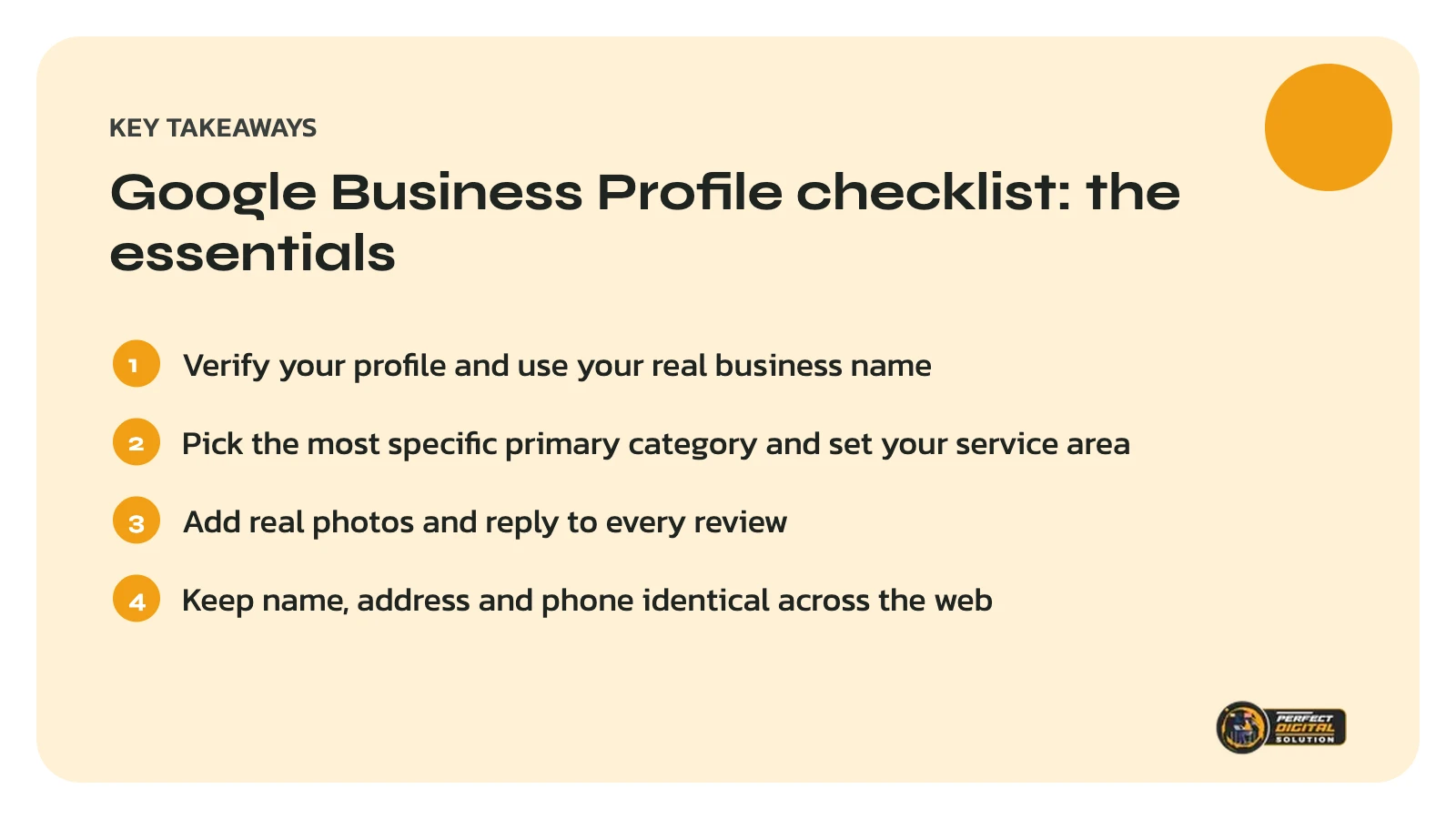
How does Google rank local businesses?
Google says local results are based mainly on three factors: relevance, distance and prominence. Relevance is how well your profile matches the search, distance is how far you are from the searcher, and prominence is how well-known your business is, including reviews and links from other websites.
Google also states that you cannot pay or request a better local ranking. What you can control is how complete, accurate and trusted your profile is.
Step 1: Claim and verify your profile
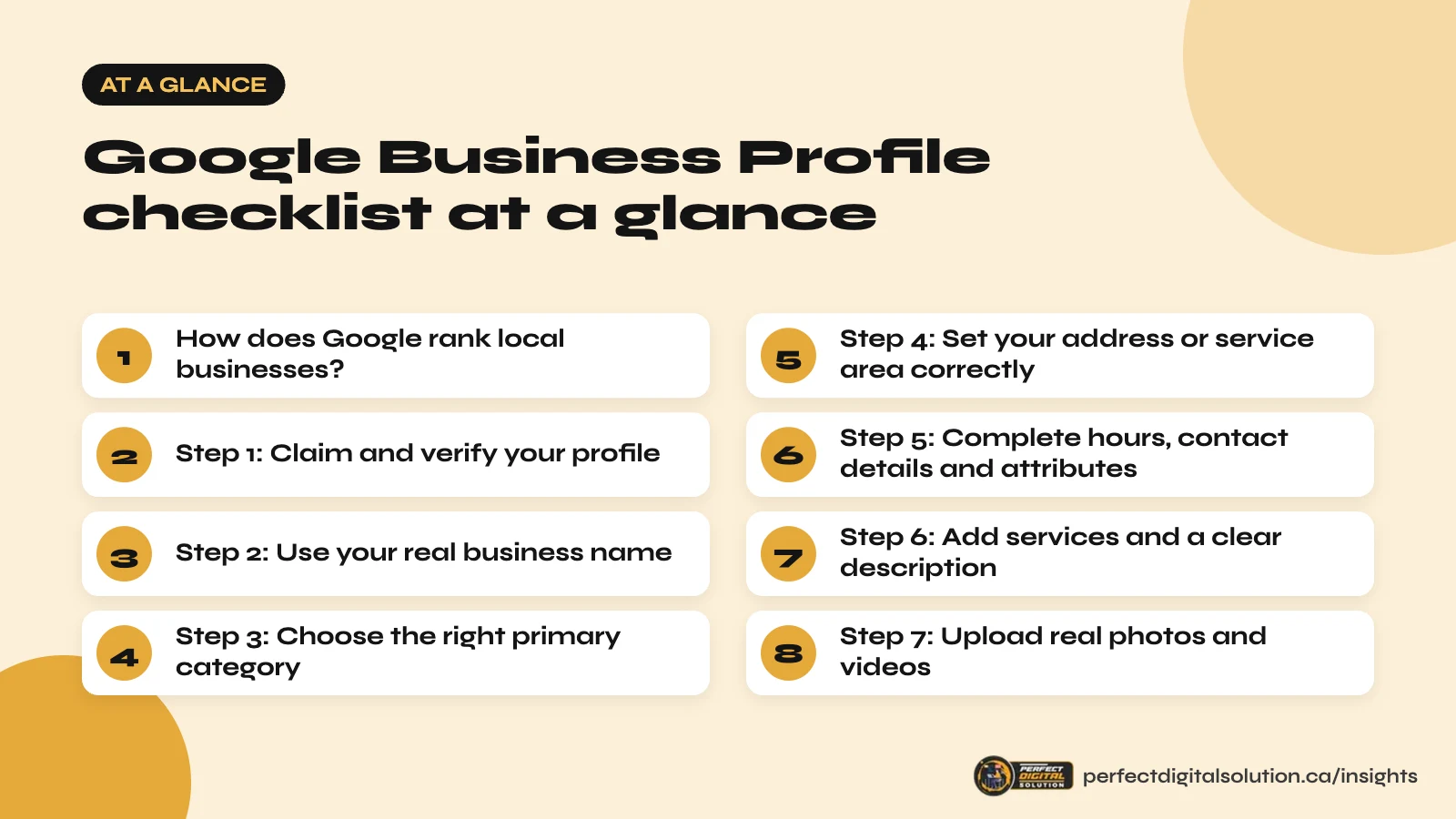
Verification is the first item on any Google Business Profile checklist. Google says verified businesses are more likely to appear in local results. Sign in with a business Google account that you own, not one belonging to a past employee or agency, and complete the verification method Google offers.
Step 2: Use your real business name
Enter your business name exactly as customers see it on your signage, website and invoices. Google’s guidelines do not allow extra keywords or locations in the name, and stuffing it can lead to suspension.
Step 3: Choose the right primary category
Your primary category tells Google what your business is, so it has a big influence on relevance. Pick the most specific category that matches your main service, then add secondary categories only for services you genuinely offer.
Step 4: Set your address or service area correctly
If customers visit your location, show your address. If you travel to customers, such as a mobile cleaner or a contractor, set up a service-area business and hide your address. List the cities or regions you actually serve.
- Use the same address format everywhere online.
- Do not use a virtual office or mailbox you do not staff.
- Keep your service area realistic rather than listing every province.
Step 5: Complete hours, contact details and attributes
Complete details help Google match you with more searches. Add regular hours, holiday hours, your phone number, website link and attributes such as accessibility features or appointment requirements. Update holiday hours before every long weekend.
Step 6: Add services and a clear description
Use the services section to list each service in plain language, with a short description. Your business description should explain what you do, who you serve and where, in the words customers use. Avoid links, promotions and keyword lists.
Want a second opinion on your profile? We will review your Google Business Profile and local rankings and send you a prioritized list of fixes. Get my free local SEO audit.
Step 7: Upload real photos and videos
Photos show customers what to expect and help your profile stand out. Add your logo, cover photo, team, workspace, vehicles and finished work. Use real images rather than stock photos, and add new ones every month.
Step 8: Build a steady flow of genuine reviews
Reviews influence both prominence and the decision to contact you. Ask happy customers for a review soon after the job, using the short review link from your profile. Reply to every review, positive or negative, politely and professionally.
Never buy reviews, write them yourself or offer rewards in exchange for reviews. Google’s policies prohibit this, and fake reviews can be removed or lead to restrictions on your profile.
Step 9: Post updates and answer questions
Regular posts about offers, projects and news show that your business is active. Check the questions section and messages, and answer them quickly with accurate information.
Step 10: Keep your details consistent across the web
Your name, address and phone number should match on your website, Google Business Profile, Facebook, Yelp, industry directories and local chambers of commerce. Consistent details make it easier for Google and AI tools to trust that they describe the same business. Our local SEO service includes a citation clean-up for this reason.
Your monthly Google Business Profile checklist
- Upload new photos of recent work.
- Publish at least one update or offer.
- Reply to all new reviews and questions.
- Check hours, services and holiday hours.
- Review Performance insights for calls, direction requests and website clicks.
Local SEO works best alongside a fast, helpful website. If your site needs stronger service and location pages, see our SEO services.
Related reading: How to Get More Google Reviews Without Breaking Google’s Rules and Local SEO for Multi-Location Businesses in Canada. · local SEO in Calgary · service-area business SEO in Calgary
Frequently asked questions
Sources
- Google Business Profile Help: Tips to improve your local ranking
- Google Business Profile Help: Guidelines for representing your business
- Google Maps Help: Prohibited and restricted content
Written by the Perfect Digital Solution team. We use AI tools to support research and drafting, and every fact in this article is checked by our team against the sources listed above.