Business listing services create, correct and monitor your business details on the directories, maps and apps where customers look you up, so your name, address, phone number and hours are the same everywhere. For Canadian businesses, that means Google, Bing and Apple first, then trusted Canadian directories.
This guide explains which listings matter most in Canada, how to keep details consistent, how to deal with duplicates, when an aggregator makes sense, and how listings feed AI answers.
Key takeaways
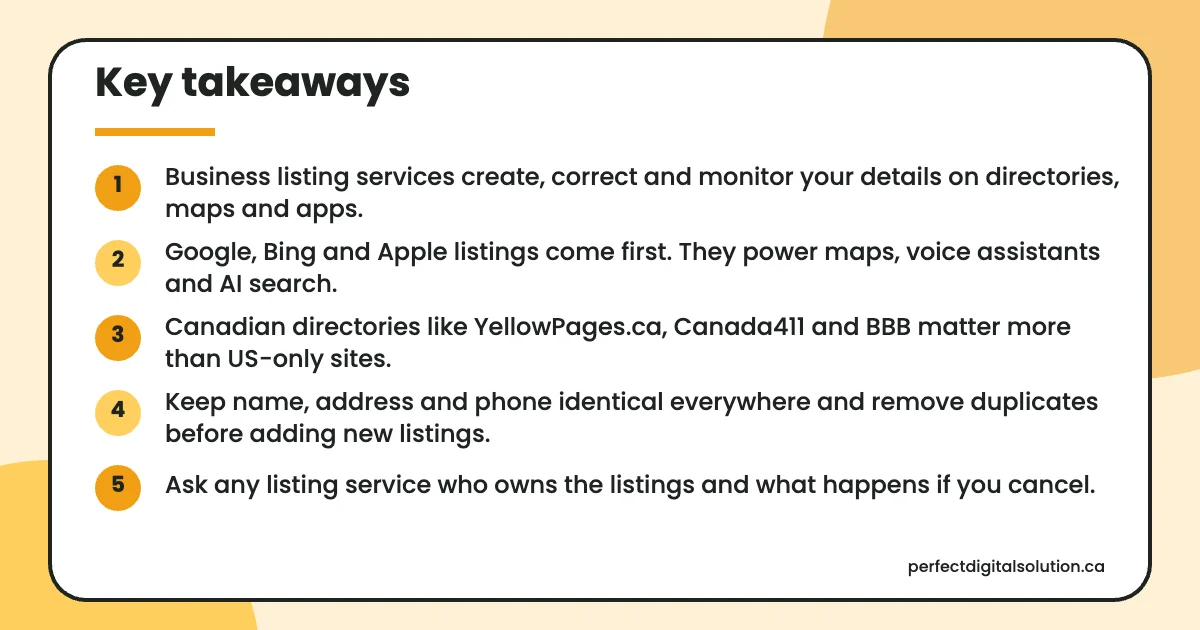
- Business listing services create, correct and monitor your details on directories, maps and apps.
- Google, Bing and Apple listings come first. They power maps, voice assistants and AI search.
- Canadian directories like YellowPages.ca, Canada411 and BBB matter more than US-only sites.
- Keep name, address and phone identical everywhere and remove duplicates before adding new listings.
- Ask any listing service who owns the listings and what happens if you cancel.
What do business listing services actually do?
Business listing services claim, build and maintain your profiles on directories so the details stay accurate. The work usually includes four tasks:
- Audit: find every existing listing, including old addresses and duplicates.
- Claim and build: verify ownership and fill in each profile fully.
- Clean up: correct wrong details and merge or remove duplicates.
- Monitor: watch for edits by the public or the platform and fix them.
These listings are often called local citations: any mention of your business name, address and phone number online. Google says prominence, one of its three local ranking factors, draws on what it knows about a business from across the web, according to its local ranking help page. It also says complete, accurate details make a business more likely to show in local results.
Which business directories in Canada matter most?
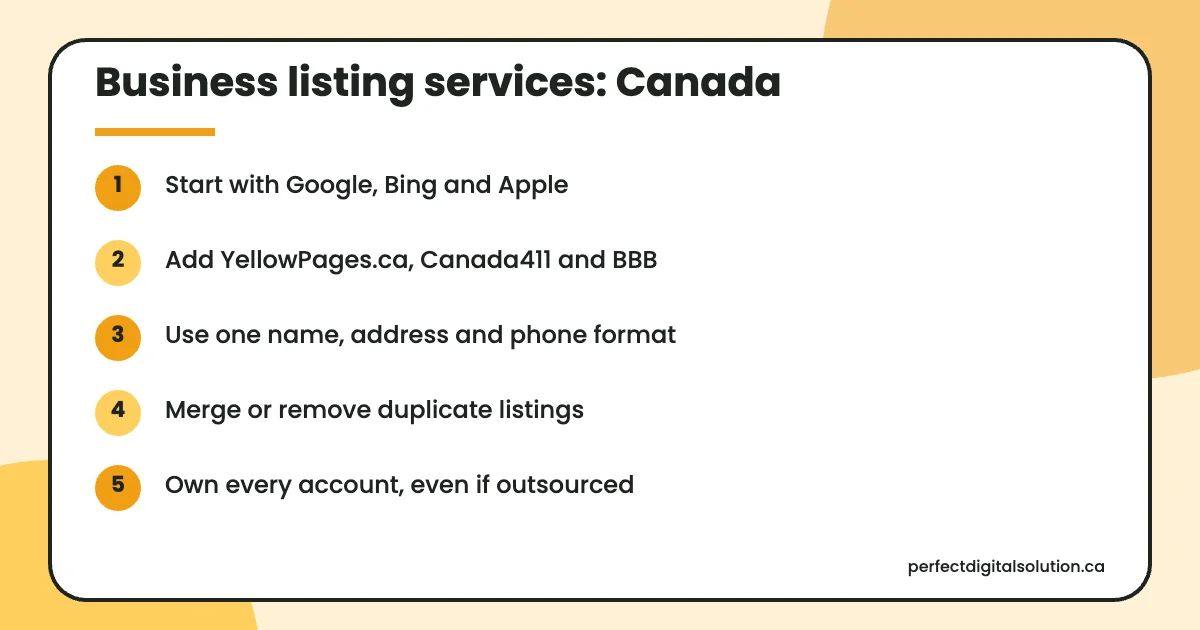
The listings that matter most are the ones that power maps and assistants, followed by Canadian directories people actually use. This table covers ten that apply to most Canadian businesses.
| Listing | Why it matters in Canada | Notes |
|---|---|---|
| Google Business Profile | Appears in Google Search and Maps | Your top priority |
| Bing Places for Business | Appears in Bing search and Bing Maps | Can import from Google |
| Apple Business Connect | Feeds Apple Maps, Siri, Wallet and Messages | Free; needs verification |
| Yelp | Review site used in Canadian cities | Claim and keep hours current |
| YellowPages.ca | Long-standing Canadian directory | Run by Yellow Pages |
| Canada411 | Canadian phone and business lookup | Also run by Yellow Pages |
| Better Business Bureau | Regional offices across Canada | Profile and accreditation are separate |
| Facebook Page | Shows hours, address and reviews | Keep details in sync |
| Chamber of commerce directory | Local trust signal for members | For example, the Calgary Chamber |
| Industry and trade directories | Reach buyers in your field | Pick ones your customers use |
Some notes on the sources. Microsoft relaunched Bing Places for Business in October 2025 with a faster import from Google. Apple says Apple Business Connect is free and reaches users across Apple Maps, Messages, Wallet and Siri. YellowPages.ca and Canada411.ca are both run by Yellow Pages. The Government of Canada lists Better Business Bureau offices across the country, including one in Calgary serving Southern Alberta and East Kootenay.
Why does NAP consistency matter for local SEO in Canada?
Consistent name, address and phone (NAP) details help customers reach you and help search engines trust that your data is correct. If one site says Suite 200 and another says Unit 2, or one has an old phone number, people may call the wrong line or drive to the wrong place.
Pick one exact format and use it everywhere: legal or trading name as it appears on your signage, Canada Post address format, and one main local phone number. Store this “source of truth” in a shared document so staff and agencies all use it.
How do you find and fix duplicate listings?
Search each platform for your business name, phone number and any old addresses, then claim and merge or remove every duplicate. Duplicates often appear after a move, a rebrand, or when a past agency created new profiles instead of claiming yours.
- List every address and phone number your business has ever used.
- Search Google Maps, Bing, Apple Maps and key directories for each one.
- Claim duplicates with an email address your business owns.
- Merge or close them through each platform’s tools or support.
- Recheck after a month, because some sites refresh data slowly.
If you have several branches, our guide to local SEO for multiple locations explains how to keep each location’s listing separate and clean.
Manual listings or an aggregator: which is better?
Manual work suits most single-location businesses, while an aggregator or listing platform suits businesses with many locations or frequent changes. The key question is who owns the listings when the work ends.
| Factor | Manual (you or your agency) | Aggregator or listing platform |
|---|---|---|
| Control | Full, in your own accounts | Shared with the platform |
| Speed | Slower for many sites | Faster bulk updates |
| Accuracy checks | Human review of each listing | Depends on the platform |
| If you stop | Listings stay as they are | Ask what happens before you sign |
| Best for | One to a few locations | Many locations or brands |
How do business listings feed AI answers?
AI assistants often draw on search engines and map data, so accurate listings shape what they say about you. OpenAI says ChatGPT search may share search queries with third-party providers such as Bing, which is one more reason to keep your Bing listing correct. Apple says information from Business Connect appears in Siri as well as Apple Maps.
If an AI tool states the wrong hours or an old address, the fix usually starts with the listings it relies on. Our guide to AI search visibility covers how to test and improve how AI tools describe your business.
How Perfect Digital Solution can help
We audit, claim and clean up your listings, always in accounts you own, as part of our local SEO services for businesses across Canada. Calgary businesses can also see our local SEO in Calgary page. Request a free audit to see where your details don’t match.
Related reading: Local SEO services · Google Business Profile checklist · Generative engine optimization · How to get more Google reviews
Frequently asked questions
Sources
- Tips to improve your local ranking on Google – Google Business Profile Help
- Introducing the New Bing Places for Business – Microsoft Bing Blogs
- Introducing Apple Business Connect – Apple Newsroom (Canada)
- Yellow Pages – digital media company in Canada – Yellow Pages
- Better Business Bureaus – Office of Consumer Affairs, Government of Canada
- Searching the web with ChatGPT – OpenAI Help Center
Written by the Perfect Digital Solution team. We use AI tools to support research and drafting, and every fact in this article is checked by our team against the sources listed above.