Local SEO for multiple locations means giving every branch its own verified Google Business Profile, its own useful page on your website, and the same accurate details everywhere. Done well, each location can show up for nearby searches without the branches competing with each other. This guide walks Canadian businesses through the setup step by step.
Key takeaways
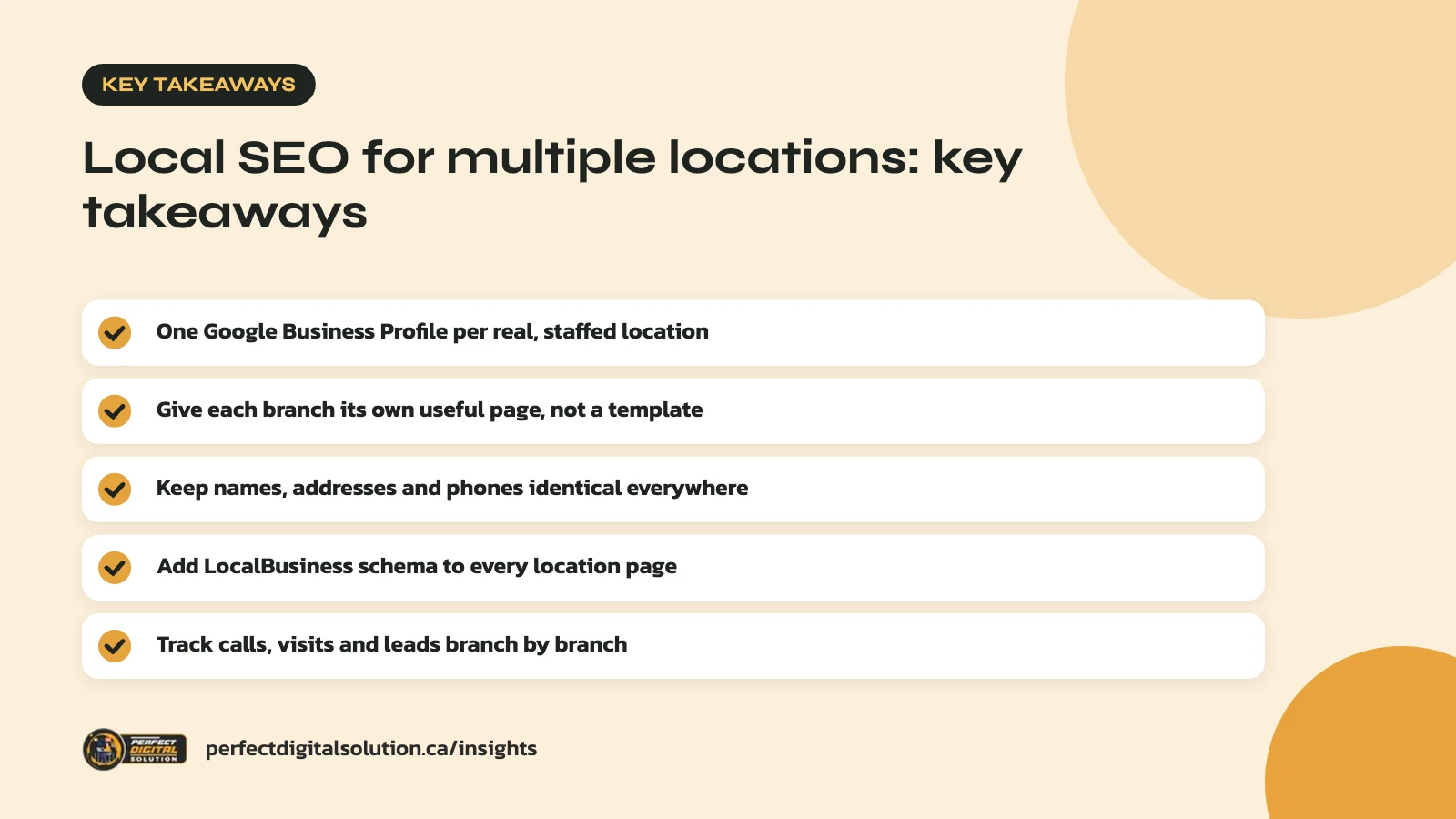
- Create one Google Business Profile per real, staffed location.
- Give every branch its own useful page, not a copied template.
- Keep names, addresses and phone numbers identical everywhere.
- Add LocalBusiness schema to each location page.
- Track calls, visits and leads branch by branch.
What local SEO for multiple locations involves
It is the work of helping each branch rank in its own area, rather than ranking the brand as a whole. A dental group with clinics in Calgary, Edmonton and Red Deer needs each clinic to appear when someone nearby searches for a dentist.
Google explains that local results are based mainly on three things: relevance, distance and prominence. Relevance is how well a profile matches the search. Distance is how far the business is from the searcher. Prominence is how well known the business is, which includes reviews and links. Google’s local ranking help page also states there is no way to pay for a better local ranking.
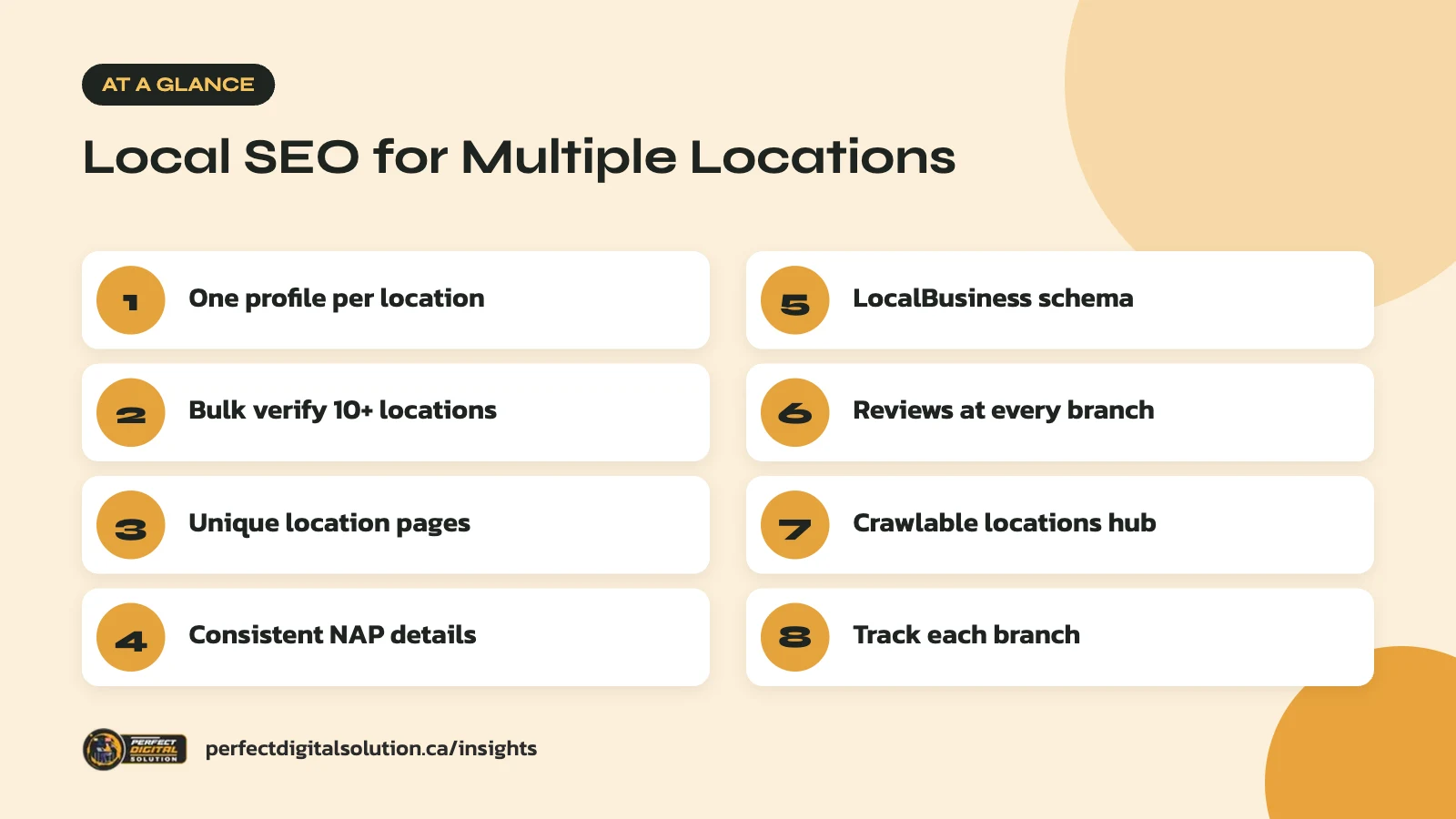
So the job comes down to four building blocks:
- A complete, verified Google Business Profile for each location.
- A strong location page on your website for each branch.
- Consistent business details across the web.
- Reviews and activity that build prominence at every branch.
Set up one Google Business Profile per location
Each physical location that serves customers in person should have exactly one profile. Google’s guidelines for representing your business say not to create more than one profile for each location, in one account or across several.
A few rules matter most when you manage many branches:
- Use a real address. P.O. boxes, mailboxes and virtual offices are not eligible. Co-working offices only qualify with clear signage and staff on site during business hours.
- Keep the same name. All locations in the same country should use the same business name. Do not add city names, slogans or keywords to the name field.
- Share a primary category. Locations that offer the same service should share the one category that best describes the business.
- Handle service areas carefully. If you visit customers instead of hosting them, Google wants one profile for the central office with a service area, not a profile for every town you serve.
Some departments, such as a pharmacy inside a grocery store, can have their own profile if they act as a separate entity with a different name. Read the guidelines before you create these, because mistakes can lead to suspensions.
Bulk management for 10 or more locations
If your business has 10 or more locations, Google lets you add, verify and manage them in bulk. You upload a spreadsheet and request bulk verification through a form. Google recommends using an email address on your business domain to speed this up.
Each location needs a unique store code. Google uses this code to match spreadsheet rows to the right branch, so it should never change once set. Changing a code for an existing location through a bulk upload can create a duplicate listing.
Build a useful page for every location
Every branch needs its own page on your website, and each page must offer real local information. Link each Google Business Profile to its matching location page, not to your home page.
Be careful here. Google’s spam policies list doorway abuse as a problem, including pages aimed at specific cities that funnel users to one page, or near-identical pages that differ only by the city name. Swapping “Calgary” for “Edmonton” in a template is exactly what to avoid.
A good location page usually includes:
- The branch name, full address, local phone number and hours, including holiday hours.
- An embedded map and simple directions, such as nearby transit or parking.
- Services offered at that branch, especially if they differ from other locations.
- Photos of the actual storefront, team or interior.
- Local staff names or roles, if staff are comfortable with that.
- A few recent reviews from customers of that branch.
- Answers to questions customers at that location often ask.
In our audits we often find location pages with nothing but an address and a contact form. Those pages give Google and customers little reason to choose them. Adding genuinely local detail is usually the quickest win.
If you have branches in Quebec, consider French-language versions of those location pages and profiles. Many customers there search in French, and serving them in their language is good practice.
Keep business details consistent everywhere
Your name, address and phone number (often called NAP) should match exactly across your profile, website and other listings. Small differences, such as “Suite 200” in one place and “#200” in another, can confuse customers and make your data look less reliable.
Use this table as a quick checklist for each branch:
| Where to check | What to match | How often |
|---|---|---|
| Google Business Profile | Name, address, phone, hours, website link | Monthly and before holidays |
| Location page on your site | Same details as the profile | Whenever anything changes |
| Apple Maps and Bing Places | Name, address, phone, hours | Quarterly |
| Industry directories and social profiles | Name, address, phone, website | Twice a year |
When a branch moves or closes, update the profile first, then your site and directories. Mark closed locations as closed in Google Business Profile rather than leaving outdated details live.
Add LocalBusiness schema to each location page
Structured data helps search engines read each branch’s details without guessing. Google’s LocalBusiness structured data documentation lists name and address as required, with properties such as phone, website URL, map coordinates and opening hours recommended.
For a business with several branches, define each location as its own LocalBusiness on its own location page. Use the most specific type that fits, such as Dentist or AutoRepair. Make sure the marked-up details match what is visible on the page and in the profile.
We cover which schema types matter most in our guide to schema markup for AI search.
Manage reviews at every branch
Reviews feed prominence, which makes them central to local SEO for multiple locations. Every branch needs its own steady flow of them. A strong head office rating does not help a branch with only three reviews.
Give each branch its own direct review link and train front-line staff to ask happy customers in person or by follow-up email. Reply to reviews at every location, including negative ones, in a calm and helpful tone. Google notes that replying shows customers you value their feedback.
Never offer discounts or gifts in exchange for reviews, and never ask only happy customers through a filter. Our guide on how to get more Google reviews within Google’s rules covers safe ways to ask. If you send review requests by email, make sure they follow Canada’s Anti-Spam Legislation (CASL).
Structure your website for many locations
A clear structure helps both visitors and search engines find every branch, and it is the backbone of local SEO for multiple locations on your own site. Most businesses do well with one locations hub that links to each branch page.
A simple pattern that works
- A main “Locations” page listing every branch, grouped by province or city.
- One URL per branch, such as /locations/calgary-beltline/.
- Plain HTML links from the hub to each branch page, so crawlers can follow them.
- Links from relevant service pages to the branches that offer that service.
Store locators that only show results after a user types a postal code can hide branch pages from search engines. Keep a crawlable list of links alongside any locator tool. Our technical SEO checklist covers crawl and indexing checks in more detail.
Track results location by location
Measure each branch separately, because a healthy total can hide a branch that is struggling. Google Business Profile shows performance data for each location, such as calls, direction requests and website clicks.
Add UTM tags to the website link in each profile, for example utm_source=google and utm_medium=organic with utm_campaign set to the branch name. Your analytics tool can then show which branches send the most visitors and leads.
Review the numbers monthly. Look for branches with few reviews, weak photos or missing details, and fix those first. Good local SEO for multiple locations is ongoing upkeep, not a one-time setup.
How Perfect Digital Solution can help
Our local SEO team sets up and maintains profiles, location pages and schema for businesses with several branches across Canada. If you want a review of how your locations show up today, contact us and we will walk you through what we find.
Related reading: Google Business Profile Checklist for Canadian Service Businesses. · digital marketing in Alberta · multi-city marketing in Alberta
Frequently asked questions
Sources
- Guidelines for representing your business on Google (Google Business Profile Help)
- How to improve your local ranking on Google (Google Business Profile Help)
- Bulk verification for Business Profiles (Google Business Profile Help)
- Add & manage Business Profile store codes for bulk uploads
- Local business (LocalBusiness) structured data (Google Search Central)
- Spam policies for Google web search (Google Search Central)
Written by the Perfect Digital Solution team. We use AI tools to support research and drafting, and every fact in this article is checked by our team against the sources listed above.