Schema markup will not get you into AI answers on its own, but the right structured data still helps search engines and AI systems understand who you are, what you sell and where you operate. Google says there is no special schema you need for AI Overviews or AI Mode. What matters is clean, accurate markup on top of a well-built, useful page. This guide covers which types are worth your time and which ones you can skip.
Key takeaways
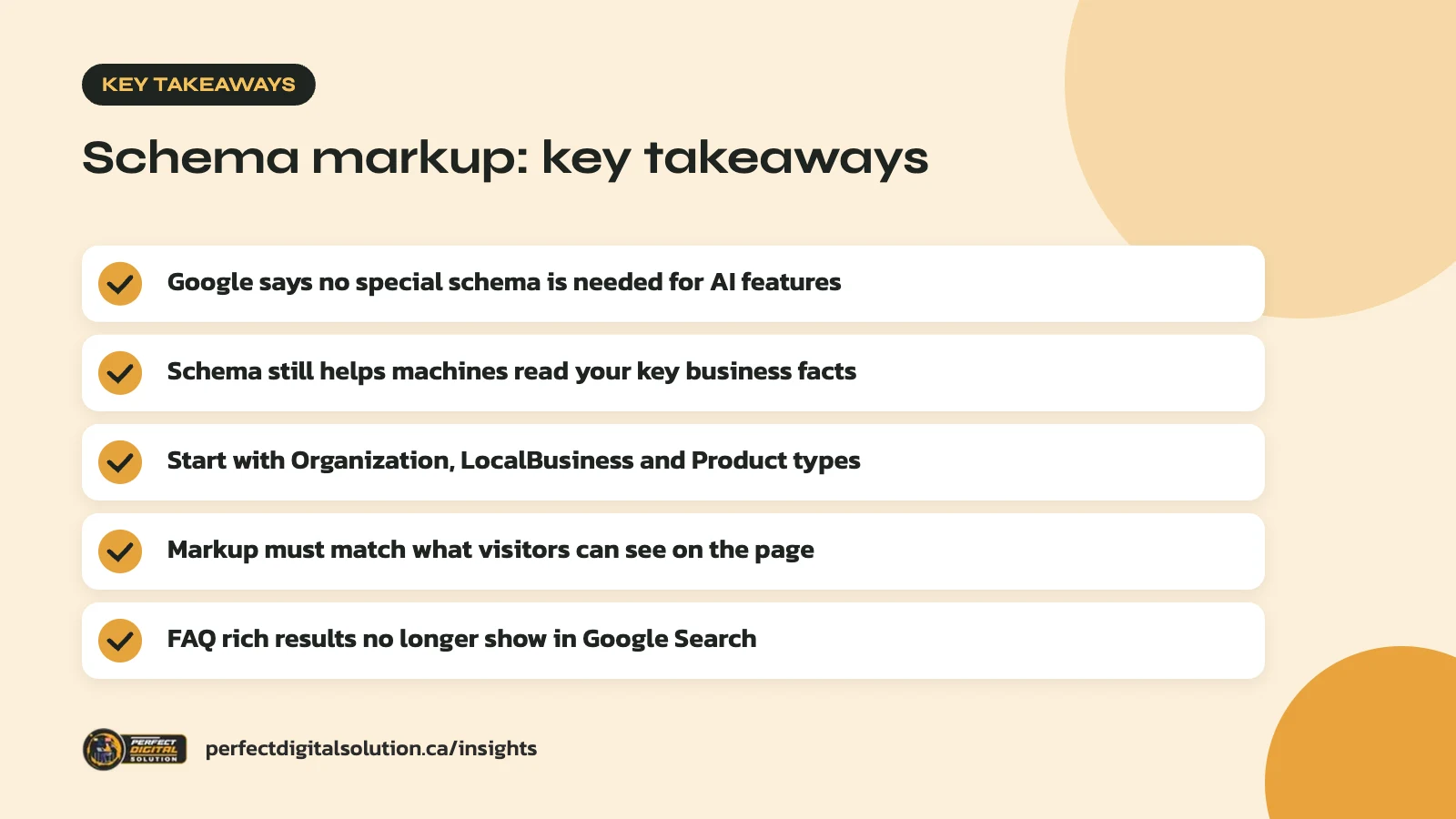
- Google says no special schema is needed for AI features
- Schema still helps machines read your key business facts
- Start with Organization, LocalBusiness and Product types
- Markup must match what visitors can see on the page
- FAQ rich results no longer show in Google Search
What schema markup is, in plain terms
Schema markup is a small block of code that labels the facts on your page, such as your business name, address, hours, products and prices, so machines can read them reliably.
It uses the shared vocabulary from schema.org. Google’s introduction to structured data describes it as a standardized format for giving information about a page and classifying its content. Google supports three formats: JSON-LD, Microdata and RDFa. It generally recommends JSON-LD, which sits in one block of code instead of being woven through your HTML.
For most WordPress and Shopify sites, schema is added by an SEO plugin, the theme or an app. You rarely need to write it by hand, but you do need to check that what gets output is correct.
Does schema markup help you appear in AI search?
Not directly: Google says structured data is not required to appear in its AI features, and there is no special markup to add.
Google’s page on AI features and your website states that there are no additional requirements to appear in AI Overviews or AI Mode. A page must be indexed and eligible to show in Google Search with a snippet. Google’s newer guide to optimizing for generative AI search repeats that structured data is not required for these features, while noting that it helps with eligibility for rich results.
Other platforms describe schema in broader terms. A Microsoft Advertising article on optimizing content for AI search answers calls schema a type of code that helps search engines and AI systems understand your content.
The fair summary: schema markup is not a ticket into AI answers. It is a way to state your key facts clearly and consistently, which supports the rest of your SEO and our approach to generative engine optimization.

The structured data types that actually help
For most Canadian small and mid-sized businesses, a handful of schema types do almost all of the useful work.
| Schema type | Best for | Where to add it |
|---|---|---|
| Organization | Every business: name, logo, contact details, social profiles | Home page or About page |
| LocalBusiness (or a subtype) | Businesses with a physical location or service area | Home page or each location page |
| Product | Online stores: price, availability, reviews | Each product page |
| Article | Blog posts, guides and news | Each article |
| BreadcrumbList | Sites with clear sections and categories | Site-wide, through your theme or plugin |
Other types, such as Event, Video and Recipe, are worth adding only if that content is a real part of your site.
Organization
Google’s Organization markup documentation says it helps Google tell your business apart from others with similar names and can influence the logo and knowledge panel shown in results. Add it to your home page or a single About page, not every page. Useful properties include name, url, logo, address, telephone, email and sameAs links to your official profiles. If you have a physical location or an online store, Google suggests using the most specific subtype you can.
LocalBusiness
LocalBusiness markup lets you state your address, hours, phone number and departments. Google says this can help a business appear in a knowledge panel or local carousel. Keep the details exactly in line with your Google Business Profile and the contact information shown on your site. Our Google Business Profile checklist covers the profile side.
Product
For online stores, Product markup with price, currency (CAD), availability and shipping or return details is one of the most valuable things you can add. It feeds product-rich results and keeps your listing data consistent. Pair it with strong, original descriptions, as covered in our product page SEO guide.
Schema markup you can stop chasing
Some popular types no longer produce any visible result in Google, so they should not be a priority.
- FAQ rich results. Google’s documentation changelog says FAQ rich results stopped appearing in Google Search starting May 7, 2026, and the documentation was removed in June 2026. FAQ content can still be useful on the page for readers. Just do not expect a special listing in Google from the markup.
- Retired features. In 2025, Google phased out several less-used rich results, including course info, estimated salary, learning video, special announcement and vehicle listing.
- llms.txt and “AI files”. Google says you do not need new machine-readable or AI text files to appear in its AI features. In June 2026 it clarified that llms.txt files neither help nor harm visibility in Google Search, though it is fine to keep them for other services.
Before adding a new type, check Google’s current structured data search gallery to confirm it is still supported.
The rules that keep your schema markup safe
Your markup must describe what visitors can actually see on the page, or it can do more harm than good.
Google’s general structured data guidelines say markup must be a true representation of the page content. Do not mark up content that is hidden from readers. Include all required properties for the type you use. Spammy or misleading structured data can lead to a manual action, which removes the page’s eligibility for rich results.
In practice, that means:
- Do not add review stars that are not shown on the page.
- Keep prices, hours and stock status in sync with what customers see.
- Do not mark up a business address you do not actually serve from.
- Remove markup for products or events that no longer exist.
Google’s AI features page makes the same point: make sure your structured data matches the visible text on the page.
How to add and test structured data
Add schema through your existing tools, then test it before and after you publish.
- Audit what you have. Many sites already output schema from a theme, an SEO plugin and an app at the same time, which can create duplicates or conflicts.
- Pick one source. Let one tool handle each type, and turn off duplicates.
- Fill in real details. Add your logo, address, phone, hours and official profile links. Empty or placeholder fields help no one.
- Test it. Use Google’s Rich Results Test to see which rich results a page can qualify for, and the Schema Markup Validator from schema.org to check general syntax.
- Monitor it. After launch, check the rich result status reports in Search Console. Template changes and plugin updates can quietly break markup.
Schema is one part of a bigger AI search strategy
Schema works best as a supporting layer under good content, solid technical SEO and a consistent presence across the web.
Google’s AI guidance keeps returning to basics: let Google crawl your pages, keep important content in text form, provide a good page experience and write content that is useful to people. If AI tools are not mentioning your business, the cause is more likely thin content or weak signals elsewhere than missing schema. Our guide on checking whether ChatGPT and Google AI Overviews mention your business shows how to find out where you stand.
In our audits we often find that a business’s name, address and phone number differ between its website, its Google Business Profile and its directory listings. Fixing those inconsistencies, and then reflecting the correct details in your structured data, is usually a better first step than adding more markup types.
How Perfect Digital Solution can help
Our AI search optimization work includes a structured data review: we check what your site outputs, remove duplicates, add the types that fit your business and test the results. We focus on accurate markup and useful content, with no promises of AI placement. To have your schema checked, contact our team.
Related reading: Google AI Mode Is Now in Canada: What Business Owners Should Know.
Frequently asked questions
Sources
- AI features and your website (Google Search Central)
- Introduction to structured data markup in Google Search (Google Search Central)
- General structured data guidelines (Google Search Central)
- Organization structured data (Google Search Central)
- Latest Google Search documentation updates (Google Search Central)
- Optimizing your content for inclusion in AI search answers (Microsoft Advertising)
Written by the Perfect Digital Solution team. We use AI tools to support research and drafting, and every fact in this article is checked by our team against the sources listed above.