To market a business across several Alberta cities, build a real presence in each market you serve: a Google Business Profile for each genuine location, a city page only where you have something specific and useful to say, and Google Ads targeted by city where you do not have an office. What you should not do is publish a set of near-identical pages that only swap the city name. Google treats those as doorway pages, and they can drag down your whole site.
Key takeaways
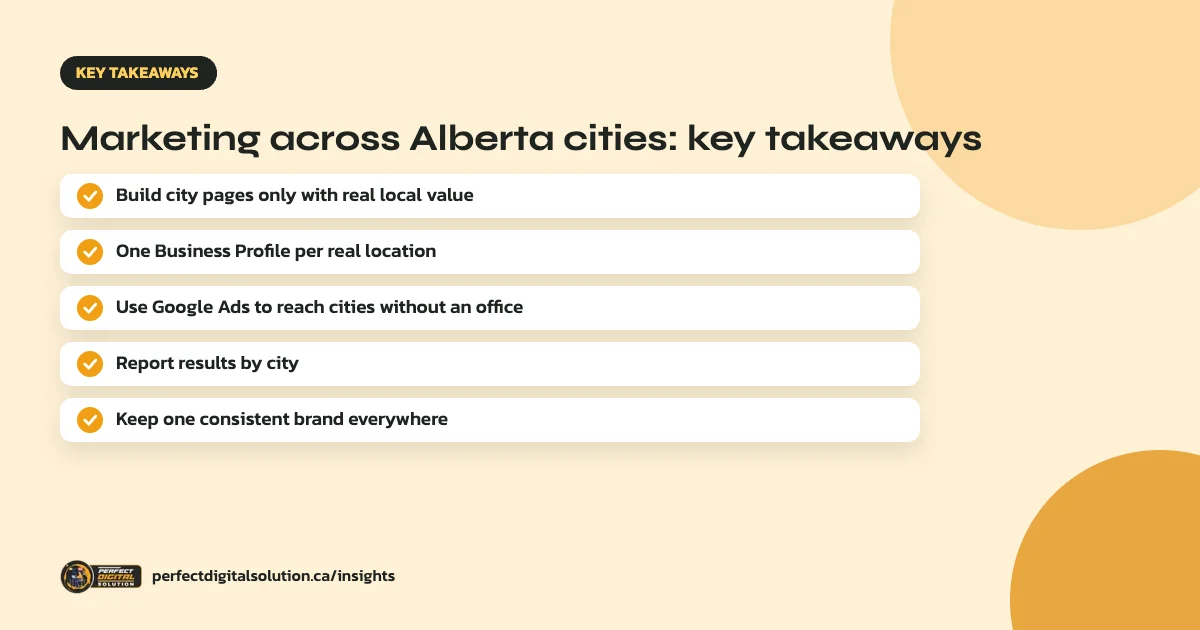
- Create a city page only when you can add real, specific value for that market.
- Each real location can have one Google Business Profile. Towns you only serve are service areas, not new profiles.
- Google Ads is the most reliable way to reach a city where you have no physical presence.
- Track and report leads by city, so you invest where it pays off.
- Keep your brand name, details and message consistent across every market.
What are doorway pages, and why do they hurt?
Google’s spam policies describe doorway abuse as creating sites or pages to rank for specific, similar search queries. One example Google gives is having multiple pages targeted at specific regions or cities that funnel users to one page.
A typical doorway set looks like “Plumber Calgary”, “Plumber Edmonton”, “Plumber Red Deer” and “Plumber Lethbridge”, each with the same text and only the city name changed. These pages rarely rank for long and can be treated as spam. Google’s scaled content abuse policy also covers large amounts of unoriginal, low-value content, however it is produced.

Step 1: Decide which Alberta cities really matter
List the cities where you already get customers, can deliver the service and want to grow. Calgary and Edmonton are the province’s two largest markets, but Red Deer, Lethbridge, Medicine Hat and Grande Prairie may matter more for some businesses. Rank each city by real demand and your ability to serve it.
Step 2: Match each city to the right type of presence
How you approach a city depends on whether you have a real presence there:
- Staffed location customers can visit: eligible for its own Google Business Profile and a dedicated location page.
- Service area you travel to: list it as a service area on the profile for your nearest real location, and cover it on your service pages.
- No presence at all: reach it with Google Ads and relevant content, not a fake address. Google does not allow virtual offices or mailboxes as Business Profile locations.
Step 3: Write city pages that earn their place
A city page deserves to exist when it helps people in that city more than your main service page would. Useful content can include:
- The address, hours, team and photos of the real local location.
- Projects completed in that city, with details and photos.
- Local factors, such as climate, building types, regulations or travel times, that change how you deliver the service.
- Reviews from customers in that city.
- Answers to questions people in that market really ask.
If you cannot fill a page with details like these, keep the city as a service area on your main page instead.
Step 4: Reach cities without a location using ads
Google Ads lets you target each city separately and see results for each one. This is the most reliable way to reach Edmonton or Red Deer customers from a Calgary base. Our guide to Google Ads location targeting explains the settings.
Step 5: Build reviews and links in each market
Ask customers in every city for reviews, and look for genuine local links, such as local associations, suppliers, sponsorships and community groups. These build prominence in each market over time.
Step 6: Report results by city
Track calls, forms and sales by city in Google Analytics, Google Ads and your Business Profiles. Review them monthly and shift time and budget to the cities that bring the best customers. Our guide to local SEO for multiple locations covers managing several real locations.
How Perfect Digital Solution can help
We help Alberta businesses plan and run marketing across Calgary, Edmonton and other cities, with compliant Business Profiles, genuine local pages and ads reported by city. See our digital marketing in Alberta page or request a free review.
Related reading: digital marketing in Alberta · digital marketing in Calgary · Calgary keyword research · local SEO services in Canada · Google Ads management
Frequently asked questions
Sources
- Spam policies for Google web search – Google Search Central
- Guidelines for representing your business on Google – Google Business Profile Help
- Target ads to geographic locations – Google Ads Help
Written by the Perfect Digital Solution team. We use AI tools to support research and drafting, and every fact in this article is checked by our team against the sources listed above.