To plan a mobile app, start with one clear user problem, define the smallest version that solves it, then work through design, privacy, testing and store approval in order. Skipping the early planning steps is the most common reason app projects run over time or get rejected at launch. This guide walks Canadian business owners through each stage, from idea to App Store and Google Play.
Key takeaways
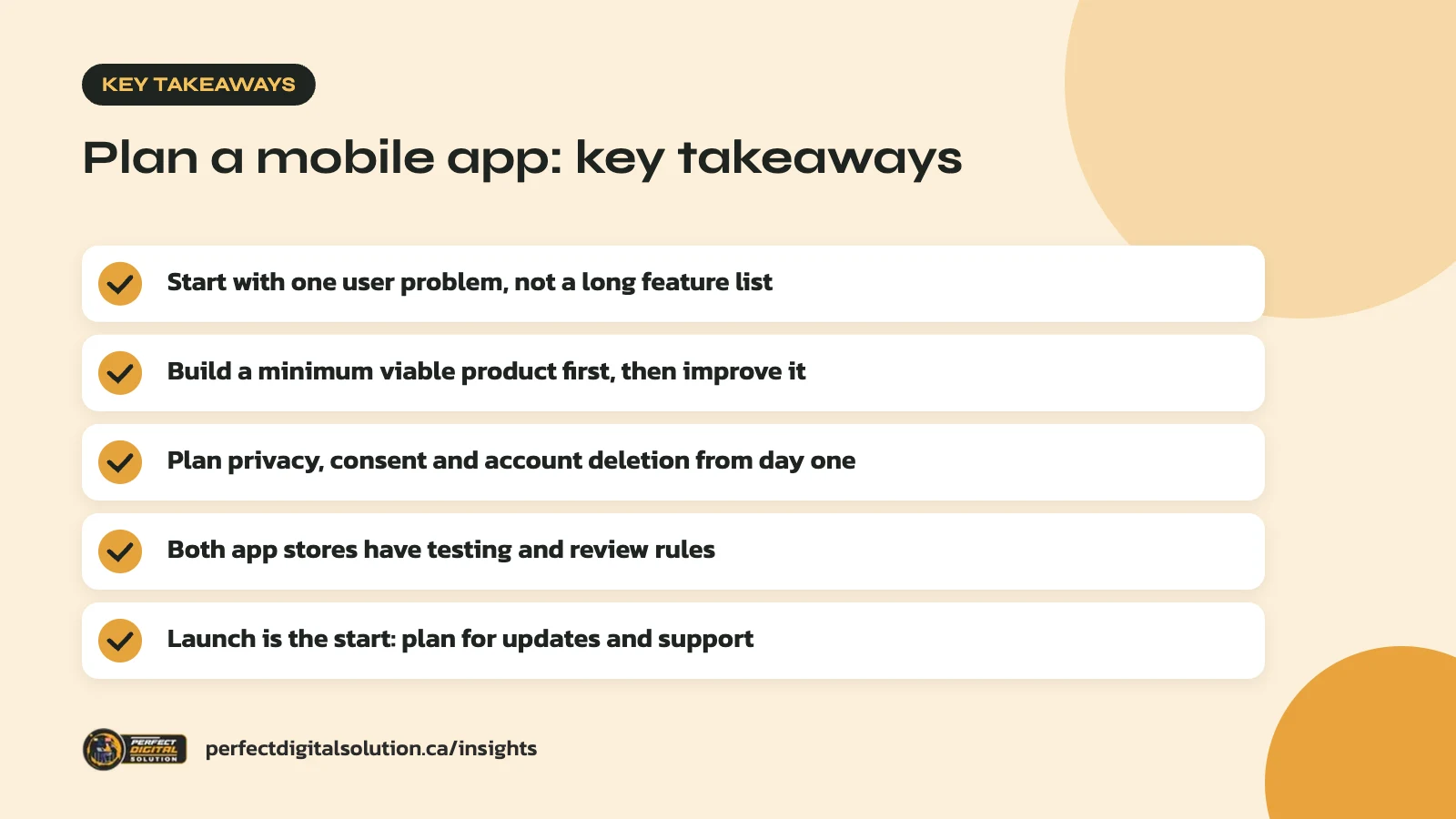
- Start with one user problem, not a long feature list.
- Build a minimum viable product first, then improve it.
- Plan privacy, consent and account deletion from day one.
- Both app stores have testing and review rules to plan around.
- Launch is the start: budget time for updates and support.
Step 1: Before you plan a mobile app, define the problem
Start by writing down in one sentence who the app is for and what problem it solves for them. If you cannot do that, more features will not fix it.
Good app ideas usually come from repeated customer behaviour. Maybe clients book the same service every month, staff need to log jobs from the field, or shoppers keep asking for order tracking. Talk to a handful of real users and listen to how they describe the problem in their own words.
Also ask whether you need an app at all. A fast, mobile-friendly website can handle many of the same jobs, and good web design may solve the problem sooner. Our guide on mobile app vs website explains when an app is worth it. Apple’s App Review Guidelines also expect apps to offer more than a “repackaged website,” so an app needs a clear reason to exist on a phone.
Step 2: Scope a minimum viable product
A minimum viable product (MVP) is the smallest version of your app that solves the core problem well enough for real users to try. It keeps your first release focused and gives you real feedback sooner.
List every feature you can think of, then sort them into three groups:
- Must have: features the app cannot work without, such as sign-in or booking.
- Should have: features that make it better but can wait a few weeks, such as saved favourites.
- Later: nice ideas to revisit once people are using the app.
Be strict. In our planning sessions, the “must have” list often shrinks by half once owners ask what a first-time user truly needs. A smaller first version is also easier to test and easier to get through app store review.
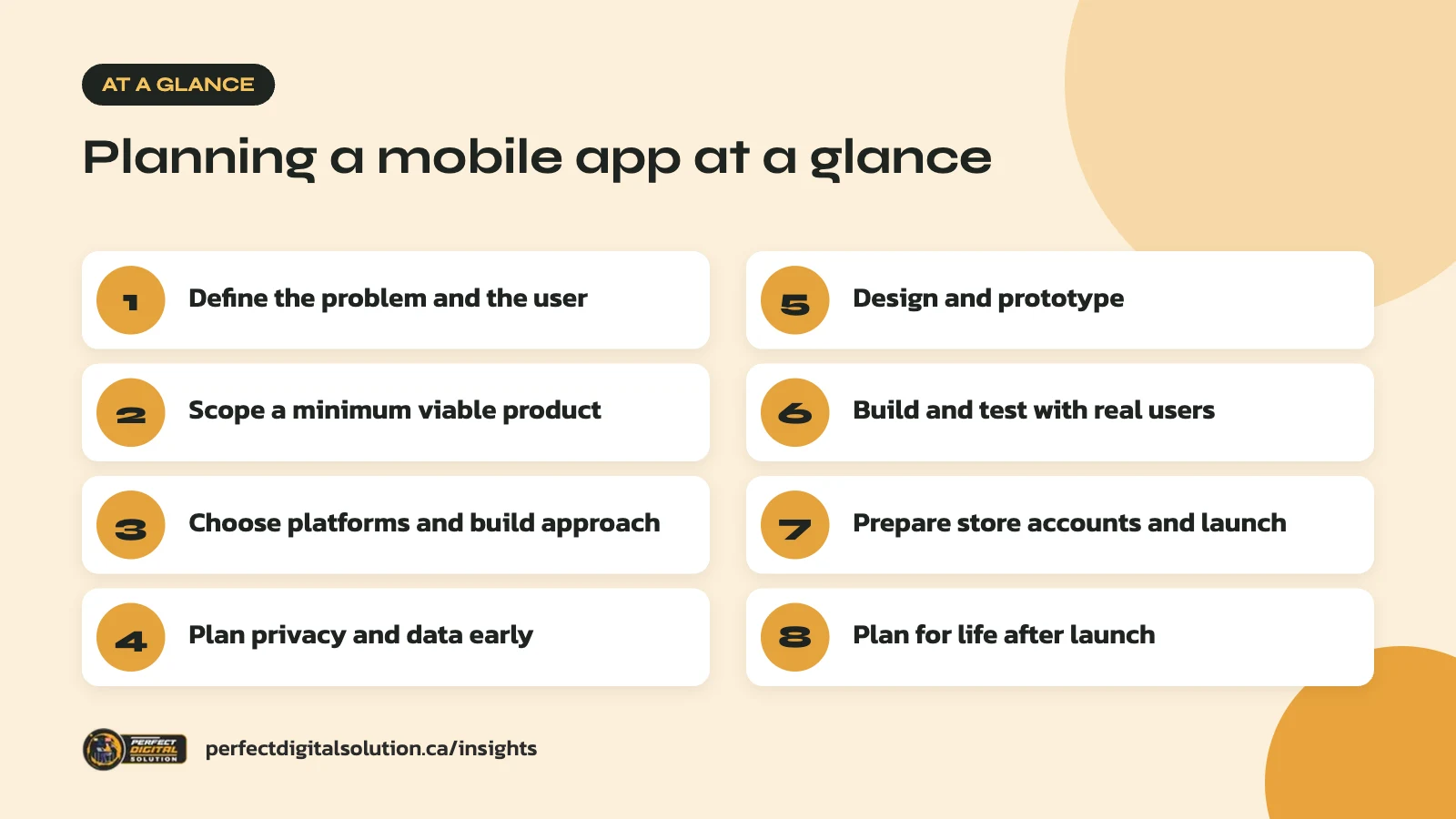
Step 3: Choose your platforms and build approach
Decide early whether you need iOS, Android or both, because it shapes your design, testing and timeline. Look at your website analytics or customer base to see which devices your audience uses.
When businesses plan a mobile app for customers, many launch on both platforms, since people use a mix of iPhone and Android devices. You can build two separate native apps or one shared codebase with a cross-platform framework. Each has trade-offs in performance, access to device features and long-term maintenance, so discuss them with your developer based on what your app needs to do.
Plan the back end at the same time. Most business apps need a server, a database, an admin dashboard and connections to tools you already use, such as your booking system, CRM or online store.
Step 4: Plan privacy and data from day one
Privacy needs to be part of your plan from the start, because Canadian law and both app stores have clear rules about personal information. Retrofitting privacy late in a project is slow and expensive.
Canadian privacy law
The federal Personal Information Protection and Electronic Documents Act (PIPEDA) generally applies to personal information collected in commercial activity. Alberta, British Columbia and Quebec have their own similar private-sector privacy laws. The Office of the Privacy Commissioner of Canada’s guidance on good privacy practices for mobile apps recommends naming someone responsible for privacy, collecting only what you need and giving users clear, timely notices. It also warns against collecting sound or using the camera without the user’s specific permission.
App store privacy rules
- Privacy policy: Apple requires a link to your privacy policy both in App Store Connect and inside the app.
- Privacy labels: Apple asks for app privacy details, including data collected by third-party tools in your app. Google Play requires every app to complete a Data safety form, even if it collects no user data.
- Account deletion: If users can create an account in your app, both Apple and Google require a way to delete it from within the app. Google Play also requires a web link where users can request deletion.
Step 5: Design and prototype the experience
Design the app as simple screens and user flows before any code is written, so you can fix problems while they are still cheap to change.
- Map the main journeys. For example: open app, sign in, book a service, get a confirmation.
- Sketch wireframes. Simple black-and-white layouts for each screen.
- Build a clickable prototype. Let real users tap through it and watch where they get stuck.
- Apply your brand. Add colours, type and icons once the flow works.
Follow each platform’s design conventions where you can. People expect back buttons, menus and gestures to work the way they do in other apps on their phone.
Step 6: Build and test with real users
When you plan a mobile app timeline, testing should run through the whole build, not just the final week, and both app stores offer tools for testing with real people before launch.
On iOS, Apple’s TestFlight lets you invite up to 100 internal testers from your team and up to 10,000 external testers. Each build can be tested for up to 90 days, and the first build sent to external testers goes through a review.
On Android, Google Play has a stricter rule for some new developers. Personal developer accounts created after November 13, 2023 must run a closed test with at least 12 testers who stay opted in for at least 14 days in a row before they can apply for production access. If you are publishing under a personal account, build this time into your plan.
Step 7: Prepare your store accounts and launch
Set up your developer accounts and store listings well before your target launch date, because verification and review can take time.
Developer accounts
To publish on the App Store as a company, Apple requires a D-U-N-S Number registered to your legal entity. Apple says getting one can take up to five business days, plus up to two more business days before you can enrol. Trade names and DBAs are not accepted, so make sure your business is properly registered first.
Common reasons apps get delayed
| Issue | What the stores expect |
|---|---|
| Incomplete app | A final version with no placeholder text and no obvious crashes |
| Login with no test access | A working demo account and live back-end services during review |
| Inaccurate listing | Descriptions and screenshots that reflect the real app |
| Too little functionality | Features and value beyond a repackaged website |
| Outdated Android build | An app that meets Google Play’s current target API level requirement |
Apple’s App Review Guidelines include a “before you submit” checklist that covers most of these points. Write your store description, screenshots and keywords with the same care you would give a landing page.
Step 8: Plan for life after launch
Launch day is the start of your app’s life, so plan for updates, support and marketing from the beginning. Apple notes that apps that no longer work as intended or are no longer supported will be removed from the App Store.
Each year, Apple and Google release new operating system versions, and Google Play updates its minimum target API level requirement over time. Budget time for compatibility updates, bug fixes and new features based on what users tell you.
You will also need a plan to get downloads. Link the app from your website, mention it in emails and on social media, and respond to store reviews. Our 2026 digital marketing plan guide can help you fit app promotion into your wider marketing. When you plan a mobile app with these ongoing needs in mind, you avoid being surprised by work after launch.
How Perfect Digital Solution can help
Our app development team helps you plan a mobile app from first idea to store approval, including scoping, design, privacy setup and testing. If you have an app idea and want an honest view of the right next step, contact us.
Related reading: Native vs Cross-Platform App Development: Which Is Right for Your Business?.
Frequently asked questions
Sources
- Apple Developer: App Review Guidelines
- Apple Developer: TestFlight overview
- Apple Developer: D-U-N-S Number
- Play Console Help: App testing requirements for new personal developer accounts
- Play Console Help: Understanding Google Play’s app account deletion requirements
- Office of the Privacy Commissioner of Canada: Good privacy practices for developing mobile apps
Written by the Perfect Digital Solution team. We use AI tools to support research and drafting, and every fact in this article is checked by our team against the sources listed above.