Social media ROI is the value your social activity brings in, compared with what you spend on ads, tools and staff time. To measure it properly, you need clear goals, clean tracking and a dollar value for each result. This guide shows which metrics matter, how to track them in Google Analytics 4 (GA4), and how to work out a number you can trust.
Key takeaways
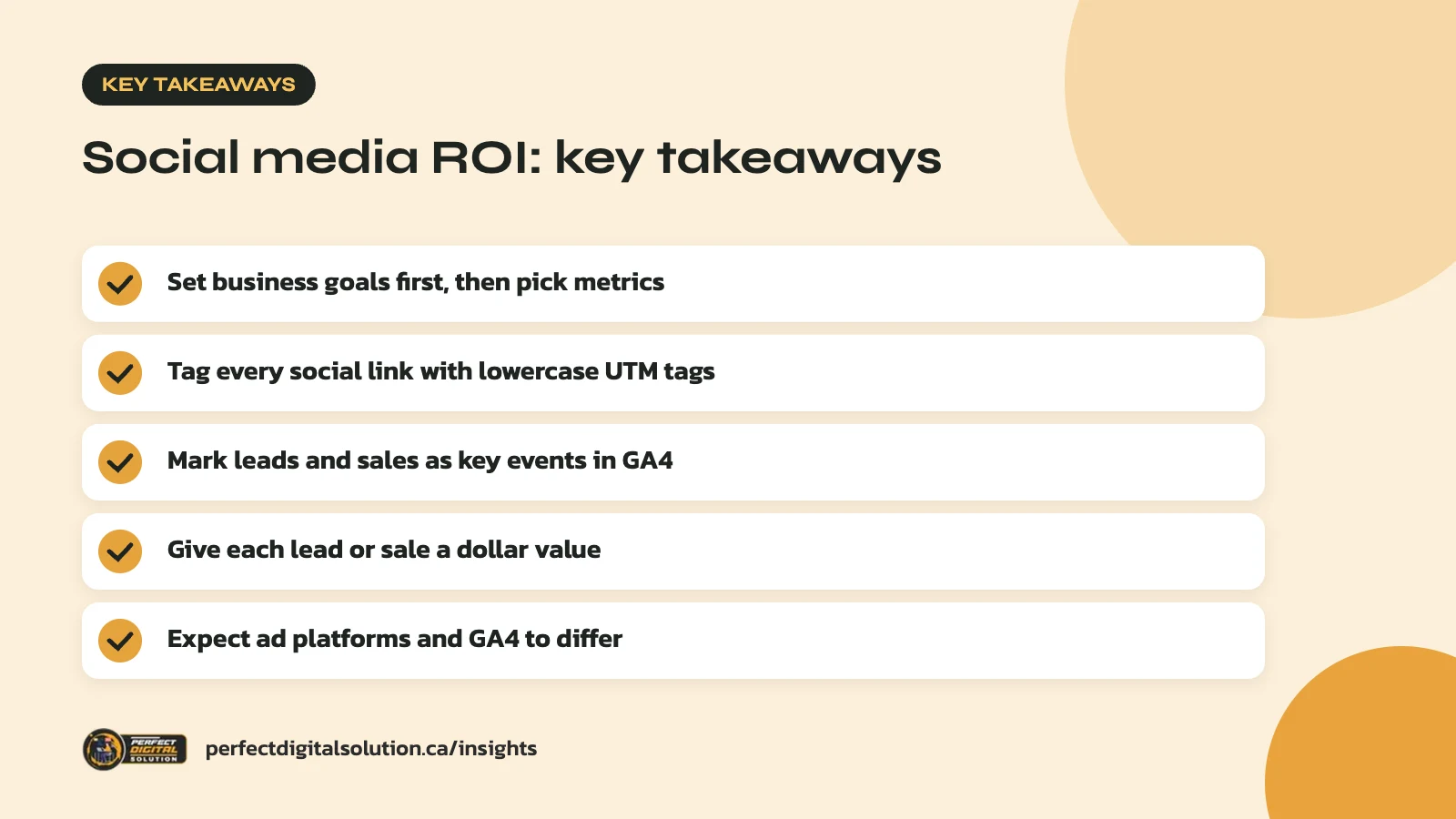
- Set business goals first, then choose metrics that prove them.
- Tag every social link with consistent, lowercase UTM parameters.
- Mark leads and sales as key events in GA4.
- Give each lead or sale a value so you can compare it to cost.
- Expect ad platforms and GA4 to report different numbers.
What social media ROI actually means
Social media ROI compares what you get back from social media with what you put in. It is a business number, not a platform number.
Likes, views and follower counts are easy to see, but they are not a return on their own. A return is something your business can bank or count: a sale, a booked call, a quote request, a newsletter sign-up you can turn into revenue later.
The “investment” side is wider than most people think. It includes ad spend, but also scheduling and design tools, photo and video production, agency or freelancer fees, and the hours your own team spends posting and replying. If you leave staff time out, your numbers will look better than they really are.
Start with goals, not metrics
Pick one or two business goals for each platform before you look at any dashboard. The goal decides which metrics count.
A Calgary restaurant using Instagram to fill weeknight tables needs different proof than a B2B software firm using LinkedIn to book demos. Common goals include:
- Sales: online orders or bookings that started on social.
- Leads: contact forms, quote requests, calls or lead form submissions.
- Retention: repeat customers who follow you and buy again.
- Awareness: reaching new people in your area or industry who later search for you.
- Support: answering questions in comments and messages so fewer reach your phone line.
Write each goal down with a target and a time frame. “More engagement” is not a goal. “Twenty more quote requests from Facebook this quarter” is. If you have not yet decided where to focus, our guide to choosing social media platforms for business can help you narrow it down.
The social media metrics that actually matter
The metrics that matter are the ones that sit closest to revenue. Track a few from each stage of the customer journey, and treat the top-of-funnel numbers as early signals, not proof.
| Stage | Metric | What it tells you |
|---|---|---|
| Reach | Reach, impressions | How many people saw your content |
| Interest | Engagement rate, saves, shares | Whether the content is worth their time |
| Action | Link clicks, landing page views | Whether people take the next step |
| Conversion | Leads, sales, conversion rate | Whether social drives real business |
| Value | Revenue, cost per lead, ROI | Whether it is worth the money |
Reach and engagement still matter. They show whether your content earns attention, and weak numbers here usually mean weak results further down. But a post with thousands of likes and no clicks has not paid for itself yet.
In our audits we often find businesses reporting only the top two rows. Adding the bottom three is what turns a social report into an ROI report.
Tag every link with UTM parameters
UTM parameters are short tags added to the end of a link so GA4 can tell which platform, post or ad sent a visitor. Without them, much of your social traffic gets lumped together or lost.
Google’s guide to campaign URL builders says you should always use three parameters:
- utm_source – the platform, such as facebook, instagram or linkedin.
- utm_medium – the type of traffic, such as social for organic posts or paid_social for ads.
- utm_campaign – the campaign or promotion name, such as spring_sale.
Add utm_content when you want to compare two creatives or calls to action in the same campaign.
Keep your naming consistent
UTM values are case-sensitive. GA4 treats “Facebook” and “facebook” as two different sources, which splits your data. Google recommends lowercase and a strict naming convention, so keep a shared spreadsheet of approved values.
Use mediums GA4 understands
GA4 sorts traffic into default channel groups. A medium of “social” is counted as Organic Social. For Paid Social, the source must be a known social site and the medium must match patterns such as “paid_social”, “cpc” or “ppc”. Pick values that land in the right channel, then stick to them.
Turn leads and sales into key events in GA4
GA4 calls the actions you care about “key events.” Marking them is what lets you see which social channels lead to results.
According to Google’s help page on marking events as key events, you can open Admin, go to Events, and click the star beside an existing event. A standard property can have up to 30 key events. The purchase event is marked automatically on websites.
Good key events for social traffic include:
- Contact or quote form submissions.
- Clicks on your phone number or email address.
- Bookings or appointment requests.
- Purchases, with the order value passed through.
- Newsletter sign-ups.
Marking an event only counts data from that point forward. It does not change past reports, so set this up before a campaign starts. If you also run search ads, the same setup supports Google Ads conversion tracking with GA4.
If you collect email addresses through social lead forms or contests, make sure your consent wording follows Canada’s anti-spam law. Our article on CASL rules for businesses covers the basics.
Put a value on every result
To calculate a return, each lead or action needs a dollar value. For online sales this is simple, because GA4 can record the order value. For leads, you need to estimate it.
A simple way to value a lead:
- Find your average sale value from your own records.
- Work out what share of leads usually become customers.
- Multiply the two. The result is the average value of one lead.
If repeat business is a big part of your model, consider using customer lifetime value instead of a single sale. Whatever method you choose, write it down and use it every month. A consistent estimate is more useful than a perfect one you keep changing.
For goals like awareness, you may not be able to put a firm value on results. In that case, track cost per result, such as cost per thousand people reached, and watch for a rise in branded searches and direct visits over time.
How to calculate social media ROI
The basic formula is: ROI = (value gained − total cost) ÷ total cost × 100. A positive result means social media earned more than it cost.
Total cost should include:
- Ad spend on each platform.
- Software, such as scheduling, design or listening tools.
- Content production, including photos, video and copy.
- Agency or freelancer fees.
- Internal staff time, at a realistic hourly rate.
Work out social media ROI per platform as well as in total. You may find LinkedIn brings fewer leads than Instagram but each one is worth much more. Compare periods of the same length, and give new campaigns enough time to collect data before judging them.
Keep paid and organic separate where you can. Paid results are easier to tie to spend, while organic results often show up slowly through repeat visits and word of mouth.
Why platform numbers don’t match GA4
Ad platforms and GA4 rarely report the same number of conversions, and that is normal. Each tool counts credit in its own way.
Social ad platforms report conversions inside their own systems and can count people who saw or clicked an ad within their own attribution window. GA4 counts based on the visits it records and the attribution settings in your property. Google’s help page on advertising and attribution explains that most key events use a 90-day lookback window by default, and that different time zones between tools can also cause gaps.
Other common reasons for mismatches include:
- Visitors who decline cookies or use ad blockers.
- People who see an ad on their phone and buy later on a laptop.
- Missing or broken UTM tags on some links.
Pick one source of truth for reporting, usually GA4 or your CRM, and use platform numbers to optimize ads within that platform. Look at trends over time rather than chasing an exact match. If social media is one part of a wider plan, our 2026 digital marketing plan guide shows how to set channel goals side by side.
How Perfect Digital Solution can help
Our social media marketing team can set up UTM conventions, GA4 key events and simple monthly reports that link your posts and ads to leads and sales. If you want a clearer picture of what social is really doing for your business, get in touch with our team.
Frequently asked questions
Sources
- URL builders: Collect campaign data with custom URLs – Google Analytics Help
- [GA4] Default channel group – Google Analytics Help
- [GA4] Mark events as key events – Google Analytics Help
- [GA4] Advertising and attribution – Google Analytics Help
Written by the Perfect Digital Solution team. We use AI tools to support research and drafting, and every fact in this article is checked by our team against the sources listed above.