
Calgary keyword research means finding the exact words people in Calgary use to search for your service, such as “roofer Calgary”, “Calgary NW dentist” or “bookkeeper near Kensington”, then matching each group of searches to one page on your website. Done well, it tells you which pages to build first, what to write on them and which searches are not worth chasing. This guide walks through a simple process any Calgary business can follow.
Key takeaways
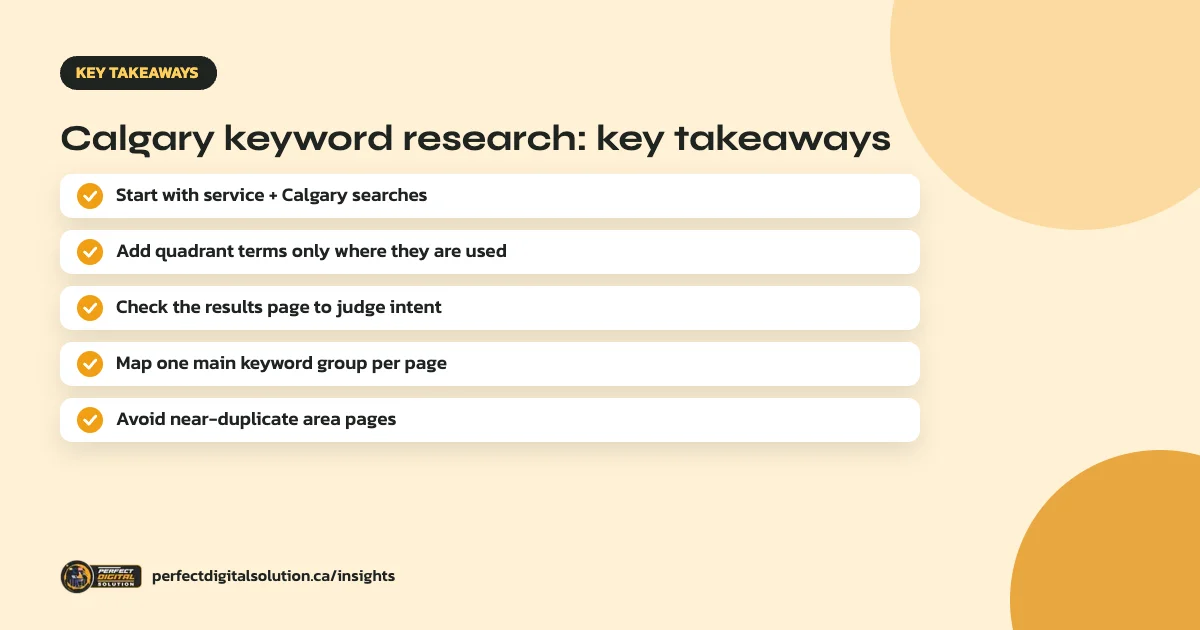
- Most local demand sits in simple searches like your service plus “Calgary”.
- Quadrant (NW, NE, SW, SE) and neighbourhood searches are worth targeting only where people really use them.
- Look at what Google shows for each search to understand what the searcher wants.
- Give each important page one main keyword group, so pages do not compete with each other.
- Do not create near-duplicate pages for every area. Google treats them as doorway pages.
Why local keyword research matters in Calgary
Calgary searchers often add the city, a quadrant or a neighbourhood to their search, or Google assumes local intent from their location. Ranking for the right local searches brings people who are ready to call, book or visit, not just browse.
Keyword research also stops you writing pages nobody searches for. It shows where demand really is, so your SEO budget goes to the pages most likely to bring leads.
Step 1: List your services the way customers describe them
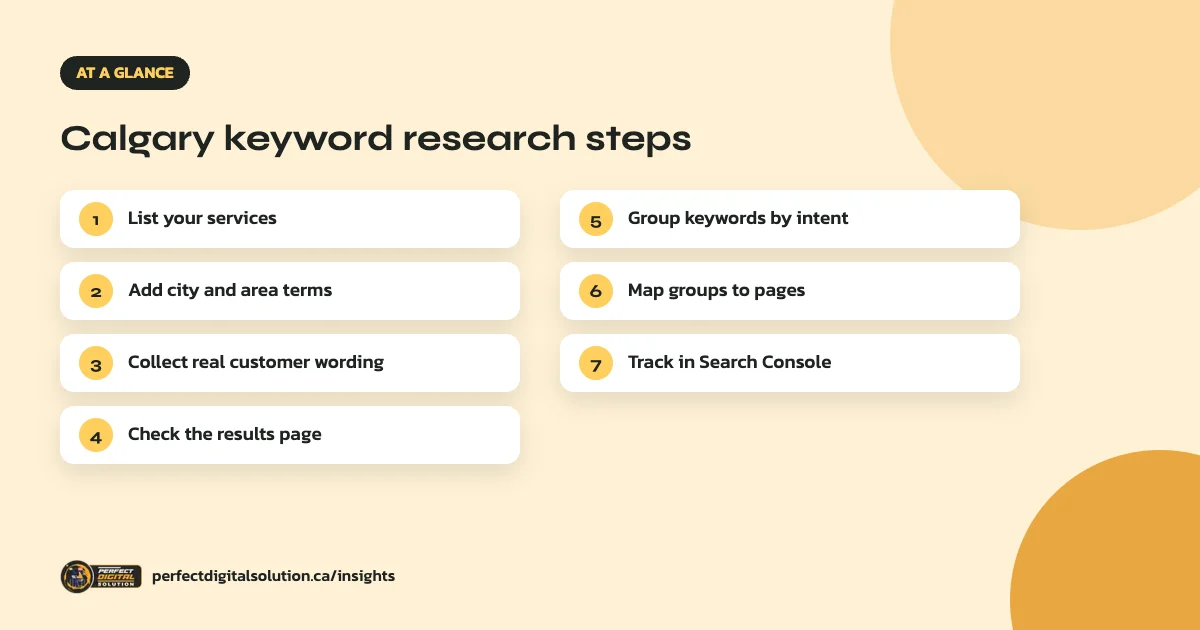
Start with every service you offer, then write down how customers actually describe it. A customer may search “furnace repair” rather than “HVAC maintenance”, or “teeth whitening” rather than “cosmetic dentistry”. Your quotes, emails and call notes are a good source of real wording.
Step 2: Add Calgary location terms
Combine each service with location terms. In Calgary, that usually includes:
- The city: “plumber Calgary”, “Calgary accountant”.
- Quadrants: Calgary addresses use NW, NE, SW and SE, and many people search that way, such as “dentist Calgary NW”.
- Neighbourhoods and districts, such as Beltline, Kensington, Inglewood or Marda Loop, for businesses that serve a small area.
- Nearby towns you serve, such as Airdrie, Cochrane, Okotoks and Chestermere.
- “Near me” searches, which Google answers based on the searcher’s location.
Step 3: Check the results page to understand intent
Search each main keyword yourself and look at what Google shows. A map pack means local intent and makes your Google Business Profile important. Service pages from competitors mean people want to hire. Articles and guides mean people want to learn first.
Match your page to what Google already shows. If every result for a search is a guide, a sales page will struggle to rank for it, and the reverse is also true.
Step 4: Group keywords and map them to pages
Group keywords that mean the same thing, such as “roofer Calgary”, “Calgary roofing company” and “roofing contractor Calgary”. Each group should have one main page. Separate groups for separate services, such as roof repair and roof replacement, usually need separate pages.
Keep a simple sheet with three columns: keyword group, target page and status. This prevents two pages from competing for the same search.
Should you build pages for each Calgary neighbourhood?
Only when you have something genuinely useful to say about that area. Google’s spam policies describe pages targeted at specific regions or cities that funnel users to one page as doorway abuse. Dozens of pages that only swap neighbourhood names are a risk to your whole site.
For most businesses, one strong Calgary service page with a clear service-area section is better. A separate area page can work when it includes real local content, such as projects completed there, area-specific pricing factors or details only that area needs.
Step 5: Measure and refine with Search Console
Once pages are live, Google Search Console shows the actual searches that bring impressions and clicks. Review the Performance report monthly, look for Calgary searches you rank on page two for, and improve those pages first. Our technical SEO checklist covers the basics to check alongside.
How Perfect Digital Solution can help
Our Calgary SEO service starts with keyword and competitor research for your services and service area, then maps every keyword group to a page. See our SEO company in Calgary page or request a free SEO audit.
Related reading: SEO in Calgary · how long SEO takes · service-area business SEO · SEO services in Canada · SEO for Calgary trades
Frequently asked questions
Sources
- SEO Starter Guide – Google Search Central
- Spam policies for Google web search – Google Search Central
- Performance report (Search results) – Search Console Help
Written by the Perfect Digital Solution team. We use AI tools to support research and drafting, and every fact in this article is checked by our team against the sources listed above.