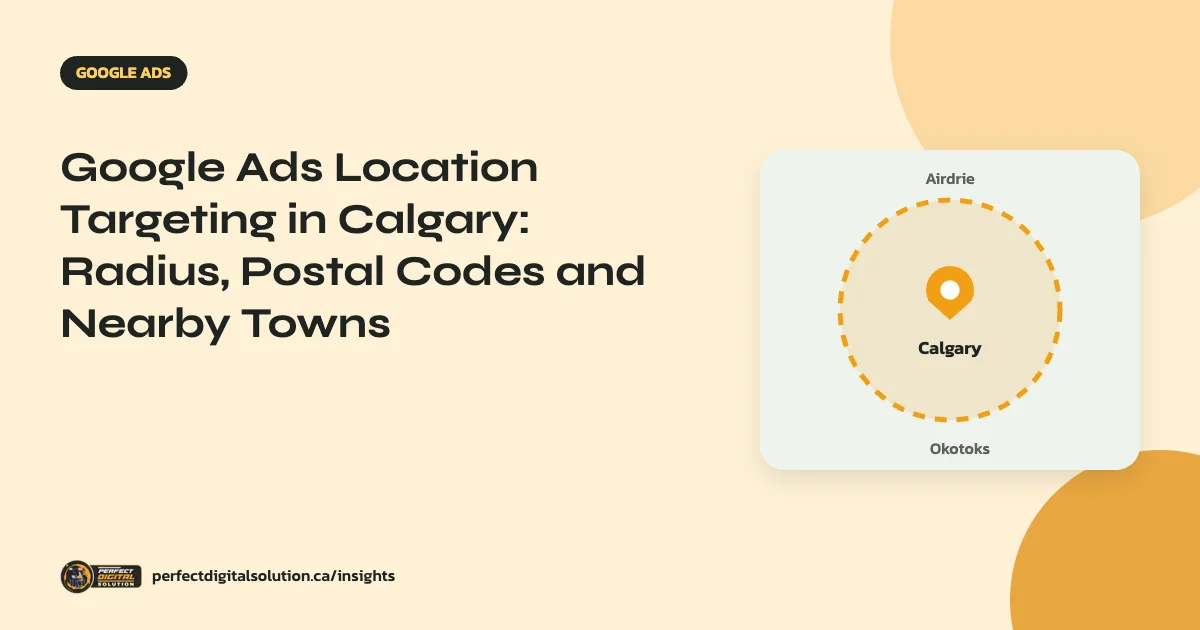
Google Ads location targeting decides where your ads can appear. For a Calgary business, the best setup usually targets only the areas you really serve, by city, postal code or radius, uses the “Presence” option so ads reach people actually in those areas, and excludes places you do not cover. Getting this right is one of the quickest ways to cut wasted spend. This guide explains each setting and how to use it for Calgary and nearby towns.
Key takeaways
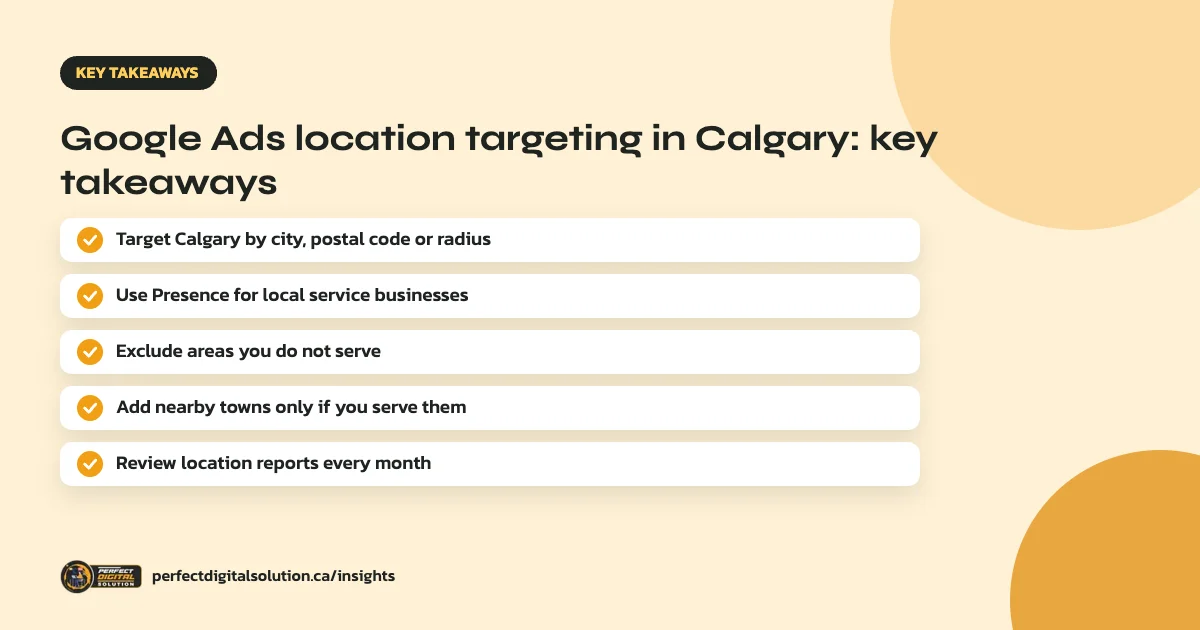
- You can target Calgary as a city, by postal codes or with a radius of at least 1 km around a point.
- “Presence” shows ads to people in or regularly in your area, which suits most local service businesses.
- Exclude areas you do not serve, so you stop paying for clicks you cannot turn into jobs.
- Add Airdrie, Cochrane, Okotoks or Chestermere only when they are really in your service area.
- Check the locations report monthly and adjust bids or targets based on real leads.
What location targeting options does Google Ads offer?
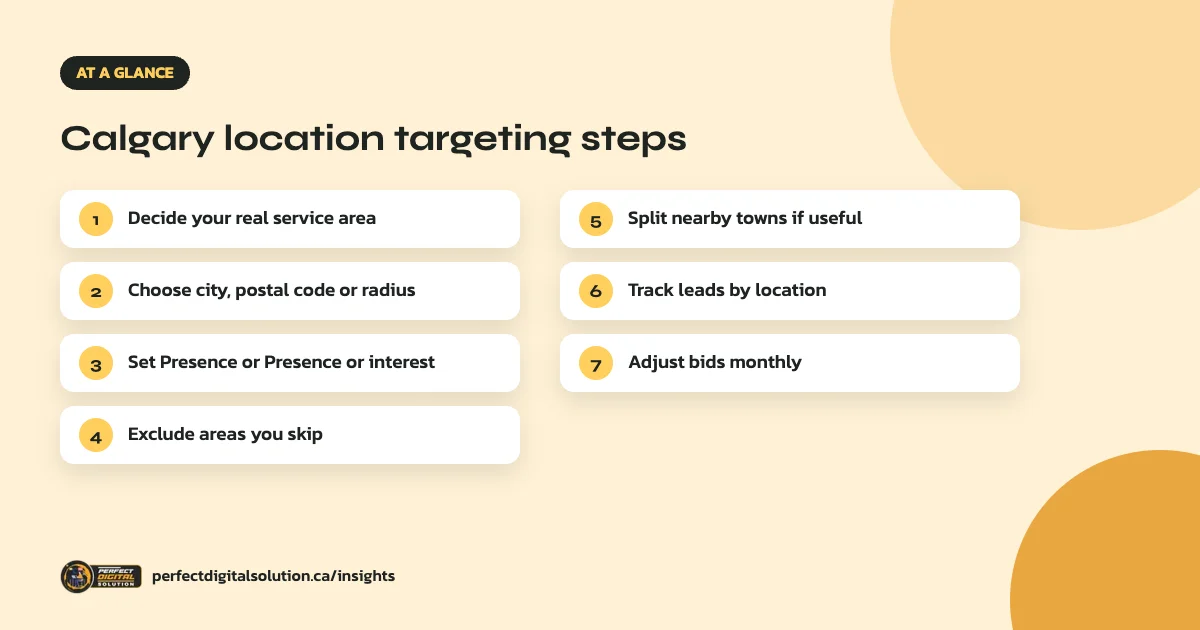
Google Ads lets you target whole countries, areas within a country and a radius around a location. In Canada, areas include provinces, cities and postal code areas. Radius targeting needs a radius of at least 1 km around the chosen point.
For Calgary, that gives you three practical choices:
- City: target Calgary as a whole. Simple and suits businesses that serve the entire city.
- Postal codes: target specific areas, useful if you only serve part of the city.
- Radius: target a set distance around your shop or base, useful for businesses where travel time matters.
Presence vs Presence or interest: which should Calgary businesses use?
Google Ads has two main location options for targeting. “Presence or interest” is the default and reaches people who are in or regularly in your locations, plus people who have shown interest in them. “Presence” limits ads to people who are likely to be in, or regularly in, your targeted areas.
For most local service businesses, such as trades, clinics and home services, “Presence” is the safer choice, because someone in Vancouver researching Calgary is unlikely to need a Calgary plumber. “Presence or interest” can suit businesses that serve visitors, such as hotels, tour operators or event venues, where people plan from elsewhere.
How to exclude areas you do not serve
Exclusions stop your ads from showing to people located in areas you add as excluded. Use them to remove parts of a radius you do not travel to, or nearby towns you do not cover. Exclusions are matched to people likely to be located in those areas, so they work best alongside a sensible target area rather than as a fix for one that is too broad.
Should you include Airdrie, Cochrane, Okotoks and Chestermere?
Include nearby towns only if you serve them and can handle the travel time. Many trades and home service businesses find these areas worthwhile. Add them as separate locations rather than one large radius, so you can see the results for each town and set different bids if one performs better.
Using location data to improve results
The locations report in Google Ads shows where your clicks and conversions come from. Review it monthly. If one area brings cheap, high-quality leads, raise your bid adjustment there. If another brings clicks but no calls, lower the bid or exclude it.
This only works if your conversions are tracked. Our guide to Google Ads conversion tracking explains how to measure calls, forms and bookings.
Common Calgary location targeting mistakes
- Leaving the default “Presence or interest” setting on a local service campaign.
- Targeting all of Alberta when you only serve Calgary.
- Using one huge radius that reaches far beyond your service area.
- Forgetting to exclude areas you never travel to.
- Never checking the locations report after launch.
Location settings work together with keywords, ads and landing pages. Our guide to Search vs Performance Max explains how campaign type affects targeting control.
How Perfect Digital Solution can help
We set up and manage Google Ads campaigns for Calgary businesses with tight location targeting, call and form tracking, and monthly reports on cost per lead. See our Google Ads agency in Calgary page or request a free account audit.
Related reading: Google Ads in Calgary · conversion tracking · Search vs Performance Max · Google Ads management in Canada · SEO for Calgary trades
Frequently asked questions
Sources
- Target ads to geographic locations – Google Ads Help
- About advanced location options – Google Ads Help
Written by the Perfect Digital Solution team. We use AI tools to support research and drafting, and every fact in this article is checked by our team against the sources listed above.