Shopify SEO services are paid help to get a Shopify store found in Google: fixing the technical gaps Shopify leaves to you, improving product and collection pages, writing useful content and protecting rankings during migrations. Shopify handles many basics automatically, so the real decision is which gaps your store has and whether you have the time and skills to close them.
Below: what a Shopify SEO expert or agency actually does, when DIY is enough, what to ask before hiring and what to measure.
Key takeaways
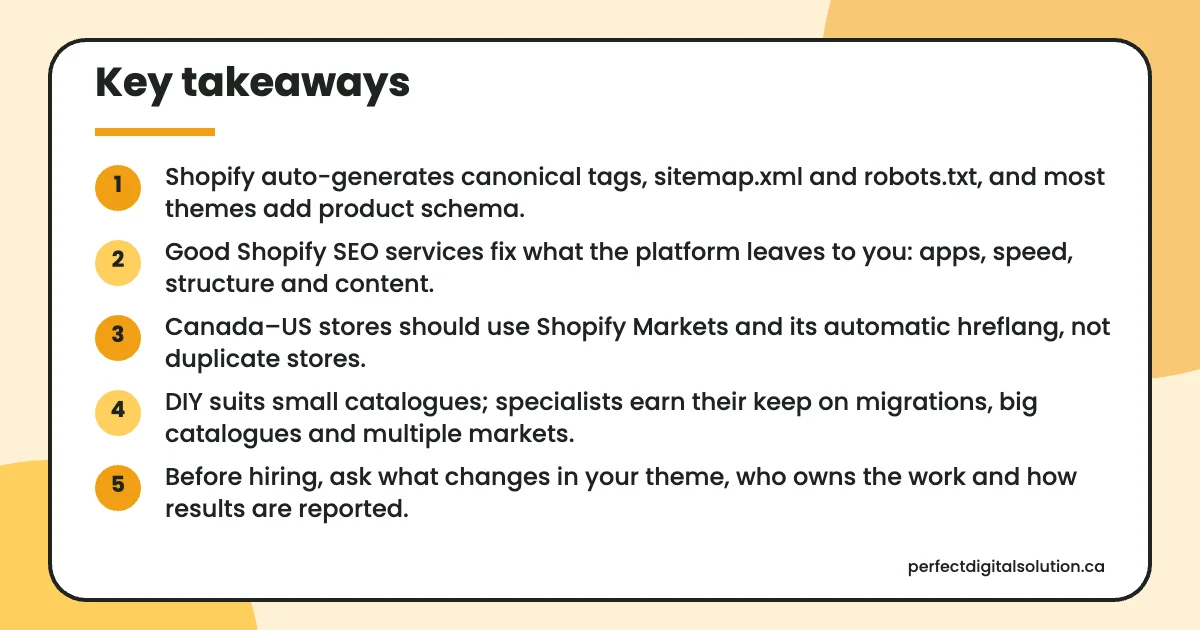
- Shopify auto-generates canonical tags, sitemap.xml and robots.txt, and most themes add product schema.
- Good Shopify SEO services fix what the platform leaves to you: apps, speed, structure and content.
- Canada–US stores should use Shopify Markets and its automatic hreflang, not duplicate stores.
- DIY suits small catalogues; specialists earn their keep on migrations, big catalogues and multiple markets.
- Before hiring, ask what changes in your theme, who owns the work and how results are reported.
What do Shopify SEO services include?
Shopify SEO services usually cover four areas: technical SEO, on-page optimization of products and collections, content, and migrations.
Shopify already does part of the job. According to the Shopify Help Center, stores get auto-generated canonical tags, automatically generated sitemap.xml and robots.txt files, SSL by default, and themes that include product schema markup. You can edit title tags, meta descriptions and URLs for products, collections, pages and blog posts.
So good Shopify SEO services spend most of their time on store-specific problems: how your theme links pages, which apps slow things down, how collections are organized, what content is missing and how your Canadian and US markets are configured.
Which technical Shopify SEO issues need a specialist?
The technical work is mostly about Shopify’s fixed structure, apps and international settings, because the platform covers the basics but not your store’s own setup.
- Fixed URL structure. Shopify places content in set folders such as
/products/,/collections/and/pages/. You can edit the handle after the folder, but not the folder itself, so old URLs from another platform rarely match. - Duplicate product paths. A product can load at its own URL and through a collection path. Shopify’s canonical tag points to the plain product page with no collection or variant selected, as the Shopify Partners blog explains. A specialist checks that your theme’s internal links also point to that canonical version.
- Robots.txt. Shopify says its default file works for most stores. Editing
robots.txt.liquidis an unsupported customization, and Shopify warns that incorrect use can result in loss of all traffic. - Apps and speed. Shopify notes that too many apps loading assets can slow a store, and that uninstalling an app doesn’t automatically remove its code from your theme. Its web performance guide measures speed with Core Web Vitals: loading (LCP), layout stability (CLS) and responsiveness (INP).
- Structured data. Themes add product schema, but apps for reviews or SEO can add a second copy. A specialist checks for duplicates and confirms the markup matches what shoppers see on the page.
- Markets and hreflang for Canada and the US. With Shopify Markets, hreflang tags are generated automatically from your market and language settings. Shopify recommends subfolders for most stores, and search crawlers are excluded from automatic redirection so every version can be indexed. The work is making sure your setup matches how you actually sell in each country.
What on-page and content work is involved?
On-page work makes each product and collection page match how shoppers search, and content work answers the questions people have before they buy.
For products, that means clear titles, original descriptions instead of manufacturer copy, descriptive image alt text and helpful details on sizing, materials or compatibility. Our guide to product page SEO goes deeper on this. For collections, it means short intro copy, a sensible collection structure and internal links between related collections.
Content work covers buying guides, comparisons and care or how-to articles that link back to products. If you want to do the setup yourself, our Shopify SEO checklist lists the steps one by one. This article is about deciding when to bring in help.
Why do Shopify migrations need extra SEO care?
Migrations need a full URL map and redirects, because Shopify’s link structure is likely different from your old platform.
Shopify’s migration guide warns that old links to specific pages likely won’t load unless you set up redirects, and that redirects help preserve SEO ranking. You can add them one at a time or import them from a CSV file. A specialist builds the old-to-new map, imports it, then checks your most-visited pages and Google Search Console after launch.
Should you hire a Shopify SEO expert or do it yourself?
Do it yourself if your catalogue is small and you have regular time each week; hire a Shopify SEO expert or agency when the work is technical, large or risky.
| Your situation | DIY | Specialist help |
|---|---|---|
| New store, small catalogue, one country | Good fit: use Shopify’s built-in fields and a checklist | Optional one-time audit |
| Large catalogue with many collections and filters | Hard to keep consistent | Worth it for templates, structure and internal links |
| Migrating from WooCommerce, Wix or another platform | Risky | Recommended for the URL map, redirects and post-launch checks |
| Selling in Canada and the US with Shopify Markets | Possible with one domain and one language | Recommended with several domains or languages |
Theme code or robots.txt.liquid edits | Not advised without coding skills | Recommended; Shopify Support can’t help with robots.txt edits |
| Slow store with many apps | Remove apps you don’t use | Helpful for leftover code and Core Web Vitals |
What should you ask a Shopify SEO agency before hiring?
Ask questions that show how they work on Shopify specifically, who owns the work and how they will measure it.
- What will you change in my theme code, and will you work on a duplicate theme first?
- Which apps will you add or remove, and why?
- How do you handle collection-path product URLs and internal links?
- How would you set up Markets and hreflang for our Canadian and US customers?
- Will we own Google Search Console, analytics and all content you create?
- What does a monthly report include, and how do you connect SEO to orders?
- What won’t you do? (A good answer includes no guaranteed rankings and no mass-produced pages.)
What should you measure once you hire help?
Measure organic sales and the search data behind them, not just keyword rankings.
- Clicks and impressions for product and collection pages in Google Search Console.
- Indexed pages and any new errors after theme or app changes.
- Orders and revenue from organic search in Shopify and Google Analytics.
- Core Web Vitals in Shopify’s web performance reports.
- 404 errors and redirects after any URL change or migration.
How Perfect Digital Solution can help
Our team handles audits, technical fixes, product and collection optimization, content and migrations as part of our e-commerce SEO services, and you keep ownership of your store, Search Console and all content. If you want a second opinion on your Shopify store, request a free audit.
Related reading: E-commerce SEO · Shopify SEO checklist · Product page SEO · WordPress vs Shopify
Frequently asked questions
Sources
- Search engine optimization overview – Shopify Help Center
- SEO for international markets – Shopify Help Center
- Editing robots.txt.liquid – Shopify Help Center
- Improving web performance – Shopify Help Center
- Setting up URL redirects when migrating to Shopify – Shopify Help Center
- What is a canonical URL? – Shopify Partners Blog
Written by the Perfect Digital Solution team. We use AI tools to support research and drafting, and every fact in this article is checked by our team against the sources listed above.