A Google Ads audit is a step-by-step review of your account’s tracking, settings, keywords, ads, landing pages and budgets to find where money is being wasted and where results can improve. Many costly problems come from a handful of settings, so a structured checklist catches them fast.
Below is the 12-step checklist we use, a summary table you can work through, Calgary-specific location checks, and what to fix before the holiday shopping season.
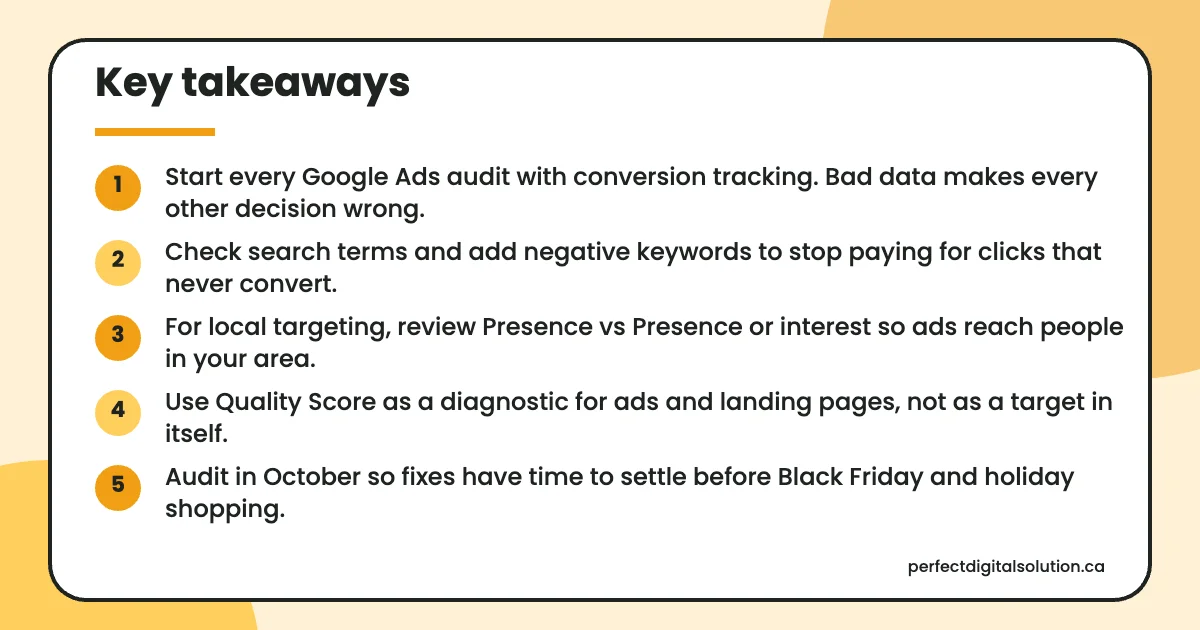
Key takeaways
- Start every Google Ads audit with conversion tracking. Bad data makes every other decision wrong.
- Check search terms and add negative keywords to stop paying for clicks that never convert.
- For local targeting, review Presence vs Presence or interest so ads reach people in your area.
- Use Quality Score as a diagnostic for ads and landing pages, not as a target in itself.
- Audit in October so fixes have time to settle before Black Friday and holiday shopping.
What is a Google Ads audit and when should you run one?
A Google Ads audit is a full health check of your account, and it’s worth running when results slip, when you change agencies or before a busy season.
It’s also smart after a rushed Google Ads setup in Calgary or anywhere else, since early shortcuts in tracking and targeting tend to stay in place for months. Set aside a few hours, open your account and work through the steps in order, because later steps depend on earlier ones.
The 12-step Google Ads audit checklist
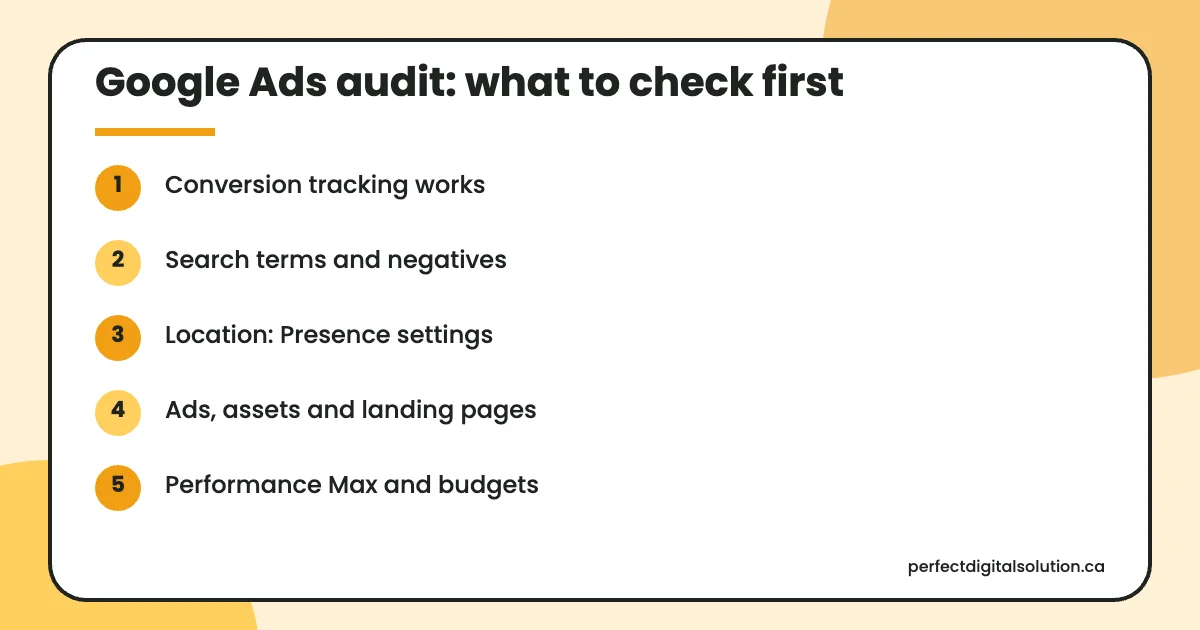
Work through these 12 checks in order, starting with tracking, because every other decision relies on accurate conversion data.
- Conversion tracking. Confirm that every conversion you count is real: form submissions, calls and purchases, each firing once. Check which actions are set as primary goals, since bidding uses them. Our Google Ads conversion tracking guide walks through the setup.
- Account structure. Each campaign should match a clear goal, service or location, with ad groups built around tight keyword themes. Mixed themes make ads less relevant.
- Search terms and negative keywords. Open the search terms report and look for searches that will never buy, such as job seekers, free or DIY queries, or services you don’t offer. Add them as negative keywords.
- Match types. Check that broad match keywords run alongside Smart Bidding and solid conversion data, and that phrase and exact match cover your most valuable searches.
- Location settings. Google’s advanced location options offer two choices. Presence or interest (the default) reaches people in or regularly in your area, plus people showing interest in it. Presence reaches only people likely to be in or regularly in your area. A Calgary plumber who can’t serve out-of-town searchers should test whether Presence cuts wasted clicks, while a hotel or event venue may want visitors’ interest too. Our Calgary location targeting guide covers radius and city settings.
- Ads and assets. Responsive search ads accept up to 15 headlines and 4 descriptions, and Google’s guidance suggests aiming for Ad Strength of Good or Excellent. Add sitelinks, calls, callouts and location assets where they fit.
- Quality Score. Quality Score runs from 1 to 10 at the keyword level and combines expected click-through rate, ad relevance and landing page experience. Google’s Quality Score page notes it is a diagnostic tool, not an input in the ad auction, so use it to spot weak ads and pages.
- Landing pages. Each ad should lead to a page that matches the search, loads quickly on mobile and makes calling or booking easy. Sending every click to the home page is a common leak.
- Bidding. Check that each bid strategy matches the goal and has enough conversion data. A target that is too strict can quietly limit traffic.
- Performance Max. Google added more visibility and control to Performance Max in 2025, including search terms reporting, campaign-level negative keywords and a channel performance report. Use them to see where spend goes and to exclude irrelevant queries. If you’re unsure which campaign type fits, compare Search and Performance Max before adding budget.
- Budget pacing. Google’s budget rules allow spend of up to two times your average daily budget on a single day, with a monthly limit of 30.4 times it for most campaigns. Watch for campaigns limited by budget while weaker ones spend freely.
- Recommendations and change history. Review auto-applied recommendations and the change history so you know who changed what, and why.
Google Ads audit checklist table
Use this table as a quick reference while you work through the account.
| Area | What to check | Common problem |
|---|---|---|
| Conversion tracking | Real actions, counted once, correct primary goals | Page views or duplicates counted as leads |
| Structure | Campaigns by goal, service or location | One campaign for everything |
| Search terms | Irrelevant queries added as negatives | Paying for jobs, free or DIY searches |
| Match types | Broad match paired with good data | Broad match with no tracking |
| Location | Presence vs Presence or interest | Clicks from outside your service area |
| Ads and assets | Ad Strength, sitelinks, calls | Few headlines, missing assets |
| Quality Score | Below average components | Ad or page doesn’t match keyword |
| Landing pages | Match, speed, clear contact | All traffic to the home page |
| Bidding | Strategy fits goal and data | Targets too strict to spend |
| Performance Max | Search terms, negatives, channels | No review of where spend goes |
| Budget | Pacing and limited-by-budget flags | Best campaign starved of budget |
| Change history | Who changed what | Auto-applied changes nobody reviewed |
How should you prepare Google Ads for the holiday shopping season?
Run your audit in October so fixes have a few weeks to settle before Black Friday on November 27 and Cyber Monday on November 30, 2026.
- Fix tracking first, since Smart Bidding will use holiday data to make decisions.
- Write sale ads and promotion assets early so they’re approved before launch day.
- Plan budgets with daily overspend rules in mind, and move budget to proven campaigns.
- For short sales, consider seasonality adjustments. Google says they work best for events of about one to seven days and may hurt performance over longer periods, such as more than 14 days.
For wider planning, see our Black Friday marketing guide for Canada.
How Perfect Digital Solution can help
As a Google Ads agency in Calgary, we audit local and Canada-wide accounts using this checklist, and our Google Ads management services cover the fixes if you’d like help. You keep ownership of your account either way. Request a free audit to see what we’d check first.
Related reading: PPC agency Calgary · Google Ads location targeting in Calgary · Google Ads conversion tracking · Search vs Performance Max
Frequently asked questions
Sources
- About advanced location options – Google Ads Help
- About Quality Score for Search campaigns – Google Ads Help
- About responsive search ads – Google Ads Help
- Unlock more visibility and control in Performance Max – Google Ads Help
- About average daily budgets – Google Ads Help
- About seasonality adjustments – Google Ads Help
Written by the Perfect Digital Solution team. We use AI tools to support research and drafting, and every fact in this article is checked by our team against the sources listed above.