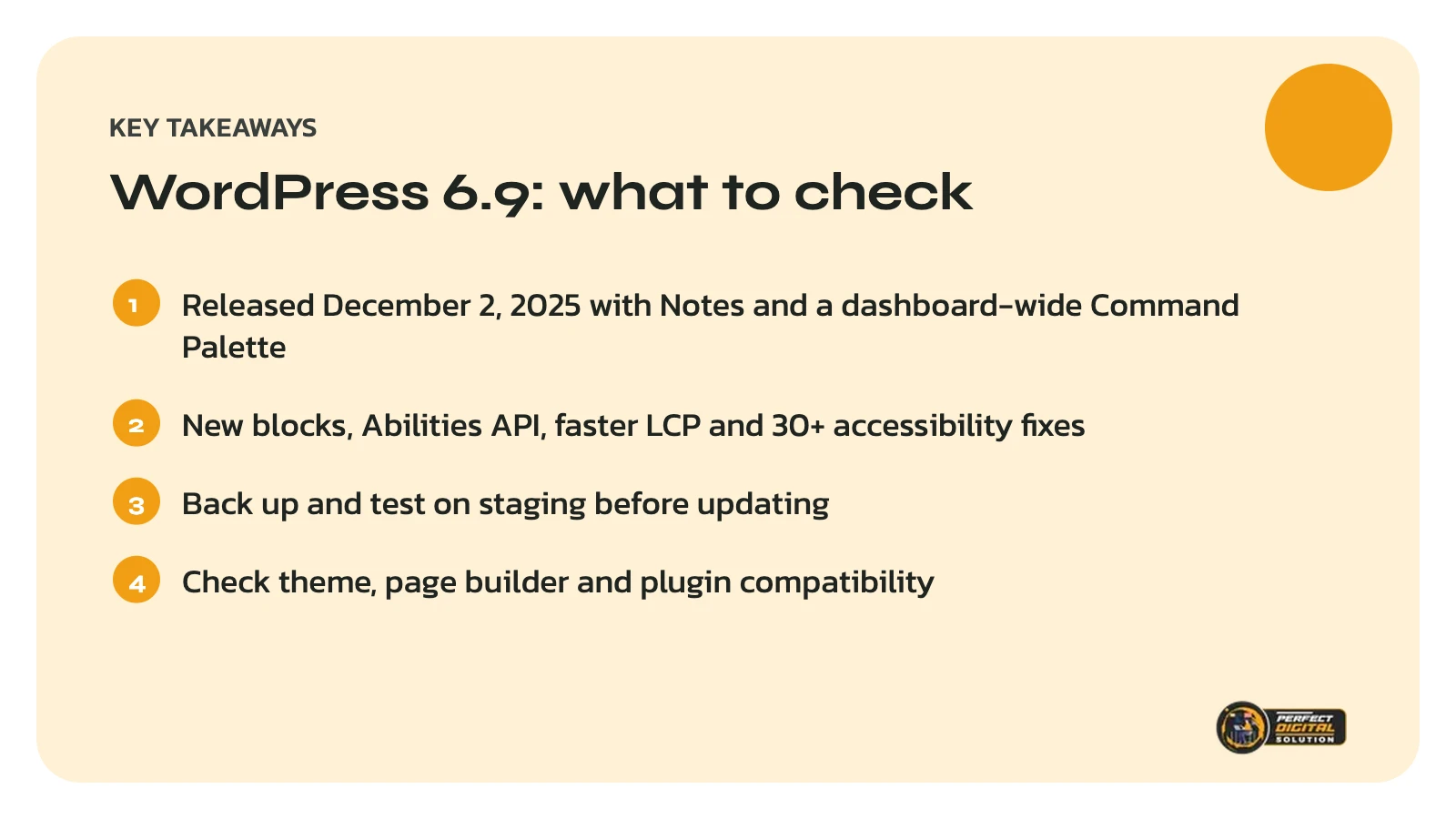
Quick answer: WordPress 6.9, released on December 2, 2025, adds block-level Notes for team feedback, a Command Palette across the dashboard, new blocks, a new Abilities API for developers, frontend performance improvements and more than 30 accessibility fixes. Before updating a business site, take a full backup, test on a staging copy and check that your theme and plugins support WordPress 6.9.
WordPress 6.9 was the second and final major WordPress release of 2025. This guide focuses on what matters to business owners rather than developers, and gives you a simple checklist for updating safely.
What is new in WordPress 6.9?
Notes for team feedback
Notes let you attach comments directly to blocks in the post editor. Team members can leave feedback on a specific paragraph or image while a page is being written, which makes reviewing content much easier than swapping screenshots and emails.
A Command Palette across the dashboard
The Command Palette is now available throughout the WordPress dashboard, not just in the editor. You can jump to settings, pages and tools with a few keystrokes.
New blocks and text options
WordPress 6.9 introduces several new blocks, including an Accordion block, a Math block, a Time to Read block and a Terms Query block, along with more visual drag-and-drop. Paragraph and Heading blocks also gain a “fit text to container” option.
An accordion block is useful for FAQs and long service details, as long as the important text is still on the page for visitors and search engines.
Abilities API for automation and AI
The Abilities API gives WordPress a standard registry where core, plugins and themes describe what they can do. Developers and AI agents can use it to discover and run site actions in a consistent way. Most site owners will not see it directly, but it lays the groundwork for smarter integrations.
Performance and accessibility
The release includes frontend performance improvements, including better Largest Contentful Paint (LCP), one of Google’s Core Web Vitals. It also includes more than 30 accessibility fixes for screen reader announcements and keyboard focus.
Should you update to WordPress 6.9 right away?
For most business websites, the safest approach is to update within a few weeks, after testing. Major releases are well tested, but conflicts usually come from older themes or plugins rather than WordPress itself.
Prefer to have someone else handle updates? We test WordPress updates on a staging copy before they touch your live site. Get a free website health check.
WordPress 6.9 update checklist
- Take a full backup of files and the database, and confirm you can restore it.
- Check compatibility notes for your theme, page builder and key plugins.
- Update on a staging site first if your host offers one.
- Test critical journeys: forms, bookings, checkout, logins and menus.
- Check speed and layout on mobile and desktop after updating.
- Confirm your PHP version meets the recommendation on WordPress.org’s requirements page.
- Update the live site at a quiet time and re-test the key pages.
What if something breaks after the update?
If a page or feature stops working, restore your backup or temporarily deactivate the plugin you suspect, then contact the plugin or theme developer. Avoid editing core files. Keeping a log of updates makes troubleshooting much faster.
Why regular updates matter for SEO and security
Updates fix security issues, improve speed and keep your site compatible with modern browsers. A hacked or slow site can lose rankings and customer trust. Pairing updates with regular backups and uptime monitoring is part of every website we manage.
If you are weighing up platforms, our WordPress vs Shopify comparison explains how maintenance differs. To have your WordPress site built or maintained by our team, see our web design and development service.
Related reading: How to Plan a Website Redesign Without Losing Your Google Rankings, Website Accessibility in Canada: What AODA and WCAG Mean for Your Business Site and What Affects the Cost of a Business Website in Canada? 8 Factors to Know.
Frequently asked questions
Sources
- WordPress.org News: WordPress 6.9 “Gene”
- WordPress.org: Version 6.9
- Make WordPress Core: WordPress 6.9 Field Guide
Written by the Perfect Digital Solution team. We use AI tools to support research and drafting, and every fact in this article is checked by our team against the sources listed above.