Website accessibility means building your site so people with disabilities can find, read and use it, including people who use screen readers, keyboards or zoom. In Canada, it is also a legal requirement for many organizations, especially in Ontario under the AODA. This guide explains what the rules say, which version of WCAG to aim for and how to check your own business site.
Key takeaways
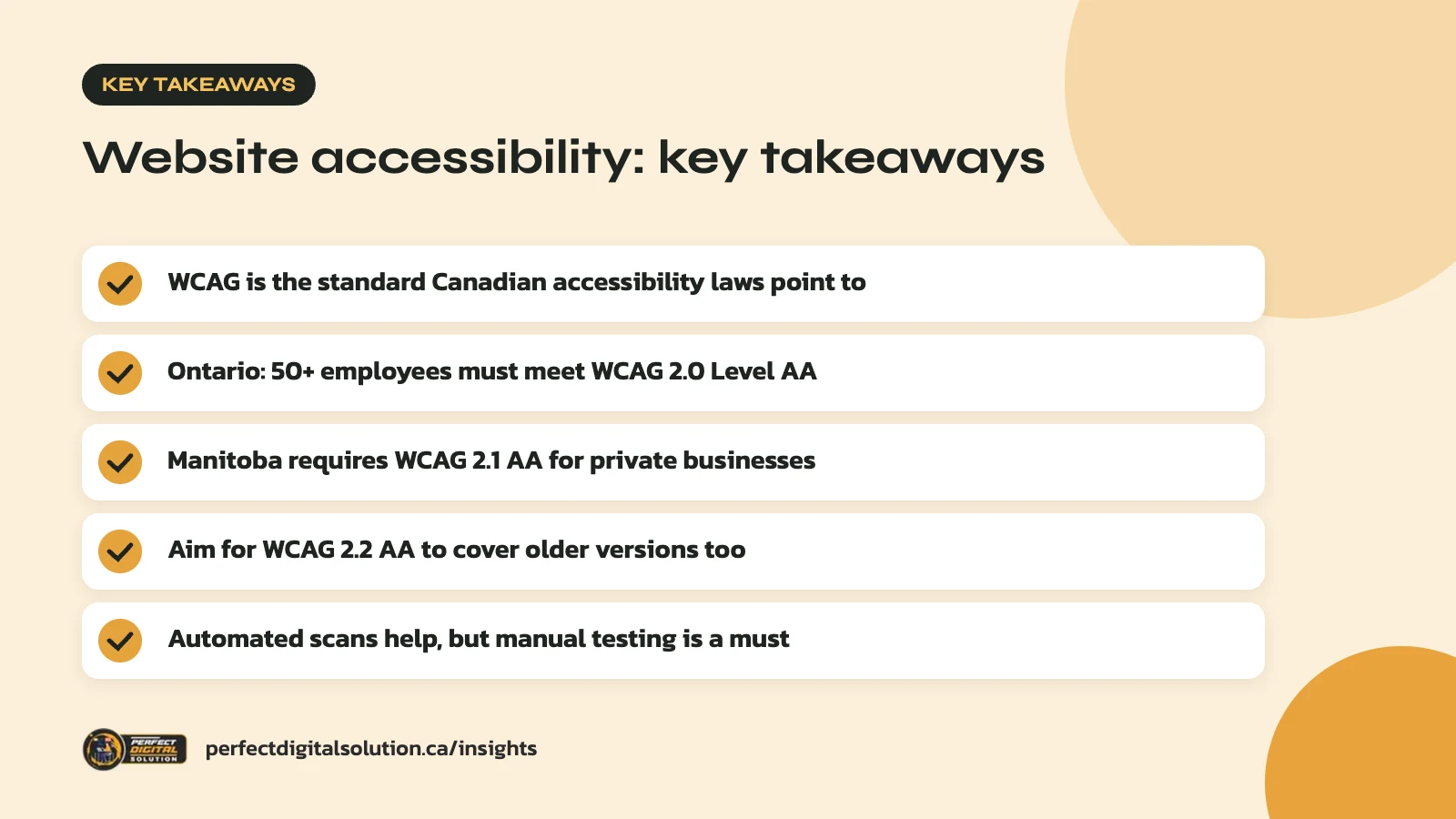
- WCAG is the standard Canadian accessibility laws point to
- Ontario: 50+ employees must meet WCAG 2.0 Level AA
- Manitoba requires WCAG 2.1 AA for private businesses
- Aim for WCAG 2.2 AA to cover older versions too
- Automated scans help, but manual testing is a must
What website accessibility means in practice
Website accessibility is about removing barriers so everyone can use your site, whatever their ability or the tools they use.
That includes people who are blind and use screen readers, people with low vision who zoom in, people who cannot use a mouse, people who are Deaf or hard of hearing, and people with cognitive or learning disabilities. It also helps older customers, people on small phone screens and anyone using your site in bright sunlight.
The common yardstick is the Web Content Accessibility Guidelines, or WCAG, published by the W3C. According to the W3C’s WCAG overview, the guidelines are built on four principles: content must be perceivable, operable, understandable and robust. Each guideline has testable success criteria at three levels: A, AA and AAA. Most laws point to Level AA.
Is website accessibility the law in Canada?
Yes for many organizations, but the rules depend on your province and whether you are federally regulated.
There is no single national rule that covers every private business website. Instead, a few laws set specific requirements:
| Law | Who it covers | Website standard |
|---|---|---|
| Ontario: Accessibility for Ontarians with Disabilities Act (AODA) | Designated public sector organizations, and businesses and non-profits with 50 or more employees | WCAG 2.0 Level AA (with two exceptions) |
| Manitoba: Accessibility Standard for Information and Communication | Organizations with one or more employees; private sector deadline was May 1, 2025 | WCAG 2.1 Level AA at minimum |
| Federal: Accessible Canada Act | Federally regulated organizations, such as banks and airlines (businesses with 9 or fewer employees are exempt) | Accessibility plans, feedback process and progress reports, published from your home page |
If you operate in other provinces, check your province’s own accessibility legislation and human rights rules. Even where no specific web rule applies to you, an accessible site is good practice and reduces the risk of shutting out customers.
What the AODA requires for your website
Under the AODA, Ontario businesses and non-profits with 50 or more employees must make their public websites meet WCAG 2.0 Level AA.
The Ontario government’s guide on how to make websites accessible sets out the key points:
- The requirement has applied since January 1, 2021.
- It covers websites and web content published after January 1, 2012.
- Two criteria are exempt: live captions (1.2.4) and pre-recorded audio descriptions (1.2.5).
- It applies if you control the website directly or through a contract, so hiring an agency does not move the responsibility.
Smaller Ontario businesses still have duties. The province’s page on accessibility rules for businesses and non-profits says all organizations must provide accessible information on request, at no extra cost, and offer accessible ways to give feedback. Businesses with 20 or more employees must also file an accessibility compliance report every three years, with the next one due December 31, 2026.
WCAG 2.0, 2.1 or 2.2: which should you aim for?
Aim for WCAG 2.2 Level AA, because meeting it also means you meet the older versions that Canadian laws reference.
WCAG 2.0 was published in 2008, 2.1 in 2018 and 2.2 in 2023. The W3C says newer versions add success criteria without changing the existing ones, so content that meets 2.2 also meets 2.1 and 2.0. The one exception is that 2.2 removed an old criterion on code parsing that is no longer needed.
The W3C’s summary of what’s new in WCAG 2.2 lists nine new criteria. The Level A and AA ones are practical and worth knowing:
- Focus not obscured: sticky headers, chat widgets and cookie banners must not completely hide the item a keyboard user is on.
- Dragging movements: anything done by dragging, such as a slider, needs a simple click or tap alternative.
- Target size: buttons and links need to be large enough, or spaced well enough, to tap easily.
- Consistent help: contact details or help links should appear in the same place on each page.
- Redundant entry: do not make people type the same information twice in one process.
- Accessible authentication: logins should not force people to remember or solve a puzzle; supporting password managers and paste helps.
The most common accessibility problems we find
Most website accessibility issues come from a short list of everyday design and content habits.
The W3C’s Easy Checks cover many of them, and in our audits we tend to see the same ones again and again:
- Missing or unhelpful alt text. Images that carry meaning need a text alternative. Decorative images should be marked so screen readers skip them.
- Low colour contrast. WCAG asks for a contrast ratio of at least 4.5:1 for regular text. Light grey text on white often fails.
- Skipped or misused headings. Headings chosen for their size, not their order, make pages hard to navigate.
- Keyboard traps and hidden focus. Menus, pop-ups and sliders that cannot be reached or closed with a keyboard.
- Forms without labels. Placeholder text that disappears is not a label. Error messages must say what went wrong.
- Videos without captions. Pre-recorded video needs captions, and transcripts help too.
- Vague link text. “Click here” and “read more” tell screen reader users nothing out of context.
How to test your business website
Use a mix of automated tools and hands-on checks, because no scanner can catch everything.
1. Run an automated scan
Free browser tools can flag missing alt text, contrast failures and missing form labels in minutes. Treat the results as a starting list, not a pass mark. The W3C notes that a tool can spot a missing alt attribute, but only a person can judge whether the alt text makes sense.
2. Put the mouse away
Press Tab through your home page, a service page and your contact form. Can you see where you are at all times? Can you open the menu, submit the form and close any pop-up?
3. Zoom to 200 percent
Text should get bigger without overlapping or forcing you to scroll sideways to read a line.
4. Try a screen reader
VoiceOver on Mac and iPhone and TalkBack on Android are built in. Listen to how your headings, links and buttons are announced.
5. Ask real users
Feedback from people with disabilities is the best test there is. Make it easy for visitors to report a barrier, which also supports the feedback duties above.
Building accessibility into a WordPress or Shopify site
Website accessibility is far cheaper and easier to build in from the start than to fix after launch.
When you plan a new site or a website redesign, put WCAG 2.2 AA in the brief. Choose a theme with good keyboard support and visible focus styles. Test page builder widgets such as sliders, tabs and accordions before you rely on them. Set brand colours that pass contrast checks, so every page starts on the right foot.
Accessibility also depends on the people who edit the site after launch. Train your team to add alt text, use headings in order, write descriptive link text and caption videos. A short internal style guide goes a long way. If you are still weighing budget, our guide to what affects the cost of a business website in Canada explains how scope like this shapes a project.
How accessibility and SEO work together
Many accessibility fixes also make your pages clearer for search engines, though accessibility should be done for people first.
Descriptive page titles, a logical heading structure, meaningful alt text and descriptive link text help screen reader users and also help search engines understand your content. Text captions and transcripts give video content a readable form. Our technical SEO audit checklist covers several of the same checks from the search side.
Do not expect accessibility work to act as a ranking shortcut. The real payoff is that more people can use your site and contact you.
How Perfect Digital Solution can help
Our web design team builds WordPress and Shopify sites with WCAG 2.2 AA in the brief, and we can audit an existing site and give you a prioritized list of fixes. We are not lawyers, so for legal advice on your obligations, speak with a qualified professional. To review your site’s website accessibility, get in touch with our team.
Related reading: WordPress 6.9 Is Here: What Business Website Owners Should Check and WordPress vs Shopify: Which Platform Is Right for Your Canadian Business?. · Calgary website checklist
Frequently asked questions
Sources
- How to make websites accessible (Government of Ontario)
- Accessibility rules for businesses and non-profits (Government of Ontario)
- Summary of the Accessible Canada Regulations (Government of Canada)
- FAQ: The Accessibility Standard for Information and Communication (Accessibility Manitoba)
- WCAG 2 Overview (W3C)
- What’s New in WCAG 2.2 (W3C)
Written by the Perfect Digital Solution team. We use AI tools to support research and drafting, and every fact in this article is checked by our team against the sources listed above.