A Calgary small business website needs to do three jobs: show up when local customers search, convince them you are the right choice, and make it easy to get in touch. This 15-point checklist covers the essentials, from service pages and mobile speed to reviews, tracking and accessibility. Use it to audit your current site or brief a web designer for a new one.
Key takeaways
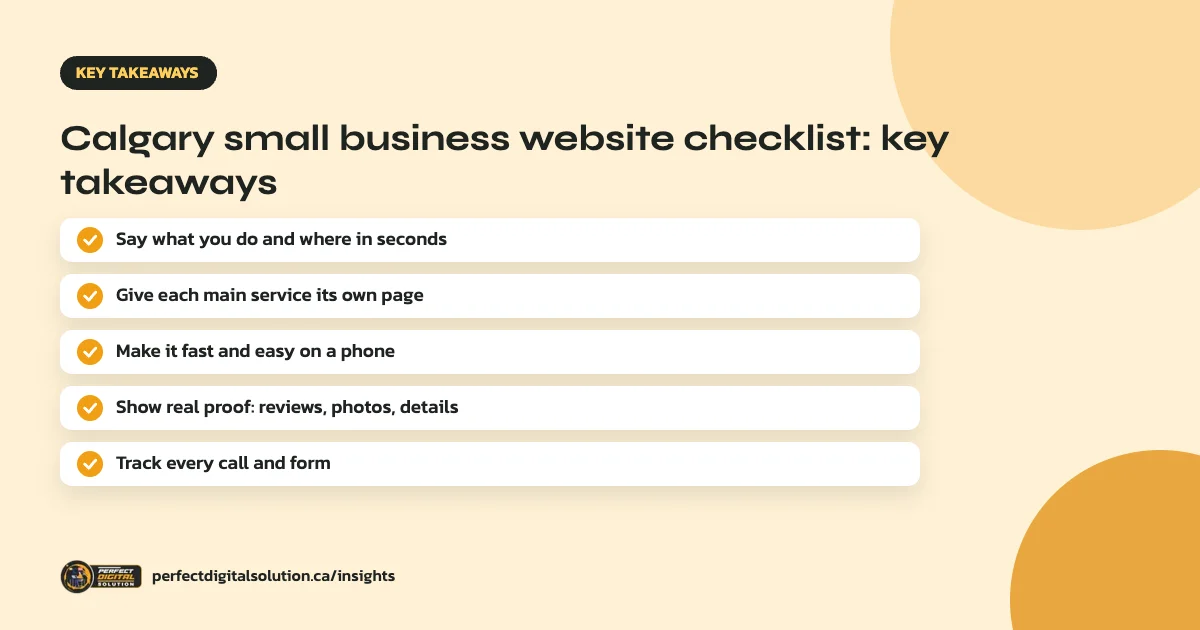
- Visitors should know what you do and that you serve Calgary within a few seconds.
- Each main service needs its own page, written around how customers search.
- Most local visitors arrive on a phone, so speed and mobile layout come first.
- Real proof, such as reviews, photos of your work and credentials, builds trust.
- Track calls, forms and bookings so you know what the site brings in.
Content and structure
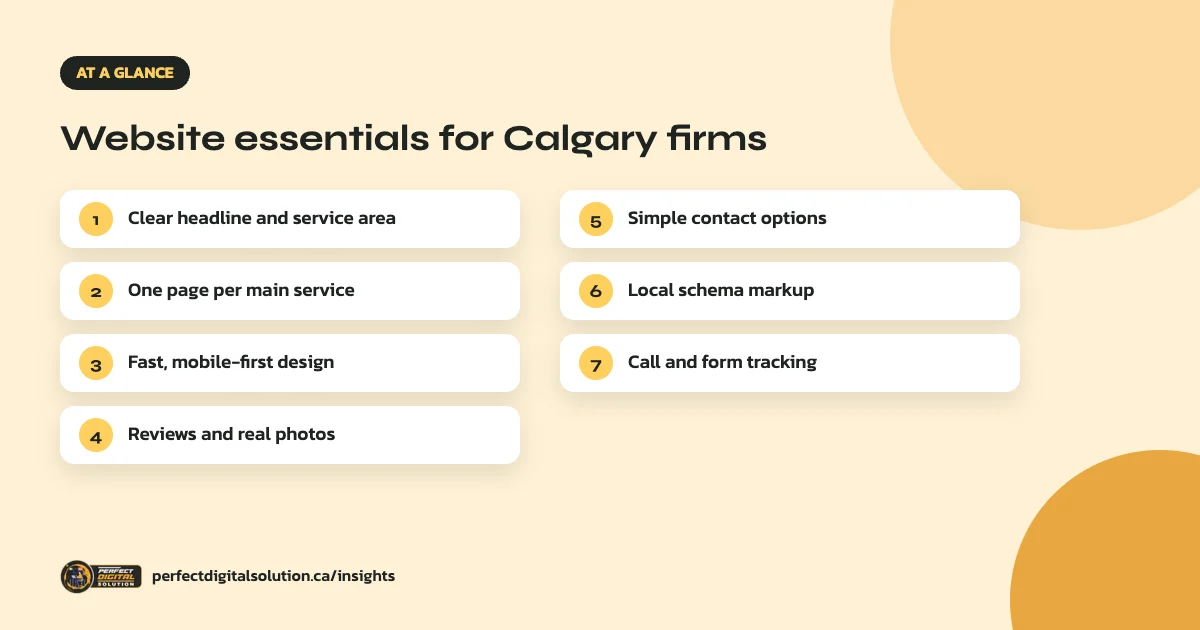
- A clear headline. Say what you do and where, such as “Residential electrician in Calgary”, in the first screen.
- One page per main service. Each service page should answer what it is, who it is for, how it works and why choose you.
- A service-area section. List Calgary and the nearby towns you really serve, such as Airdrie, Cochrane or Okotoks.
- An honest About page. Explain who you are, how long you have operated and what makes you different.
- Short FAQs. Answer the questions customers ask before they call, in plain language.
Speed, mobile and technical basics
- Mobile-first design. Google mainly uses the mobile version of your site for indexing and ranking, so the phone experience matters most.
- Fast loading. Compress images, avoid heavy sliders and use good hosting. Google’s Core Web Vitals measure loading, responsiveness and visual stability.
- Secure HTTPS. Every page should load securely with no browser warnings.
- Clean URLs and titles. Each page needs a unique title and description that mention the service and Calgary where it fits naturally.
Trust and conversion
- Real reviews. Show genuine customer reviews and link to your Google reviews. Never invent testimonials.
- Photos of real work. Your own project photos build far more trust than stock images.
- Simple contact options. A clickable phone number, a short form and clear hours on every page.
Local SEO and tracking
- LocalBusiness schema. Structured data helps Google understand your business name, contact details and area. It must match what is visible on the page.
- Consistent business details. Your name, phone and website should match your Google Business Profile and directory listings.
- Call and form tracking. Set up Google Analytics events for form submissions and click-to-call, so you can see which pages bring enquiries.
Accessibility and privacy
Make your site usable for everyone: readable text sizes, good colour contrast, descriptive alt text on images and forms that work with a keyboard. The W3C’s WCAG guidelines are the standard most Canadian accessibility rules point to. Our guide to website accessibility in Canada explains the rules that apply in Canada.
If your forms collect personal information, add a clear privacy policy. Alberta businesses should read our guide to Alberta PIPA and your website.
How to use this checklist
Go through each point and mark it as done, partly done or missing. Fix the missing items that affect enquiries first, such as contact options and service pages, then work on speed, schema and accessibility. If several core items are missing, a redesign may be faster than patching. Our guide to website redesign SEO explains how to keep your rankings during a rebuild.
How Perfect Digital Solution can help
We design and build fast, mobile-first websites for Calgary businesses with this checklist built in, from service pages and tracking to schema and accessibility. See our web design company in Calgary page or request a free website review.
Related reading: web design in Calgary · website cost in Canada · WordPress vs Shopify · web design in Canada
Frequently asked questions
Sources
- Mobile-first indexing best practices – Google Search Central
- Understanding Core Web Vitals and Google search results – Google Search Central
- Local business structured data – Google Search Central
- WCAG 2 Overview – W3C Web Accessibility Initiative
Written by the Perfect Digital Solution team. We use AI tools to support research and drafting, and every fact in this article is checked by our team against the sources listed above.