The safest way to get more Google reviews is simple: ask every customer, make it easy with Google’s own review link, and never offer anything in return. Google’s rules ban paid, incentivized and cherry-picked reviews, and Canada’s Competition Bureau also warns businesses about misleading reviews. This guide shows you a steady, rule-friendly system any small business can run.
Key takeaways
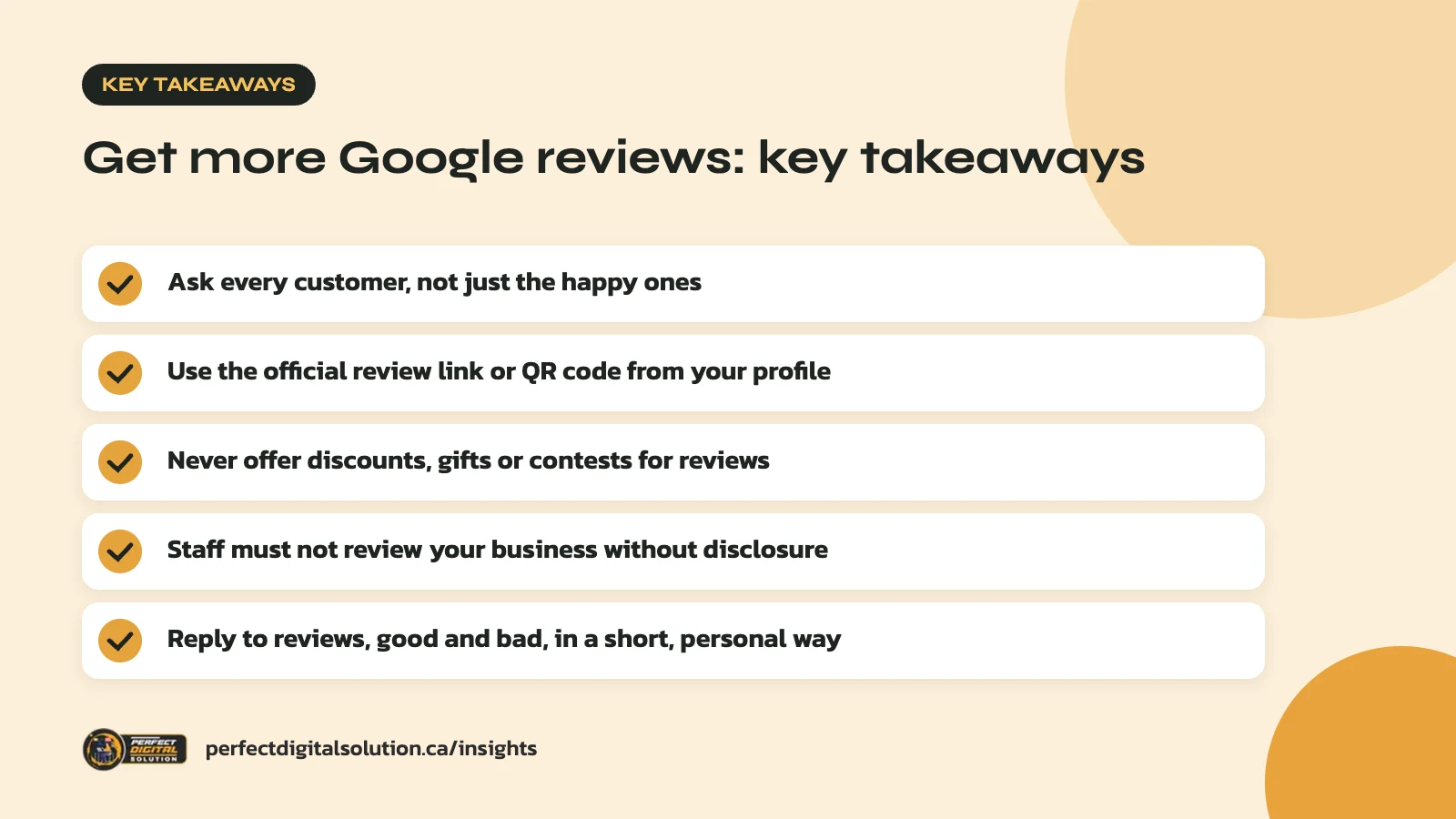
- Ask every customer, not just the happy ones.
- Use the official review link or QR code from your profile.
- Never offer discounts, gifts or contests for reviews.
- Staff must not review your business without disclosure.
- Reply to reviews, good and bad, in a short, personal way.
Why Google reviews matter for local businesses
Reviews affect both where you show up and whether people choose you, which is why so many owners want to get more Google reviews. Google says local results are based on relevance, distance and prominence, and that prominence is partly based on how many reviews you have.
In its own help article on improving your local ranking, Google states that more reviews and positive ratings can help your local ranking. It also says that replying to reviews shows you value customer feedback.
Reviews also do a quiet sales job. A new customer comparing three plumbers in Calgary or three dentists in Mississauga will often read a few reviews before calling. Fresh, detailed reviews answer their questions before they ask.
The good news is that you don’t need tricks. The businesses that get more Google reviews over time are usually the ones that simply ask, every time, in a consistent way.
Google’s review rules in plain language
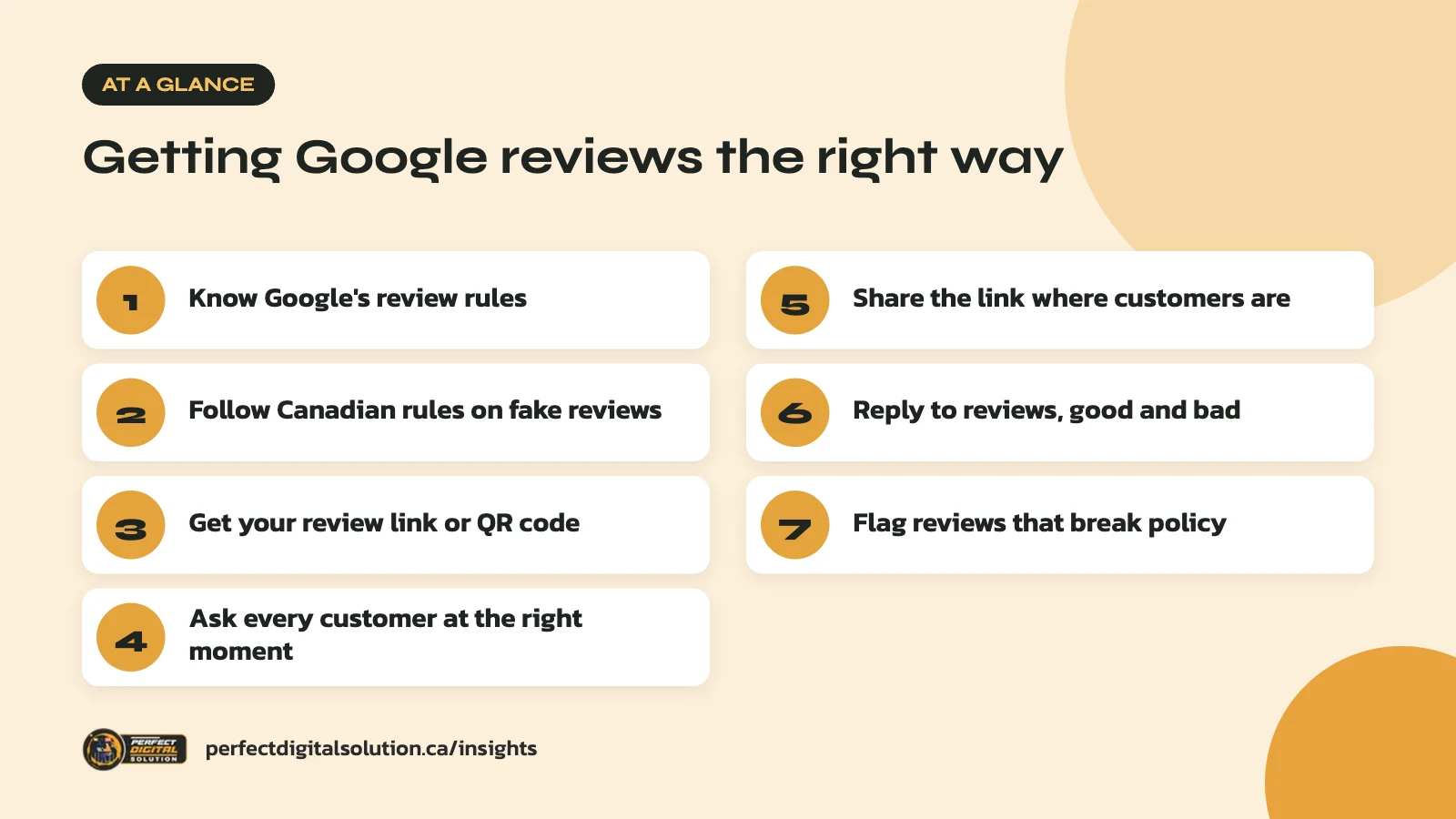
Google allows you to ask for reviews, but it does not allow you to buy, reward, filter or fake them. These rules sit in Google’s prohibited and restricted content policy for Maps.
Here is what the policy rules out:
- Incentives: no payment, discounts, free goods or free services in exchange for a review. This includes “leave a review and get 10% off” offers.
- Review gating: you cannot discourage negative reviews or only ask customers you expect to be happy.
- Fake engagement: no reviews posted from several accounts by one person, and no reviews that don’t reflect a real experience.
- Conflicts of interest: no reviews from current or former employees, family members or anyone else with a stake in the business.
- Paying to change reviews: you cannot offer something in return for a customer editing or removing a negative review.
- Attacking competitors: no negative reviews on a competitor’s listing to hurt their reputation.
Reviews that break these rules can be removed. In our audits we often find businesses that broke a rule by accident, such as a “review us for a free coffee” sign at the till. Take those down now.
Canadian law also covers fake and employee reviews
Google’s policy is not the only rule to follow in Canada. The Competition Bureau has warned that misleading reviews can create liability under the Competition Act.
In a 2024 notice on employee reviews, the Bureau said employees must clearly disclose their connection to the business when they review it. It also said employees should not give star ratings when that connection can’t be shown next to the rating.
Since a Google star rating can’t carry a clear disclosure, the simple rule is this: staff, owners and their families should not review your business on Google at all. The Bureau also suggests a compliance program, which can be as simple as a one-page policy that every new hire reads.
How to get more Google reviews, step by step
A repeatable process will get more Google reviews than any one-off push. The goal is to ask at the right moment, in the right way, every time.
1. Get your official review link or QR code
Google gives every verified Business Profile a direct review link and QR code. According to Google’s help page, you sign in to your profile, select Read reviews, then Get more reviews. From there you can copy the link or save the QR code. Google notes that the QR code can only be created on a computer browser, not a phone.
2. Pick the right moment to ask
Ask when the customer has just had a good result: the job is finished, the order has arrived or the appointment is done. Ask everyone at that same moment, so you are not choosing who gets asked.
3. Make the ask short and neutral
Keep the message to two or three sentences. Ask for honest feedback, not a five-star rating. For example: “Thanks for choosing us. If you have a minute, we’d value your honest review on Google.” Then add the link.
4. Follow up once, then stop
One polite reminder a few days later is fine. More than that starts to feel like pressure, and pressure is not a good look for any brand.
Where to put your review link
Place your review link wherever customers already hear from you after a purchase. Google itself suggests receipts, thank-you emails, the end of a chat and printed displays in your store.
| Channel | How to use it | Watch out for |
|---|---|---|
| Thank-you or follow-up email | Add one line and the link after the service is complete | CASL rules if the email also promotes offers |
| Text message | Send a short note with the link | Only text customers who gave you their number for this |
| Printed QR code | Counter card, receipt, packaging or invoice | Never pair it with a discount or prize |
| Website and email signature | “Review us on Google” link in the footer or signature | Keep the wording neutral |
If your review request email also promotes a sale or new service, it is likely a commercial electronic message under Canada’s anti-spam law. That means you need consent, clear sender details and an unsubscribe link. Our guide to CASL rules for Canadian businesses explains the basics.
How to reply to reviews
Reply to as many reviews as you can, in a short and personal way. Google’s own tips say to keep replies simple, thank people by name, mention their specific feedback and respond promptly.
A few habits help:
- Avoid copy-paste “thank you” replies. Mention something from the review.
- Do not use replies to push deals or promotions.
- Never share a reviewer’s private details, even if you know who they are.
- For a negative review, thank them, acknowledge the problem and offer to fix it offline.
Remember that you must verify your Business Profile before you can reply. Google may also review your reply before it goes live. If your profile still needs work, start with our Google Business Profile checklist.
What to do about fake or unfair reviews
If a review breaks Google’s content policy, you can flag it for removal. Spam, off-topic rants, conflicts of interest and fake reviews from people who were never customers can all be reported.
A review that is simply negative but honest will usually stay. In that case, a calm, helpful reply is your best tool. Future customers often read your reply more closely than the review itself.
Keep in mind that a mix of good and bad reviews can look more trustworthy than a perfect score. Google says as much in its own review tips. A few honest four-star reviews are nothing to fear.
Reviews and AI search
Reviews are public text about your business, so they add to what search tools can learn about you. Detailed reviews that mention the service, the city and the result give a clearer picture than “Great job!”
You cannot tell customers what to write, and you shouldn’t try. That is one more reason to get more Google reviews from a wide range of real customers. But a steady flow of honest reviews keeps your profile current. If you want to see how AI tools describe your business today, read our guide on checking your AI search visibility.
How Perfect Digital Solution can help
We help Canadian businesses set up a simple, policy-safe review process as part of our local SEO work, from profile clean-up to reply templates your team can use. If you’d like a second set of eyes on your Google Business Profile, contact our team.
Related reading: Local SEO for Multi-Location Businesses in Canada. · SEO for Calgary trades
Frequently asked questions
Sources
- Google Maps: Prohibited and restricted content (user contributed content policy)
- Google Business Profile Help: Create a Google link or QR code to request reviews
- Google Business Profile Help: How to improve your local ranking on Google
- Google Business Profile Help: Manage customer reviews
- Competition Bureau Canada: Online reviews posted by employees, businesses could be liable
- CRTC: Frequently Asked Questions about Canada’s Anti-Spam Legislation
Written by the Perfect Digital Solution team. We use AI tools to support research and drafting, and every fact in this article is checked by our team against the sources listed above.