Category page SEO is the work of making your store’s category pages easy for shoppers and search engines to find, understand and browse. Done well, a category page can rank for broad searches like “women’s winter boots” that a single product page rarely wins. This guide covers each step, from keywords to filters and pagination.
Key takeaways
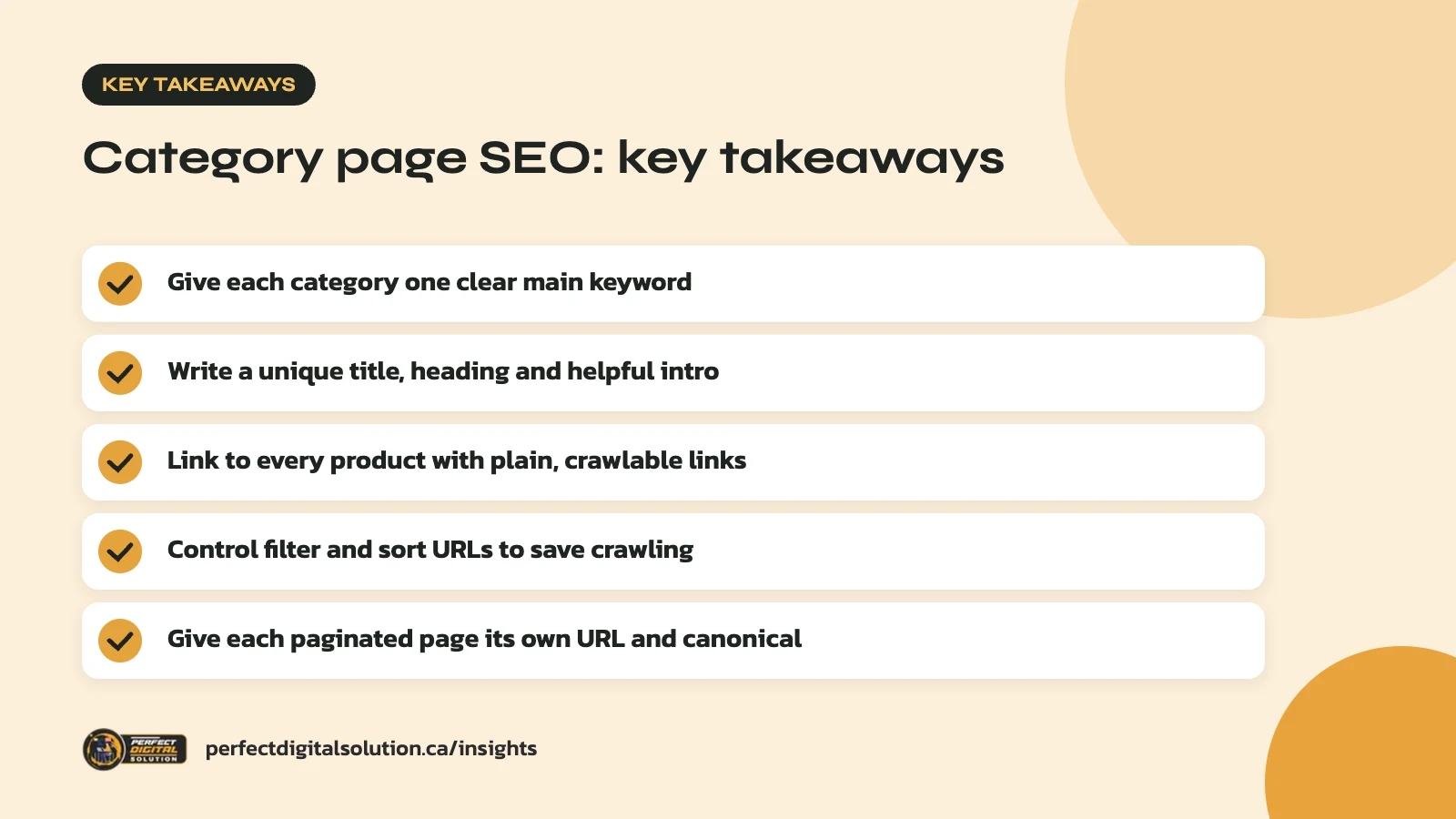
- Give each category one clear main keyword and purpose.
- Write a unique title, heading and short helpful intro.
- Link to every product with plain, crawlable links.
- Control filter and sort URLs so they don’t waste crawling.
- Give each paginated page its own URL and canonical.
What category page SEO is and why it matters
Category pages group related products, and category page SEO helps those pages rank for the broader searches shoppers make early on.
Someone searching “rain jackets for kids” usually wants to compare options, not land on one product. A good category page answers that search with a range of choices, clear filters and helpful details. On Shopify these pages are called collections, and on WooCommerce they are product categories, but the principles are the same.
Category pages also hold your store together. Google says it uses links between pages to understand which pages are important, and category pages are where most of those links to products live.
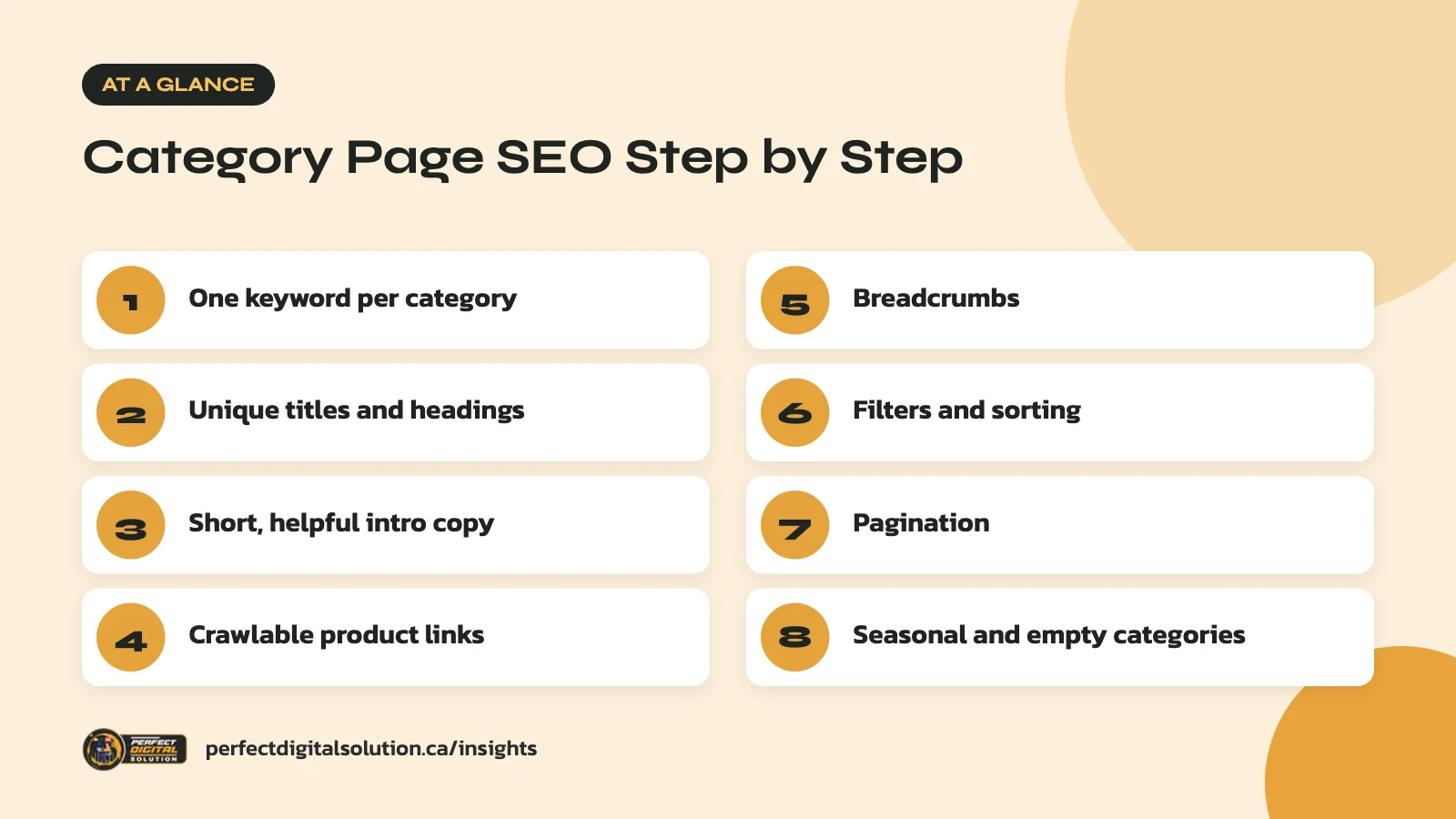
Choose one main keyword for each category
Each category page should target one main search phrase, and no two categories should target the same one.
Start by listing your categories and subcategories. For each one, find the words shoppers actually use. Your own site search data, Google Search Console and the suggestions in Google’s search box are good places to look.
- Match the category name to how people search, such as “dog beds” rather than “pet sleep solutions”.
- Use subcategories for clear, popular sub-searches, such as “orthopedic dog beds”.
- Avoid two pages chasing the same phrase, since they compete with each other.
- Note Canadian terms where they differ, like “toque” or “runners”, if your customers use them.
Write the main keyword next to each category in a simple spreadsheet. This map guides your titles, copy and internal links. Good category page SEO starts here, because a clear plan stops you from creating thin or overlapping categories later.
Review the map once or twice a year. New product lines, seasonal ranges and changes in how people search can all mean a category should be renamed, split or merged.
Write titles, headings and copy that help shoppers
Each category page needs a unique title tag, a clear on-page heading and a short intro that helps people choose.
Title tags
Google’s guidance on title links asks for descriptive, concise titles that are distinct for each page, without repeating the same words over and over. A simple pattern works: main keyword, a useful detail, then your brand. For example, “Women’s Winter Boots | Waterproof and Insulated | Store Name”.
Headings and intro copy
Use the category name as the main heading. Then add two or three sentences above the product grid that tell shoppers what is in the category and how to choose.
Keep the top copy short so products stay visible. If you have more useful advice, such as sizing tips or care notes, place it below the grid. In our audits we often find category pages with no text at all, or with long blocks of keyword-filled copy. Neither helps shoppers, so aim for short, genuinely useful text.
Meta descriptions
Write a short summary of the range and a reason to click, such as free shipping or local pickup, if they apply. Keep it accurate to what is on the page. Search engines may rewrite descriptions, but a clear one still gives you the best chance of a good snippet for category page SEO.
Link to products and subcategories with crawlable links
Search engines find your products mainly by following links, so every category page must link directly to the products in it.
Google’s ecommerce site structure guidance recommends a clear path from menus to categories, then to subcategories, then to products. It also advises using standard <a href> links instead of JavaScript events for navigation. Products that can only be reached through your site search box may never be found, because Googlebot generally does not run searches.
A few practical steps:
- Link your main categories from the top menu and home page.
- Link from each category to its subcategories near the top of the page.
- Link from blog posts and buying guides to the most relevant categories.
- Link from product pages back up to their category.
Add breadcrumbs
Breadcrumbs show where a page sits, such as Home > Footwear > Winter Boots. They help shoppers move back up a level and give search engines more context. Google’s breadcrumb structured data guide recommends breadcrumbs that reflect a typical user path rather than simply copying the URL. You can mark them up with BreadcrumbList structured data.
Handle filters and sorting carefully
Filters are great for shoppers, but every filter and sort option can create a new URL, and too many of them can waste search engine crawling.
Google’s documentation on managing faceted navigation URLs explains that crawlers may fetch a huge number of filter URLs before realizing they add little value. That can slow down how quickly Google finds your new products.
Filters you don’t need indexed
Most filter and sort combinations, such as “price low to high” or “size 9, blue, under a certain price”, do not need to rank. Google suggests options such as blocking those parameters in robots.txt or using URL fragments for filter states. Canonical tags and nofollow can help, but Google describes them as less effective in the long term.
Filters worth turning into categories
Some filter combinations match real searches, like “waterproof hiking boots”. These are often better as proper subcategories with their own URL, title, heading and intro copy. If you do let filtered URLs be crawled, Google recommends using the standard & separator, keeping filter order consistent and returning a 404 status when a combination has no results.
| URL type | Example | Usual approach |
|---|---|---|
| Main category | /boots/ | Index and optimize |
| Popular subcategory | /boots/waterproof-hiking/ | Index and optimize |
| Sort order | /boots/?sort=price | Keep out of the index |
| Multi-filter mix | /boots/?size=9&colour=blue | Keep out of crawling or index |
Set up pagination the right way
Large categories often split products across several pages, and each of those pages should have its own URL and its own canonical tag.
Google’s pagination guidance covers the key rules:
- Give each page a unique URL, such as ?page=2.
- Link each page to the next with normal links so crawlers can reach deeper products.
- Do not set the first page as the canonical for every page in the series.
- Do not put page numbers after a # in the URL, since Google ignores fragments.
Google also notes it no longer uses rel=”next” and rel=”prev”. If you use “load more” buttons or infinite scroll, make sure there are still crawlable paginated URLs behind them.
Plan for seasonal, empty and out-of-stock categories
Keep category URLs stable over time, because a page that builds rankings each year loses that history if you delete it and start again.
For seasonal pages such as “Boxing Day deals” or “Christmas gifts”, keep the same URL year after year. Out of season, update the copy and point shoppers to related categories rather than removing the page.
If a category is empty for a short time, keep it live with a clear note and links to similar products. If you remove a category for good, redirect it to the closest related category. Run regular crawls to catch broken links and empty pages; our technical SEO checklist covers what to look for.
Category page SEO works best alongside strong product pages. Our guide to product page SEO covers descriptions, and the Shopify SEO checklist covers platform settings for Shopify stores.
How Perfect Digital Solution can help
Our e-commerce SEO team helps Canadian online stores plan category structures, set up filters and pagination, and write useful category copy. If you want a review of your store’s category pages, contact us to start the conversation.
Related reading: Shopify Winter ’26 Edition: Key Updates for Canadian Merchants and Black Friday Readiness: Prepare Your Online Store and Google Ads Before November.
Frequently asked questions
Sources
- Help Google understand your ecommerce website structure (Google Search Central)
- Managing crawling of faceted navigation URLs (Google Search Central)
- Pagination, incremental page loading, and their impact on Google Search
- Influencing your title links in search results (Google Search Central)
- Breadcrumb (BreadcrumbList) structured data (Google Search Central)
Written by the Perfect Digital Solution team. We use AI tools to support research and drafting, and every fact in this article is checked by our team against the sources listed above.