Product page SEO means making each product page easy for Google to understand and easy for shoppers to say yes to. The pages that rank and sell best answer real buyer questions in original words, use clear titles and URLs, and back it all up with accurate structured data. Here is how to write and structure product pages that do both jobs.
Key takeaways
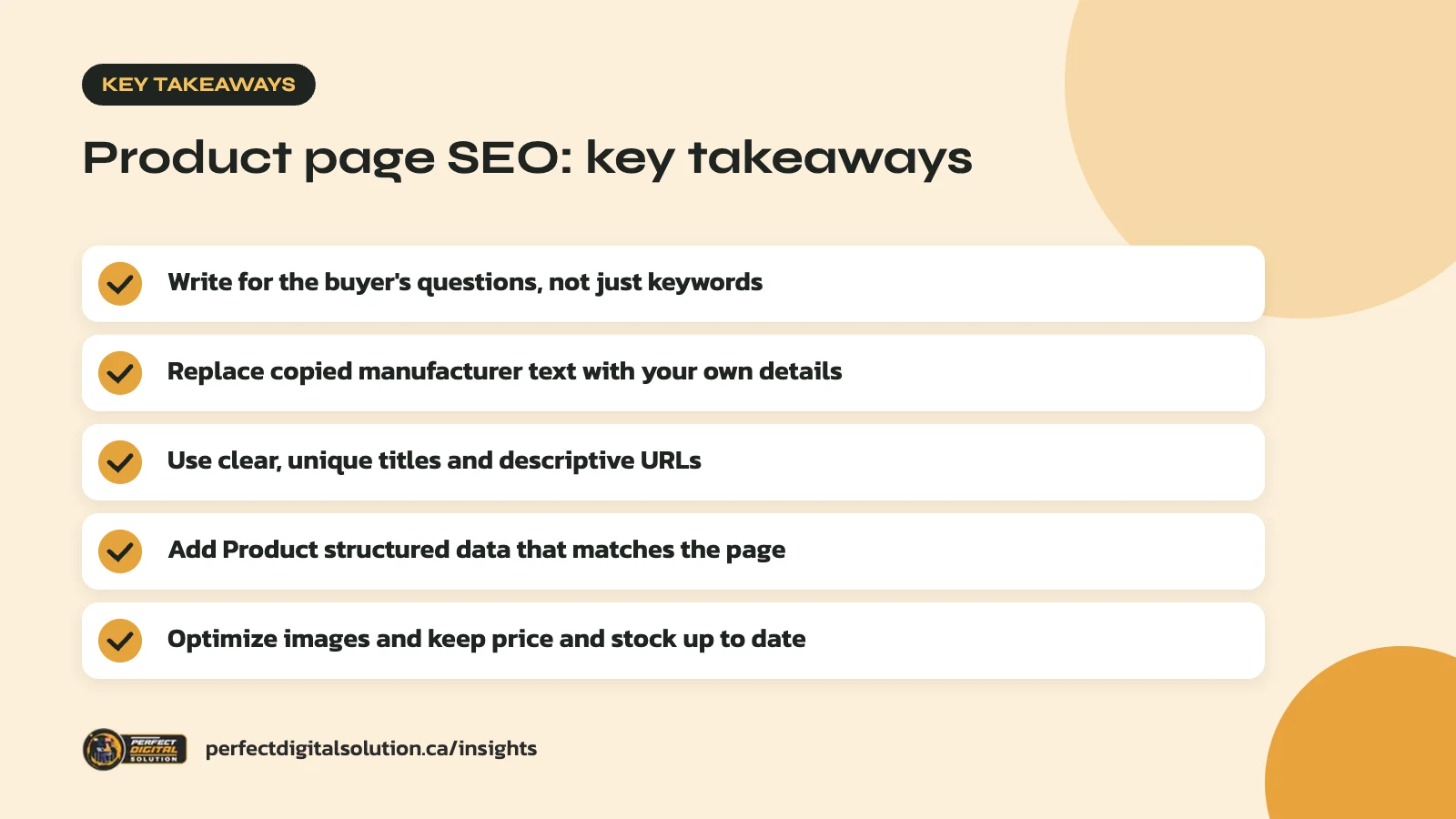
- Write for the buyer’s questions, not just keywords.
- Replace copied manufacturer text with your own details.
- Use clear, unique titles and descriptive URLs.
- Add Product structured data that matches the page.
- Optimize images and keep price and stock up to date.
What product page SEO covers
Product page SEO is everything on a product page that helps it show up for the right searches and convert the visit. That includes the words, the page title, the URL, images, structured data and how the page links to the rest of your store.
It is different from category page SEO. Category pages target broader searches like “women’s winter boots.” Product pages target specific ones, like a brand, model, size or feature.
Product pages also need to persuade. A page can rank on page one and still lose the sale if it leaves out sizing, shipping or return details.
In our audits we often find stores where hundreds of product pages share the same thin template text. Good product page SEO fixes that one page at a time, starting with your best sellers and the products with the highest margins.
Start with buyer questions, not keywords
The best product descriptions answer the questions a shopper would ask a salesperson in your store. Keywords matter, but they come second.
Before you write, list the questions buyers ask. Good places to look include customer emails, chat logs, returns notes, reviews and the “People also ask” box in Google. Common questions include:
- What is it made of, and how big is it?
- Who is it for, and what problem does it solve?
- How does it compare with the cheaper or pricier option?
- Will it work in a Canadian winter, or with my existing setup?
- How fast does it ship, and can I return it?
Then choose one main search phrase per product, often the product type plus a key detail such as brand, material or size. Use it in the title, the first paragraph and once or twice more where it fits naturally.
How to write product descriptions that rank and sell
A strong product description is original, specific and easy to scan. It mixes short benefit-led copy with clear facts.
Write your own words
Many stores paste in the manufacturer’s description. That same text then appears on dozens of other sites, so your page adds nothing new. Google’s guidance on helpful, people-first content asks whether a page adds real value instead of simply copying or rewriting other sources.
You don’t have to start from zero. Keep the accurate specs, then add what only you know: how customers use it, what they ask about, and what you’d tell a friend.
Use a simple structure
- Opening line: what it is and who it’s for, in one or two sentences.
- Key benefits: three to five bullets tied to real features.
- Details: materials, dimensions, compatibility and care.
- Buying info: shipping, returns and warranty, or a link to those policies.
Be specific
Swap vague claims like “high quality” for facts a shopper can check, like the fabric weight, battery life or warranty length. Specific details help buyers decide, and they give search engines more to work with.
Titles, meta descriptions and URLs
Each product page needs a unique title, a helpful meta description and a short, descriptive URL. These are what shoppers see first in search results.
Google’s advice on title links is to write descriptive, concise titles and avoid repeated boilerplate text. On a large store, auto-generated titles that differ by one word are a common problem.
For URLs, Google’s guide to ecommerce URL structure recommends readable words over ID numbers. A URL like /product/black-merino-wool-toque tells people and Google more than /product/3243.
| Element | Good practice | Avoid |
|---|---|---|
| Title tag | Product name, key detail, brand or store | Repeating the same phrase or keyword lists |
| Meta description | One clear benefit plus shipping or return info | Copying the first line of the description |
| URL | Short, readable words | ID numbers, session IDs, tracking codes |
| H1 | The product name shoppers search for | Internal codes or SKUs alone |
Handle product variants carefully
If a product comes in several colours or sizes, make sure each variant can be reached and understood without creating duplicate pages. Google says each variant should have its own URL, using a path or a query parameter.
Avoid using only URL fragments (the part after a #) for variants. Google does not use fragments for indexing, so it may treat every colour as the same page.
If you use separate variant URLs, Google’s guide suggests adding a canonical tag on each variant page that points to the main product URL. This tells Google which version you want shown in results. Most Shopify and WooCommerce themes handle this, but it is worth checking. Our technical SEO checklist covers canonicals and other crawl checks.
Add Product structured data
Product structured data helps Google read your price, stock status, reviews and shipping details, and can make your pages eligible for richer search results. It does not guarantee those results, but it helps.
Google’s Product structured data guide describes two types:
- Merchant listings for pages where customers can buy the product. These support details like shipping and return policy.
- Product snippets for pages where people can’t buy directly, such as review pages.
Keep the markup in line with what’s on the page. If the page shows a price in Canadian dollars and says the item is in stock, the structured data should say the same, with the currency set to CAD. Google also notes that pairing structured data with a Merchant Center feed gives you the best eligibility, and that Merchant Center is required to appear in the Shopping tab.
Clear, accurate product data also helps AI search tools describe your products correctly. Our guide to checking your AI search visibility explains how to see what those tools say about your business today.
Optimize product images
Good product images help shoppers decide and can bring in traffic from Google Images. Google recommends descriptive alt text, short descriptive file names and images placed near related text.
Use alt text that describes the image, such as “black merino wool toque with folded cuff,” not a list of keywords. Name files the same way instead of IMG_0042.jpg.
Image quality matters too. Google notes that sharp, high-quality photos appeal to users more than blurry ones. Balance that with fast loading by compressing images and using responsive image sizes, especially for mobile shoppers.
Build trust with reviews, policies and internal links
Trust signals help both conversion and SEO, because they answer the last questions a buyer has before checkout. Make them easy to find on every product page.
- Customer reviews: real reviews add fresh, original text and answer questions you didn’t think of.
- Shipping and returns: state delivery times to each province and how returns work.
- Stock status: keep availability accurate and update it when things sell out.
- Internal links: link to the parent category, related products and helpful guides.
A few common product page SEO mistakes are worth checking for now:
- Several products sharing one copied description
- Titles that are only a SKU or model number
- Structured data showing an old price or stock status
- Images with no alt text or generic file names
- No clear link back to the parent category
If you run on Shopify, our Shopify SEO checklist walks through store-wide settings that support strong product page SEO.
How Perfect Digital Solution can help
Our e-commerce SEO team helps Canadian online stores rewrite product pages, fix variant and structured data issues, and build a process that scales across the catalogue. If you’d like a review of your top product pages, contact us.
Related reading: Category Page SEO for Online Stores: A Step-by-Step Guide, Shopify Winter ’26 Edition: Key Updates for Canadian Merchants and Black Friday Readiness: Prepare Your Online Store and Google Ads Before November.
Frequently asked questions
Sources
- Google Search Central: Introduction to Product structured data
- Google Search Central: Designing a URL structure for ecommerce sites
- Google Search Central: Share your product data with Google
- Google Search Central: Google Images SEO best practices
- Google Search Central: Creating helpful, reliable, people-first content
- Google Search Central: Influencing your title links in search results
Written by the Perfect Digital Solution team. We use AI tools to support research and drafting, and every fact in this article is checked by our team against the sources listed above.